Introduction
If the VTech VM3254 has no sound, confirm the volume is not turned down. If still no sound is coming out of the speaker it may need to be replaced, here is how to remove the old speaker and replace it with a new one. The only tools you will need include a Phillips #00 screwdriver and a cord solder. You will need to solder the new speaker cord onto the motherboard.
What you need
-
-
-
Remove the two 8 mm Phillips #00 screws from the back of the device.
-
Use the Jimmy tool to open the case.
-
Remove the face from the case.
 Ask FixBot
-
-
-
-
Remove the three 8 mm Phillips #00 screws from the board.
-
Gently remove the board from the case.
-
-
-
-
-
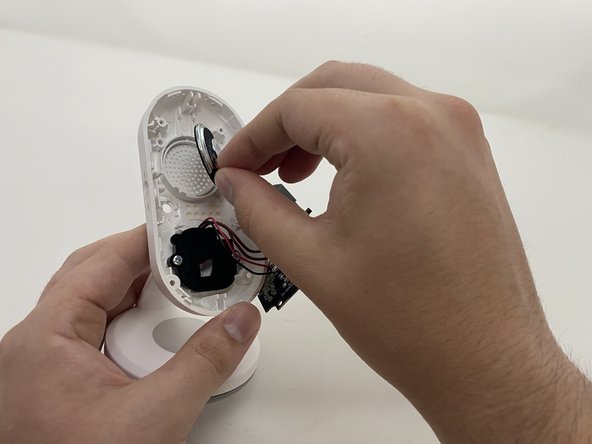
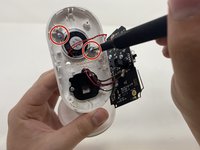
Unscrew and remove the two 7 mm Phillips #0 screws that secure the speaker.
-
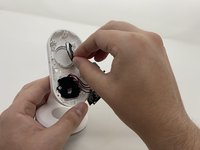
Remove the speaker.
-
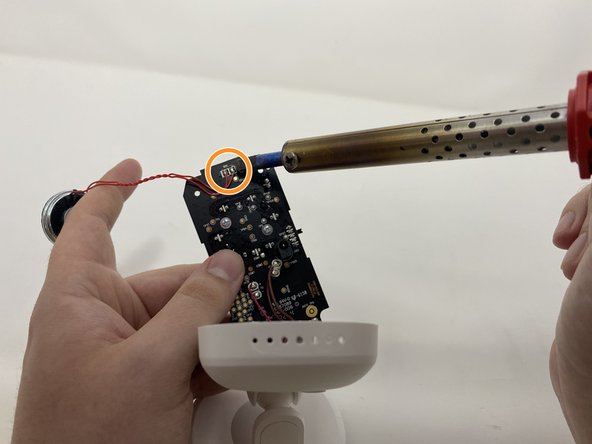
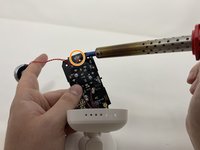
Desolder the speakers cords from the motherboard.
-
-


To reassemble your device, follow these instructions in reverse order.

Team

Utah Tech University, Team 1-2, McMurrin Spring 2023 Member of Utah Tech University, Team 1-2, McMurrin Spring 2023
UTAHTECH-MCMURRIN-S23S1G2
4 Members
72 Guides authored
