Free Shipping on Domestic Orders $75+

VTech InnoTab 2 Headphone Jack Replacement

What you need

    1. VTech InnoTab 2 Headphone Jack Replacement, Battery: step 1, image 1 of 3 VTech InnoTab 2 Headphone Jack Replacement, Battery: step 1, image 2 of 3 VTech InnoTab 2 Headphone Jack Replacement, Battery: step 1, image 3 of 3
      • Apply slight pressure and slide the button above the battery cabinet to the right to open.

      • Remove battery cabinet cover by sliding away from the center of device.

      • This device requires 4AA batteries to function without the AC adaptor.

      Ask FixBot

      Add Comment

    1. VTech InnoTab 2 Headphone Jack Replacement, Back Panel: step 2, image 1 of 3 VTech InnoTab 2 Headphone Jack Replacement, Back Panel: step 2, image 2 of 3 VTech InnoTab 2 Headphone Jack Replacement, Back Panel: step 2, image 3 of 3
      • Remove all nine plastic caps from the back of the device using the plastic opening tool.

      • These covers are made of hard plastic so they may be difficult to remove.

      Ask FixBot

      Add Comment

    2. VTech InnoTab 2 Headphone Jack Replacement: step 3, image 1 of 3 VTech InnoTab 2 Headphone Jack Replacement: step 3, image 2 of 3 VTech InnoTab 2 Headphone Jack Replacement: step 3, image 3 of 3
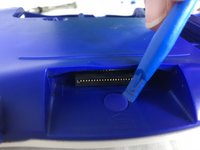
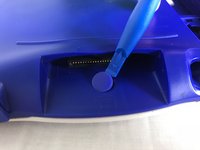
      • Remove the hard rubber tab located by the cartridge slot using the plastic opening tool.

      • Be careful not to apply excessive force.

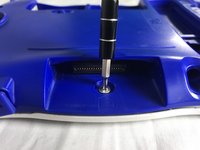
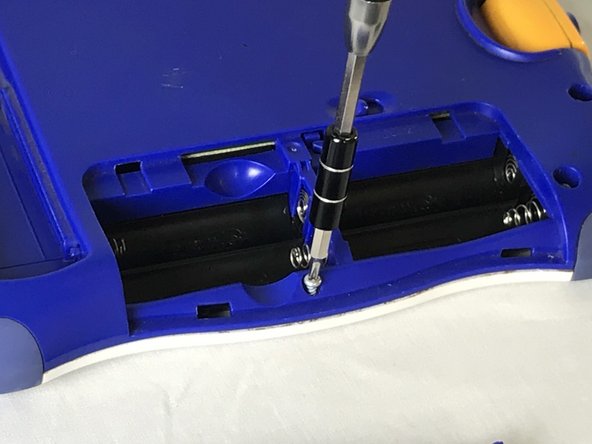
      • Once the rubber tab is removed unscrew the single 7 mm screw using a J0 screwdriver.

      Ask FixBot

      Add Comment

    3. VTech InnoTab 2 Headphone Jack Replacement: step 4, image 1 of 2 VTech InnoTab 2 Headphone Jack Replacement: step 4, image 2 of 2
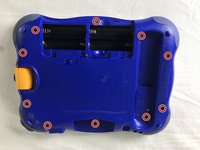
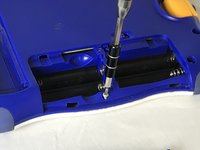
      • Remove all ten 7mm screws from the back panel of the device using a JO bit screwdriver.

      • Do not use excessive force while removing the screws to prevent damaging the plastic case.

      Ask FixBot

      Add Comment

    4. VTech InnoTab 2 Headphone Jack Replacement: step 5, image 1 of 2 VTech InnoTab 2 Headphone Jack Replacement: step 5, image 2 of 2
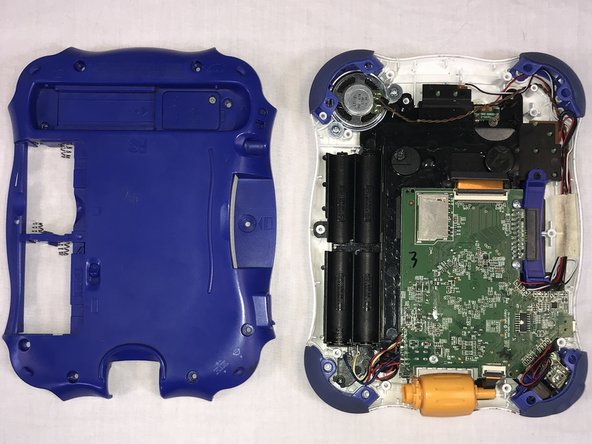
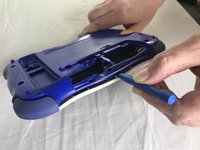
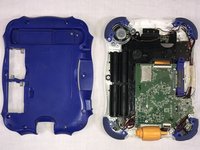
      • Using the plastic opening tool, detach the back plate from the front piece.

      • Do not use excessive force. If the back plate does not gently come on double check that all screws were removed.

      • Once the back panel is removed, you will be able to see the motherboard and other components within the device.

      Ask FixBot

      Add Comment

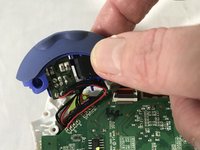
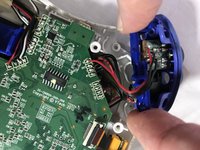
    1. VTech InnoTab 2 Headphone Jack Replacement, Headphone Jack: step 6, image 1 of 3 VTech InnoTab 2 Headphone Jack Replacement, Headphone Jack: step 6, image 2 of 3 VTech InnoTab 2 Headphone Jack Replacement, Headphone Jack: step 6, image 3 of 3
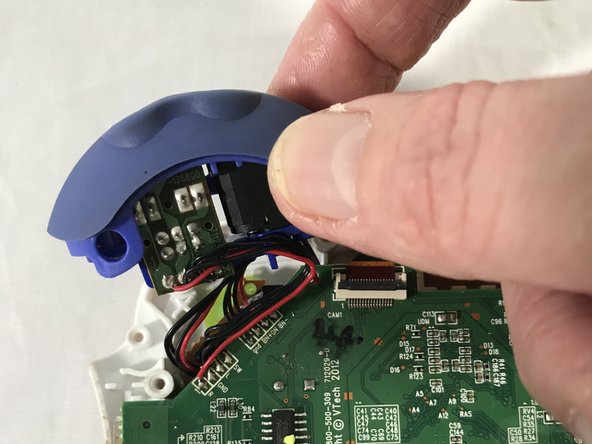
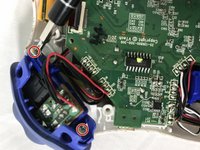
      • Remove the two 7 mm screws from the left bumper of the device using a JO screwdriver.

      • Be careful not to pull to hard when removing the bumper to avoid damage to the circuit.

      Ask FixBot

      Add Comment

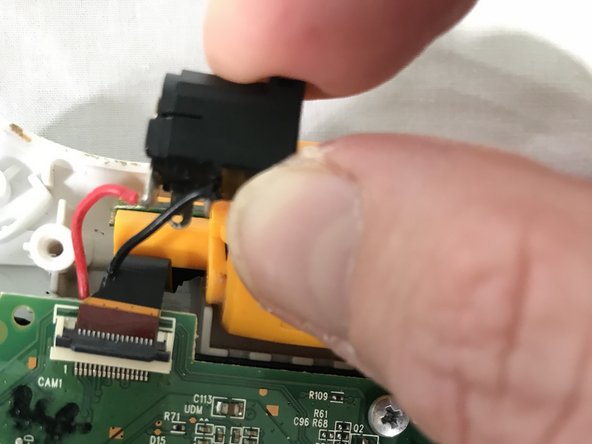
    2. VTech InnoTab 2 Headphone Jack Replacement: step 7, image 1 of 3 VTech InnoTab 2 Headphone Jack Replacement: step 7, image 2 of 3 VTech InnoTab 2 Headphone Jack Replacement: step 7, image 3 of 3
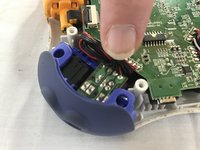
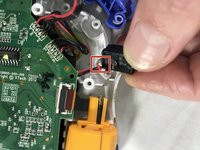
      • Use your fingers to gently remove the headphone jack.

      • De-solder the points shown to fully remove the headphone jack from the motherboard.

      • A soldering guide offered by IFIXIT can be found here Soldering Skills

      Ask FixBot

      Add Comment

Conclusion

To reassemble your device, follow these instructions in reverse order.

Cancel: I did not complete this guide.

Roberto Valdes

Member since: 10/18/17

302 Reputation

3 Guides authored

Team

USF Tampa, Team S1-G85, Cagle Fall 2017 Member of USF Tampa, Team S1-G85, Cagle Fall 2017

USFT-CAGLE-F17S1G85

2 Members

60 Guides authored

0 Guide Comments

Add Comment

View Statistics:

Past 24 Hours: 0

Past 7 Days: 3

Past 30 Days: 22

All Time: 538