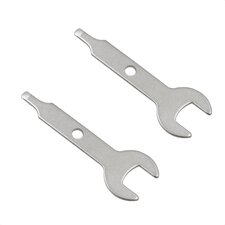
What you need
-
-
Suddenly, my cheap China toothbrush stopped to work. I was operating it nearly 6 months.
-
Button did nothing, but with Type-C connected it flashing the lights, that means MCU is alive.
-
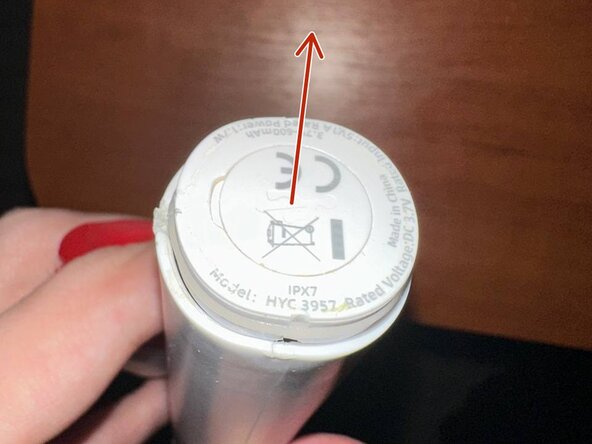
To teardown first you have to extract the bottom cap. Try to not damage the sealing resin.
-
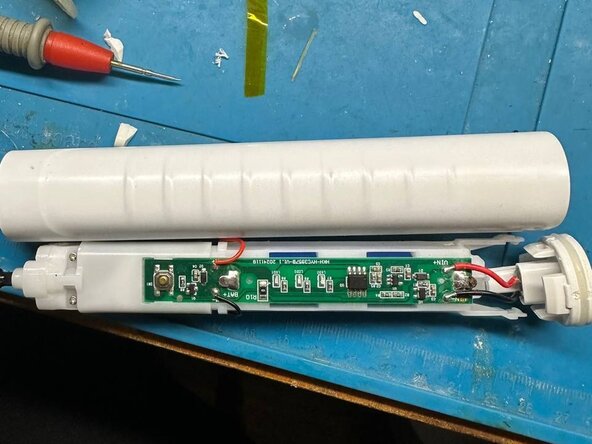
Then push the iron bar (toothbrush output) inside to extract the frame. Be careful: all covered in oil to avoid water dripping inside.
 Ask FixBot
-
-
-
-
Examine the frame. It contains the engine, PCB, and 14500 battery (not soldered)
-
First I thought that water dripped inside and caused to components failure, but there was no sign of water, so It's a component failure.
-
-
-
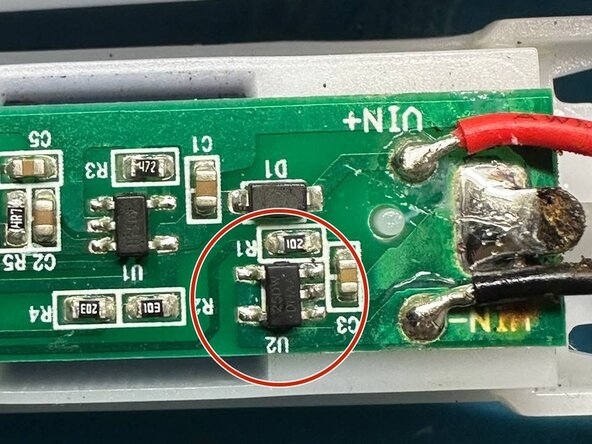
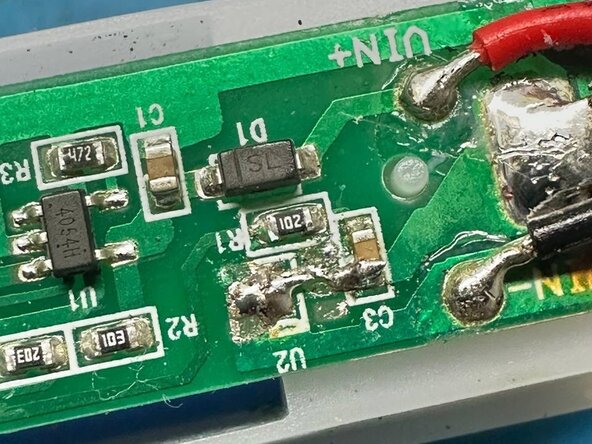
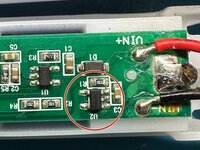
In my case I found that failure was in the CM1125-DWS SOT-23-5 discharge battery protection controller with integrated MOSFET. (I will provide the copy of datasheet to the docs)
-
All voltages were on place, but inner MOSFET was not opening.
-
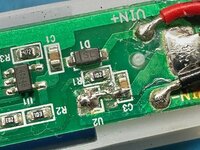
I don't have this controller so I've replaced it with a soldered jumper. Please note that after this, battery charge requirements may become more critical (battery can be overdischarged). It's recommended to replace the battery to 14500 with protector.
-
Be careful when assembling, the rubber seal must have a good contact with case, otherwise all water will be inside and can damage something else.
-
Try coating the board parts with silicone sealant before assembly to increase service life.
-
To reassemble your device, follow these instructions in reverse order.
Attached Documents