
Unbranded UB-15MS10 Motherboard Replacement

Matthew Sylvia and 5 other contributors
Last updated on Jan 5, 2024
Views: 1.9K
View statistics:
- Past 24 Hours:
- 4
- Past 7 Days:
- 31
- Past 30 Days:
- 106
- All Time:
- 1,904
Comments: 2
1 comment on steps, 1 guide comment.
Go to guide commentsCompleted: 1 2
1 person has marked this guide "completed." Will you be next?
2 people have marked this guide "completed." Including you — great job!
Favorites: 0 1
No one has favorited (and subscribed to) this guide. Will you be the first?
1 person has favorited (and subscribed to) this guide — and that's you!
Slice and Dice
The steps in this guide should be split up and made into a series of prerequisite guides.
Better Introduction
Improve this guide by completing or revising its introduction.
What you need
Tools
-
Spudger4.9
-


-
-
-
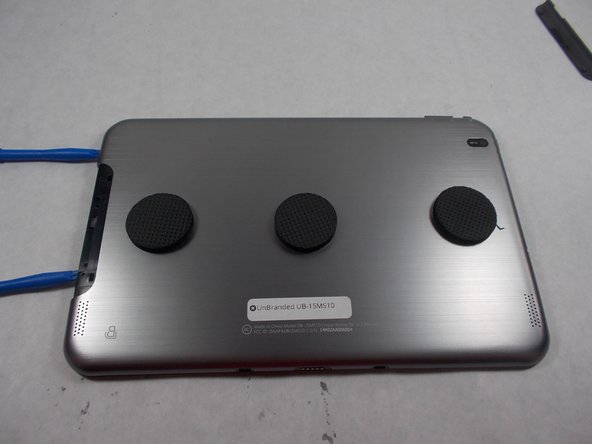
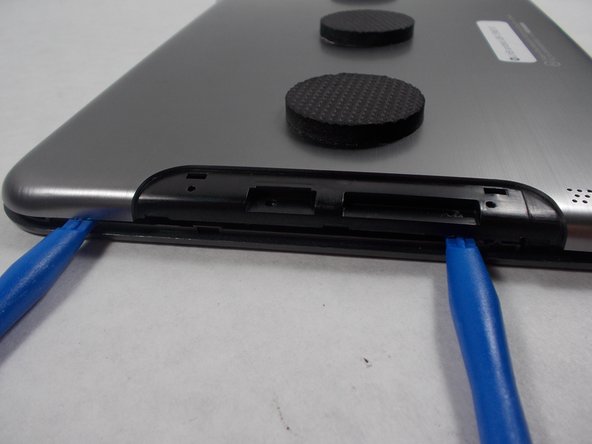
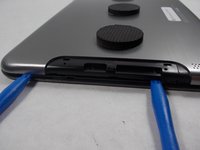
Use an opening tool to pry off the memory card door located on the back of the tablet.
 Ask FixBot
-
-
-
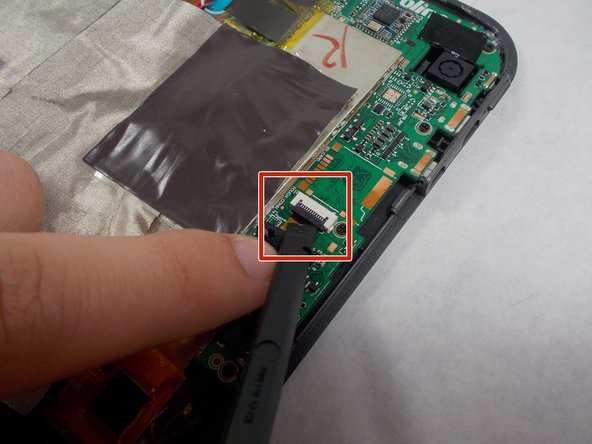
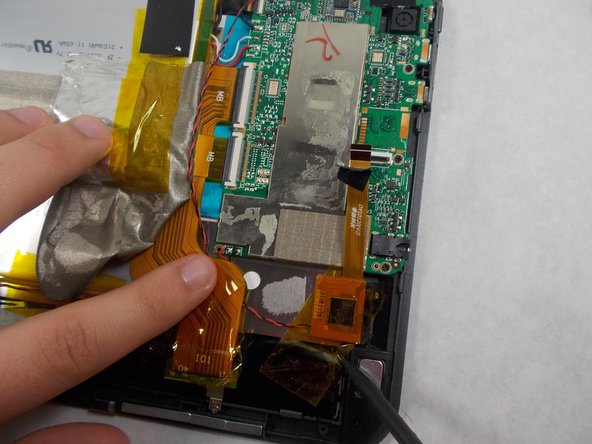
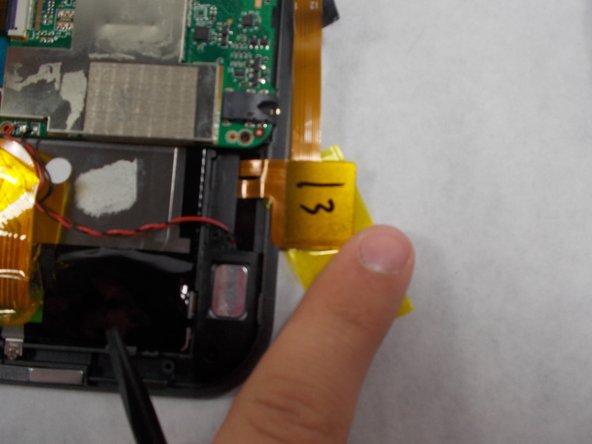
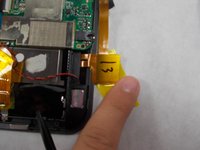
Remove the ribbon cable by using the black spudger to release the tab and carefully pull out the ribbon cable.
-
-
-
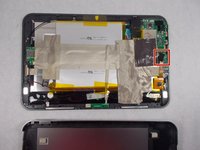
Peel up the grey tape so that you can get to the board and untape the ribbon cable that was removed from the motherboard in the previous step.
-
-
-
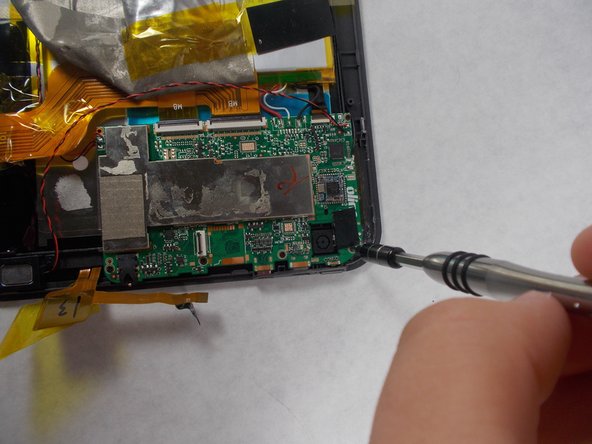
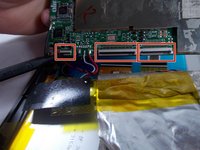
Detach the three ribbon cables using a spudger
-
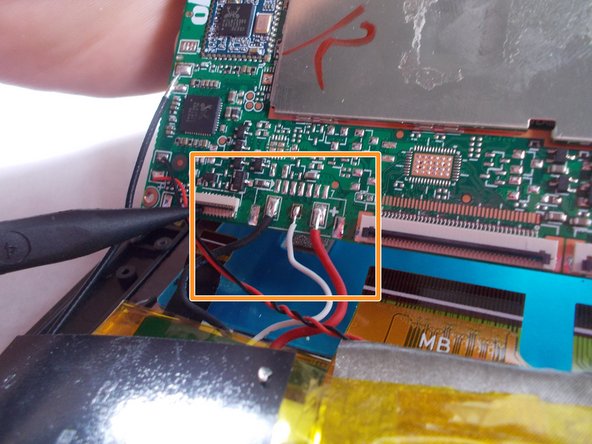
Desolder the black, white, and red wires.
-
-
-
-
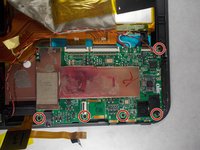
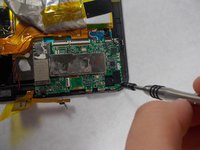
Remove the old motherboard from the tablet.
-
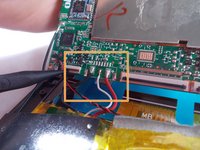
Take the new motherboard and solder the black wire of the board to the black wire of the battery.
-
Do the same for the white and red wires.
-
-









To reassemble your device, follow steps 1-10 in reverse order.
Cancel: I did not complete this guide.
One other person completed this guide.

Team

UMass Dartmouth, Team S5-G5, Botvin Spring 2017 Member of UMass Dartmouth, Team S5-G5, Botvin Spring 2017
UMASSD-BOTVIN-S17S5G5
3 Members
48 Guides authored
