Free Shipping on Domestic Orders $75+

Ugreen Black Mouse Battery Replacement

What you need

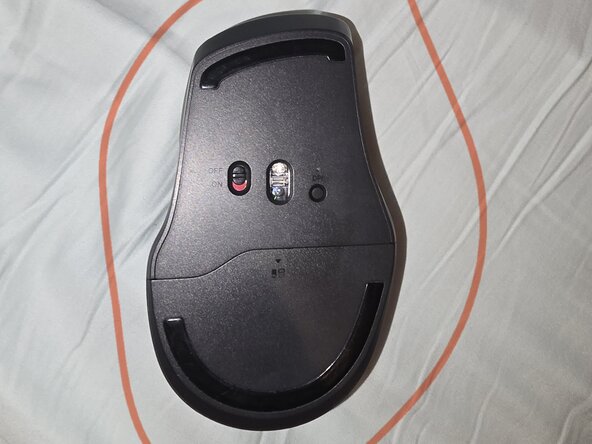
  1. Ugreen Black Mouse Battery Replacement, Start: step 1, image 1 of 1
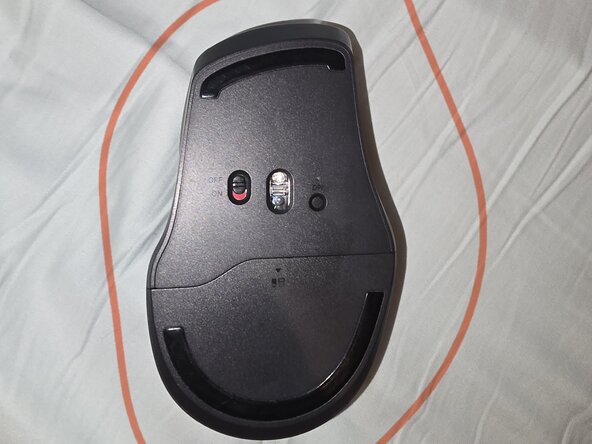
    • Flip your mouse upside down.

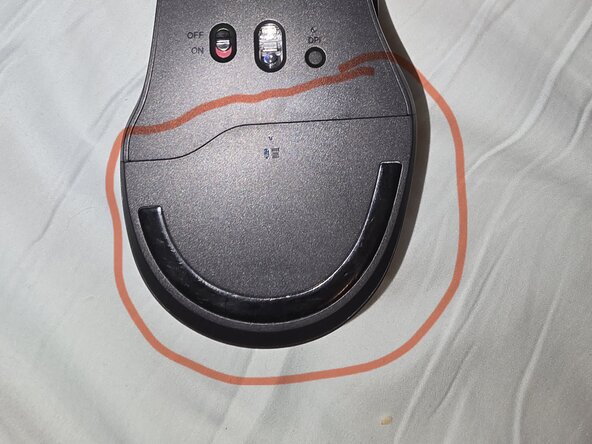
  2. Ugreen Black Mouse Battery Replacement, Locating Storage: step 2, image 1 of 1
    • Locate the battery storage

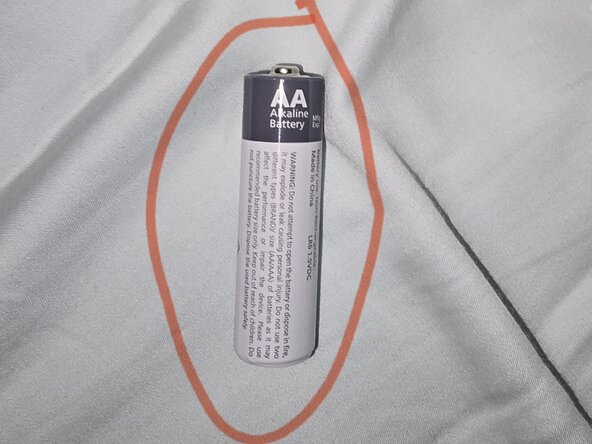
  3. Ugreen Black Mouse Battery Replacement, Locate Battery: step 3, image 1 of 1
    • Find yourself a AA battery

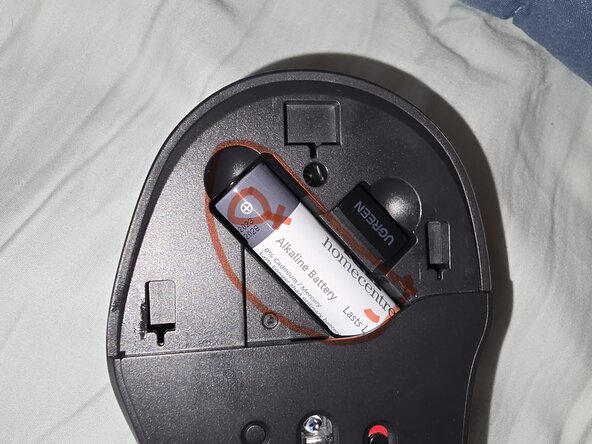
  4. Ugreen Black Mouse Battery Replacement, Battery: step 4, image 1 of 1
    • Place the battery inside (positive first)

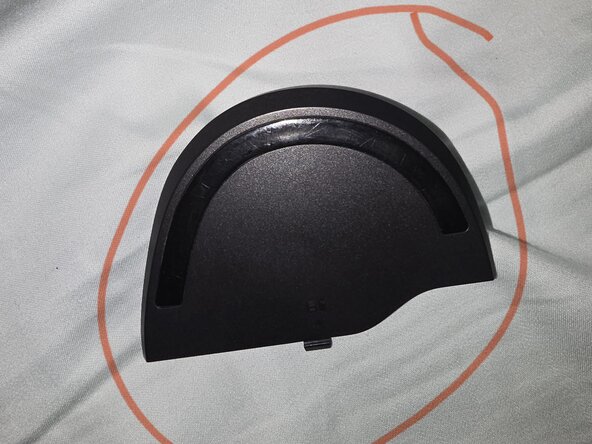
  5. Ugreen Black Mouse Battery Replacement, Reverse: step 5, image 1 of 1
    • Locate the battery cover and put it back

  6. Ugreen Black Mouse Battery Replacement, Finale: step 6, image 1 of 1
    • Should look like this

Conclusion

To reassemble your device, follow these instructions in reverse order.

Userwhowantstofix23

Member since: 07/13/25

233 Reputation

1 Guide authored

0 Guide Comments

Add Comment

View Statistics:

Past 24 Hours: 0

Past 7 Days: 4

Past 30 Days: 18

All Time: 93