Free Shipping on Domestic Orders $75+

UTStarcom CDM8945vw Antenna Replacement

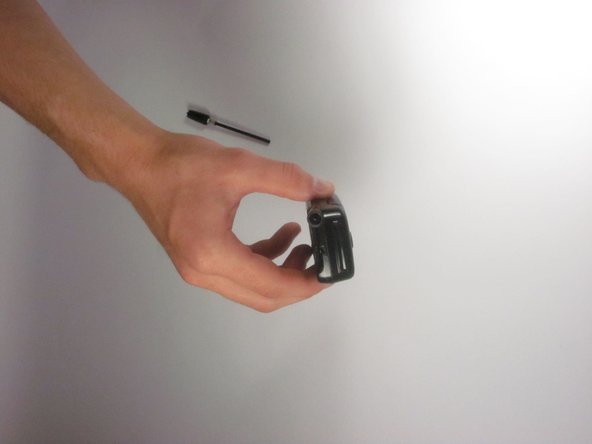
    1. UTStarcom CDM8945vw Antenna Replacement, Antenna: step 1, image 1 of 1
      • Identify the antenna. It is the extendable plastic component pictured here.

      Ask FixBot

      Add Comment

    2. UTStarcom CDM8945vw Antenna Replacement: step 2, image 1 of 1
      • Twist the base in a counter-clockwise motion to unscrew the antenna.

      Ask FixBot

      Add Comment

    3. UTStarcom CDM8945vw Antenna Replacement: step 3, image 1 of 2 UTStarcom CDM8945vw Antenna Replacement: step 3, image 2 of 2
      • The antenna should slide right out of the phone when finished.

      Ask FixBot

      Add Comment

Conclusion

To reassemble your device, follow these instructions in reverse order.

Cancel: I did not complete this guide.

Eli

Member since: 09/27/12

1 Reputation

2 Guides authored

Team

Cal Poly, Team 24-26, Regan Fall 2012 Member of Cal Poly, Team 24-26, Regan Fall 2012

CPSU-REGAN-F12S24G26

4 Members

60 Guides authored

0 Guide Comments

Add Comment

View Statistics:

Past 24 Hours: 1

Past 7 Days: 3

Past 30 Days: 29

All Time: 545