
UTILITECH #HVT-8H Motor Replacement

Joseph Pemberton and one other contributor
Last updated on May 30, 2024
Views: 2K
View statistics:
- Past 24 Hours:
- 3
- Past 7 Days:
- 42
- Past 30 Days:
- 167
- All Time:
- 1,951
Comments: 0
No one has left comments on this guide. Will you be first?
Go to guide commentsCompleted: 0 1
No one has marked this guide "completed." Will you be the first?
1 person has marked this guide "completed." It's you — great job!
Favorites: 0 1
No one has favorited (and subscribed to) this guide. Will you be the first?
1 person has favorited (and subscribed to) this guide — and that's you!
Introduction
Go to step 1 ↓If you have ever noticed a gradual decrease in performance from your 8-inch UTILITECH #HVT-8H desk fan, it may be time to replace the motor. The culprit for the fan's failure is typically periods of dust buildup, which can destroy the fan's motor if not cleaned.
Generally, people choose to throw away their desktop fans because it does not seem worth the hassle to fix the broken parts. Trashing the fan is not only a waste of all the other parts that are in good condition, but also a waste of money. Buying a new fan can be four times as expensive as replacing the motor. Additionally, it is beneficial to learn how to fix things, especially when there is little risk involved.
Before you begin the repair, be sure to unplug the fan from the power outlet. Also prepare plenty of space for this repair to ensure an ample amount of room for all the components to rest on.
What you need


-
-
-
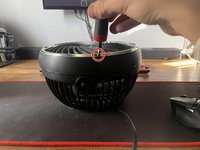
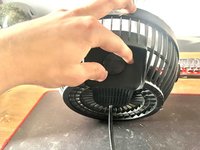
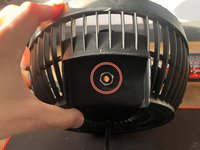
Use your Phillips #0 screwdriver to remove the 8 mm screw that attaches the fan to its stand.
-
-
-
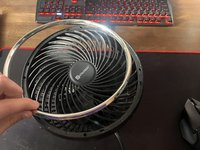
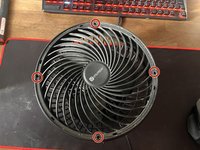
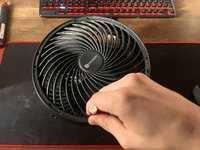
Use a Phillips #00 screwdriver to remove the four 6 mm screws that hold the fan cover in place.
-
-
-
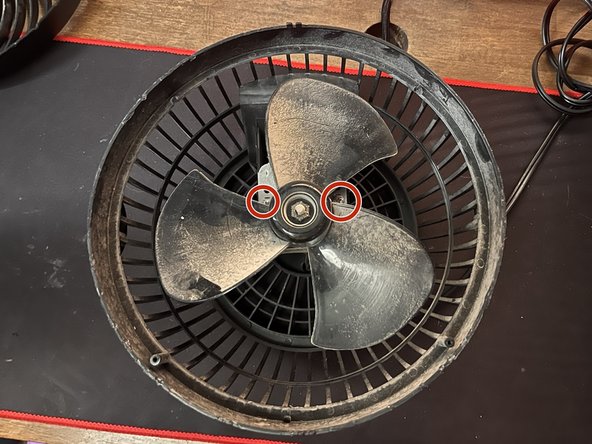
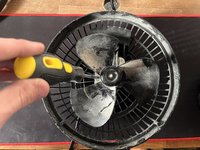
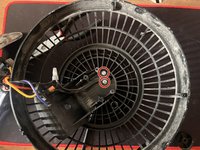
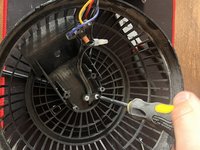
Use a Phillips #0 screwdriver to remove the two 8 mm screws that attach the motor assembly to the base of the fan.
-
-
-
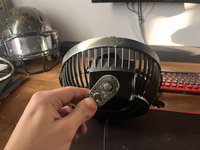
Remove the power control knob by pulling on the knob backward.
-
Use a 10 mm socket wrench to remove the 10 mm nut that holds the power control piece in place.
-
-
-
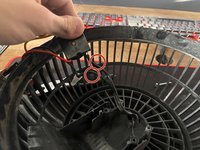
Use a Phillips #0 screwdriver to remove the two 8 mm screws that fasten the power plug to the base.
-
-
-
-
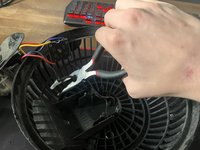
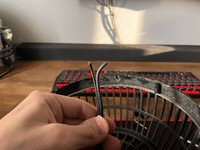
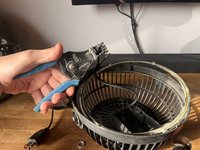
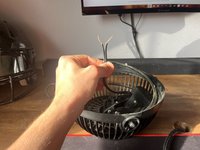
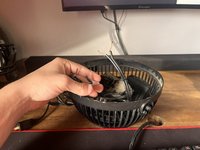
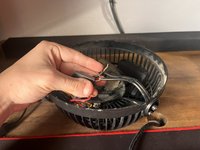
Use a wire stripper on the black wires to expose the metal underneath the rubber.
-

 Ask FixBot
















To reassemble your device, follow these instructions in reverse order.

Team

Austin Community College, Team 52-5, Watkins Spring 2024 Member of Austin Community College, Team 52-5, Watkins Spring 2024
AUSTINCC-WATKINS-S24S52G5
1 Member
12 Guides authored
