
Turtle Beach Recon Controller Front Buttons Replacement

Mary Goodrow and 2 other contributors
Last updated on Jun 12, 2024
Views: 895
View statistics:
- Past 24 Hours:
- 4
- Past 7 Days:
- 23
- Past 30 Days:
- 86
- All Time:
- 895
Comments: 0
No one has left comments on this guide. Will you be first?
Go to guide commentsCompleted: 2 3
2 people have marked this guide "completed." Will you be next?
3 people have marked this guide "completed." Including you — great job!
Favorites: 0 1
No one has favorited (and subscribed to) this guide. Will you be the first?
1 person has favorited (and subscribed to) this guide — and that's you!
Introduction
Go to step 1 ↓This guide demonstrates how to remove and replace the front buttons of your Turtle Beach Recon.
The front buttons are responsible for the majority of the input from your Turtle Beach Recon. The front buttons include functions of movement, menu, and power.
It is often necessary to remove and replace the front buttons should they be faulty, visibly broken, or dirty.
What you need
Tools


-
-
-
Use a Phillips #00 screwdriver to remove seven 10 mm screws from the back plate.
 Ask FixBot
-
-
-
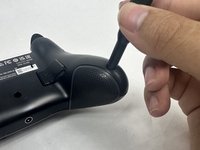
Use an opening tool to separate the back plate from the grips of your Turtle Beach Recon.
-
Use your fingers to remove the back plate from the body of your Turtle Beach Recon.
-
-
-
-
-
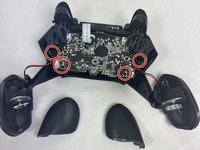
Remove the four 10 mm screws from the motherboard using a Phillips #00 screwdriver.
-
-
-
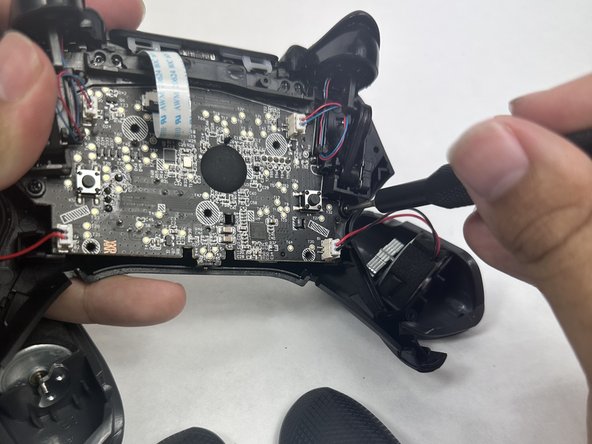
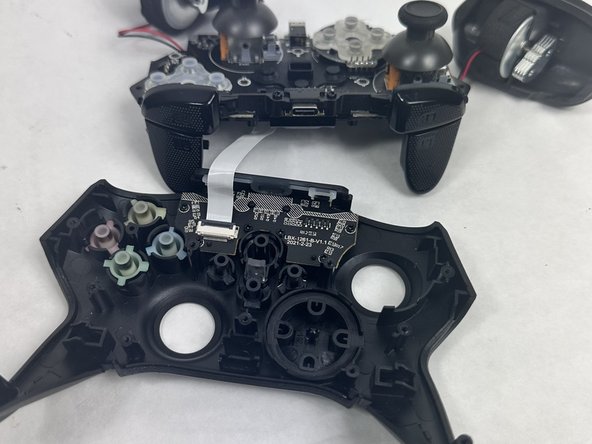
Use your fingers to grab the motherboard.
-
Gently pull the motherboard and joystick caps away from the face plate.
-
-
-
-
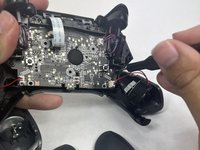
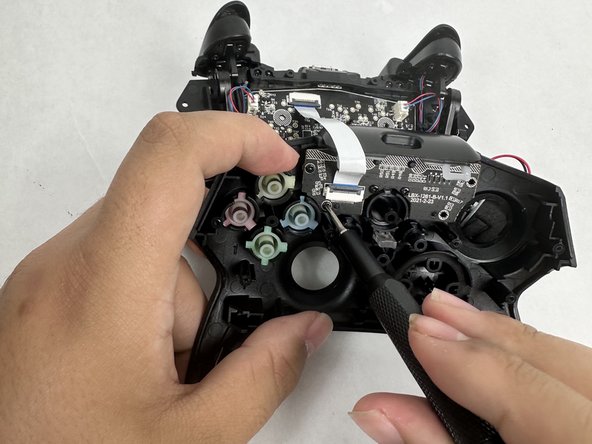
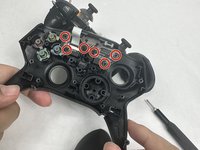
Use a Phillips #00 screwdriver to remove six 10 mm screws from the motherboard.
-
-
-






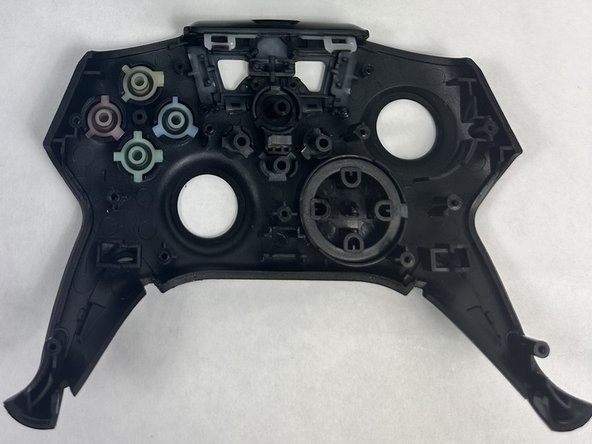
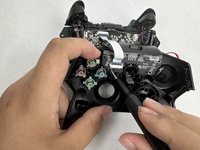
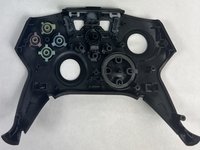

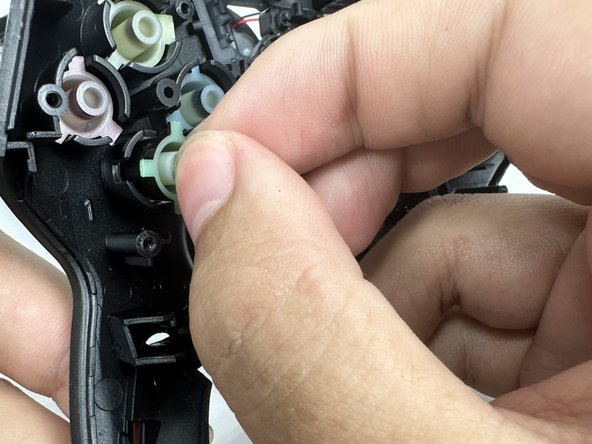
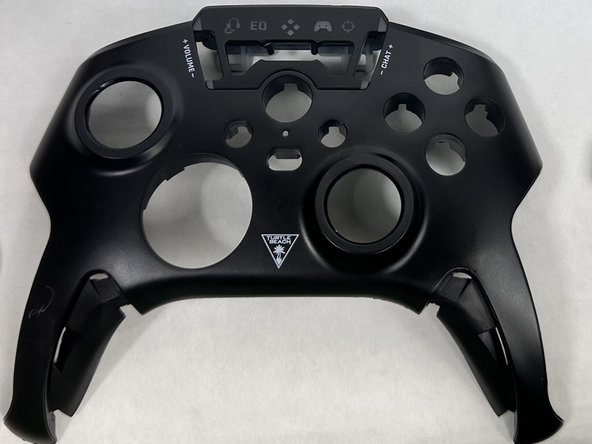
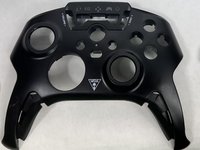
To reassemble your device, follow these instructions in reverse order.
Cancel: I did not complete this guide.
2 other people completed this guide.

Team

UMass Dartmouth, Team 6-1, Botvin Spring 2024 Member of UMass Dartmouth, Team 6-1, Botvin Spring 2024
UMASSD-BOTVIN-S24S6G1
3 Members
60 Guides authored
