What you need
-
-
-
Using a Philips head screwdriver, unscrew the two screws on the back of the adapter.
-
The recommended screwdriver bit size is a PH 000.
 Ask FixBot
-
-
-
Using your hands and/or a prying tool, carefully pry open the adapter.
-
This step may require a bit of force to complete.
-
Be aware that the adapter is held together with clips on the inside at some locations.
-
Do not be alarmed if it makes a snapping sound as it comes apart, this is most likely just the sound of the clips detaching.
-
-
-
-
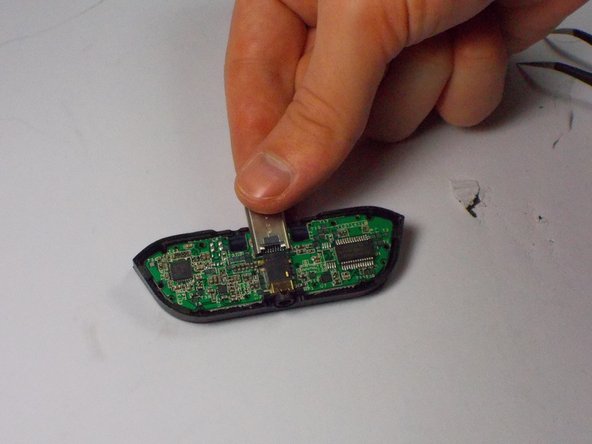
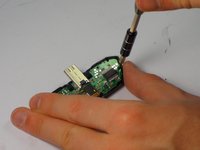
Now, using the same Philips head screwdriver, unscrew the two screws on either side that hold the circuit board to the adapter case.
-
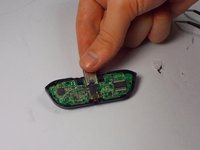
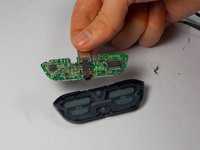
Once the screws are out, you can remove the circuit board from the casing.
-
-
-
Push the rubber piece containing the buttons out of the plastic adapter casing.
-
Then, replace it with a new one.
-
-




To reassemble your device, follow these instructions in reverse order.
Cancel: I did not complete this guide.
One other person completed this guide.

Team

UMass Dartmouth, Team 3-1, Shastany Fall 2015 Member of UMass Dartmouth, Team 3-1, Shastany Fall 2015
UMASSD-SHASTANY-F15S3G1
3 Members
36 Guides authored
