Free Shipping on Domestic Orders $75+

Toy Lightsaber Battery Replacement

What you need

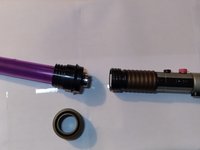
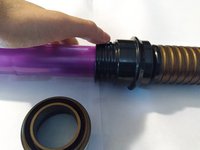
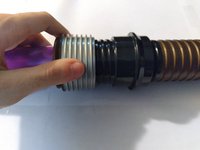
    1. Toy Lightsaber Battery Replacement, Battery: step 1, image 1 of 3 Toy Lightsaber Battery Replacement, Battery: step 1, image 2 of 3 Toy Lightsaber Battery Replacement, Battery: step 1, image 3 of 3
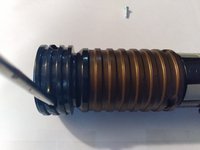
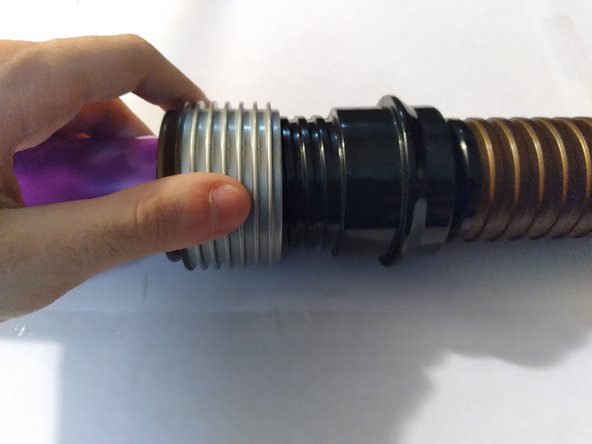
      • Remove the Lightsaber blade by carefully twisting it off the hilt.

      • Be gentle during this process to avoid damaging the blade or the hilt.

      Ask FixBot
      Add Comment

    2. Toy Lightsaber Battery Replacement: step 2, image 1 of 3 Toy Lightsaber Battery Replacement: step 2, image 2 of 3 Toy Lightsaber Battery Replacement: step 2, image 3 of 3
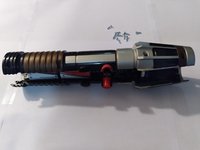
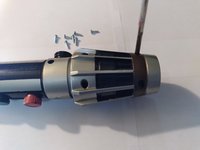
      • Use a Phillips #2 screwdriver to remove the 3.5 mm screws on the hilt.

      Ask FixBot
      Add Comment

    3. Toy Lightsaber Battery Replacement: step 3, image 1 of 3 Toy Lightsaber Battery Replacement: step 3, image 2 of 3 Toy Lightsaber Battery Replacement: step 3, image 3 of 3
      Tool used on this step:
      Tweezers
      $4.99
      Buy
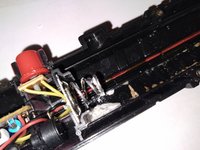
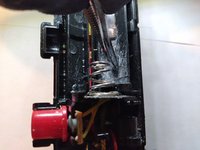
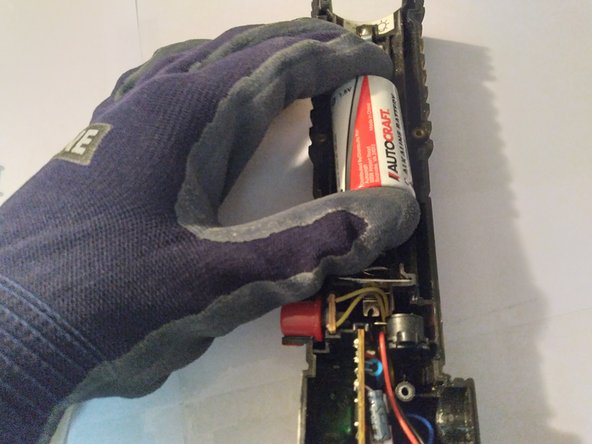
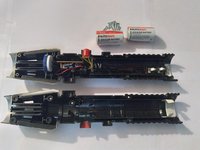
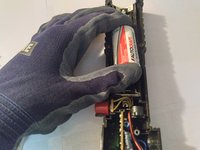
      • Remove the old C batteries.

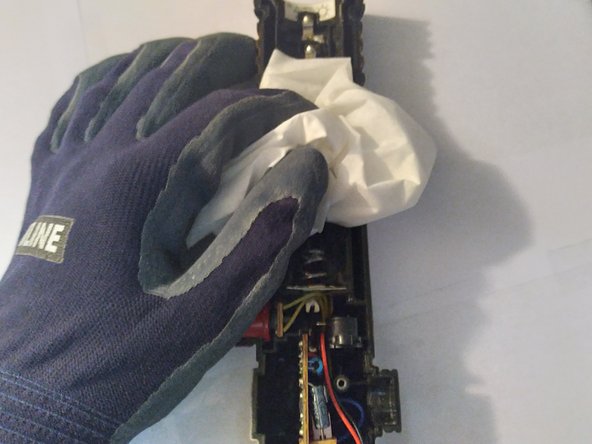
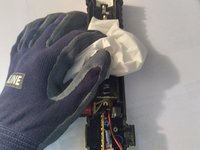
      • If the batteries were leaking, be sure you thoroughly clean the inside of the hilt with a pair of tweezers to scrape off the battery acid and wipe away any acid that remains with a tissue or napkin.

      • Battery acid is toxic and dangerous for your health. Wear gloves to protect yourself.

      Ask FixBot
      Add Comment

    4. Toy Lightsaber Battery Replacement: step 4, image 1 of 3 Toy Lightsaber Battery Replacement: step 4, image 2 of 3 Toy Lightsaber Battery Replacement: step 4, image 3 of 3
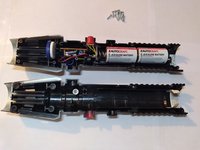
      • Place the new C batteries inside the newly cleaned hilt.

      Ask FixBot

      Add Comment

    5. Toy Lightsaber Battery Replacement: step 5, image 1 of 3 Toy Lightsaber Battery Replacement: step 5, image 2 of 3 Toy Lightsaber Battery Replacement: step 5, image 3 of 3
      • Use your Philips #2 screwdriver to screw the 3.5 mm screws back into the hilt.

      Ask FixBot

      Add Comment

    6. Toy Lightsaber Battery Replacement: step 6, image 1 of 3 Toy Lightsaber Battery Replacement: step 6, image 2 of 3 Toy Lightsaber Battery Replacement: step 6, image 3 of 3
      • Lastly, twist the Lightsaber blade back on top of the hilt.

      • Press the red button on the hilt to test if the blade glows.

      • If the blade doesn't glow, start over and try again with different C batteries.

      Ask FixBot

      Add Comment

Conclusion

To reassemble your device, follow these instructions in reverse order.

Cancel: I did not complete this guide.

One other person completed this guide.

Zachary Adaes

Member since: 03/22/21

133 Reputation

1 Guide authored

Team

0 Guide Comments

Add Comment

View Statistics:

Past 24 Hours: 4

Past 7 Days: 22

Past 30 Days: 87

All Time: 5,646