Free Shipping on Domestic Orders $75+

Toshiba TDP-XP2 Fan Replacement

Views: 787

View statistics:

Past 24 Hours:
3
Past 7 Days:
12
Past 30 Days:
71
All Time:
787
Comments: 5

5 comments on steps.

Completed: 0

No one has marked this guide "completed." Will you be the first?

Favorites: 0

No one has favorited (and subscribed to) this guide. Will you be the first?

Time Required: 40 minutes
Difficulty: Moderate
Toshiba TDP-XP2 Fan Replacement

Introduction

Go to step 1 ↓

If a fan stops working all together on this device, then replacing it can be a good way to save money over buying a new projector. This guide will show how to get to and replace this part.

What you need

Tools

    1. Toshiba TDP-XP2 Fan Replacement, Fan: step 1, image 1 of 3 Toshiba TDP-XP2 Fan Replacement, Fan: step 1, image 2 of 3 Toshiba TDP-XP2 Fan Replacement, Fan: step 1, image 3 of 3
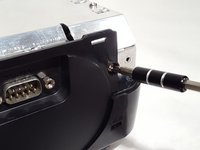
      • Start by removing the two screws on the bottom of the device as shown.

      Ask FixBot

      Add Comment

    2. Toshiba TDP-XP2 Fan Replacement: step 2, image 1 of 2 Toshiba TDP-XP2 Fan Replacement: step 2, image 2 of 2
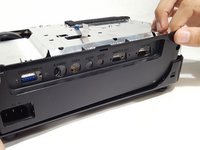
      • Remove the top plastic cover from the device. The back is snapped on so it would help to have leverage from a prying tool.

      • Remove the ribbon cable attached to the plastic piece just removed. Remember its orientation for re-assembling later.

      Ask FixBot

      Add Comment

    3. Toshiba TDP-XP2 Fan Replacement: step 3, image 1 of 3 Toshiba TDP-XP2 Fan Replacement: step 3, image 2 of 3 Toshiba TDP-XP2 Fan Replacement: step 3, image 3 of 3
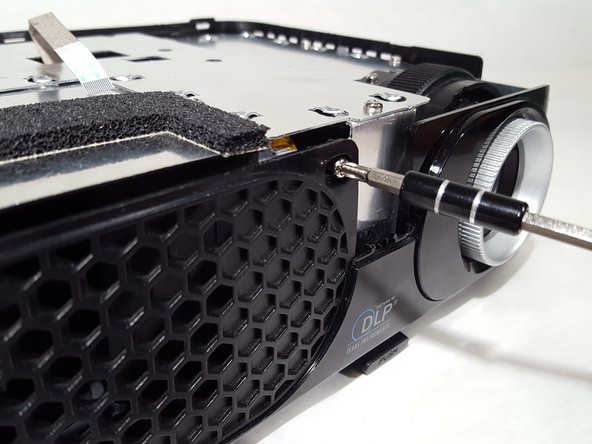
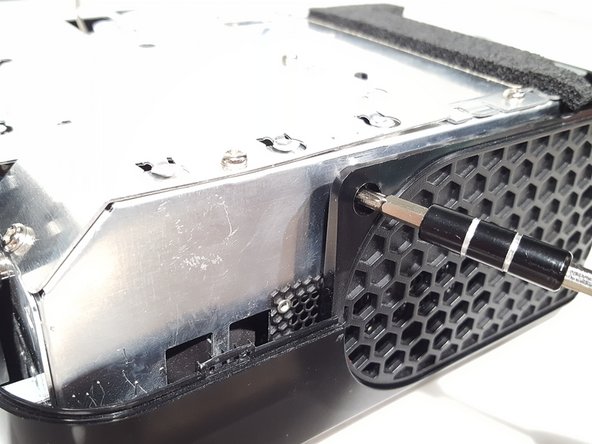
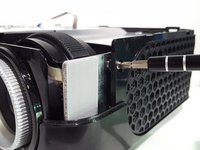
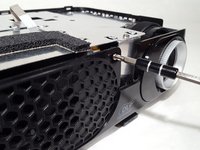
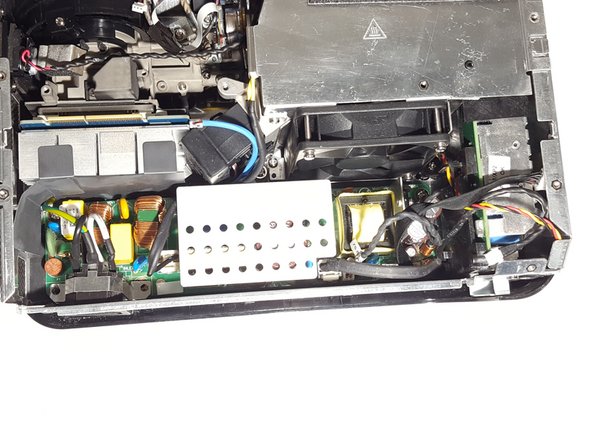
      • Remove the screws from the case located around the device.

      Ask FixBot
      Add Comment

    4. Toshiba TDP-XP2 Fan Replacement: step 4, image 1 of 1
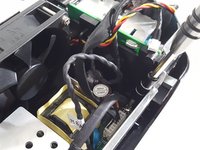
      • Remove the plastic panels from the body.

      Ask FixBot
      Add Comment

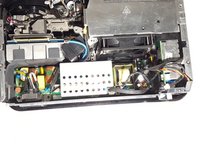
    5. Toshiba TDP-XP2 Fan Replacement: step 5, image 1 of 3 Toshiba TDP-XP2 Fan Replacement: step 5, image 2 of 3 Toshiba TDP-XP2 Fan Replacement: step 5, image 3 of 3
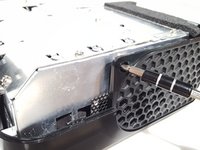
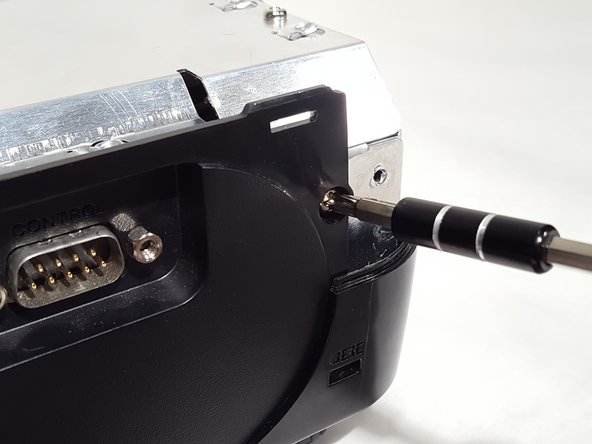
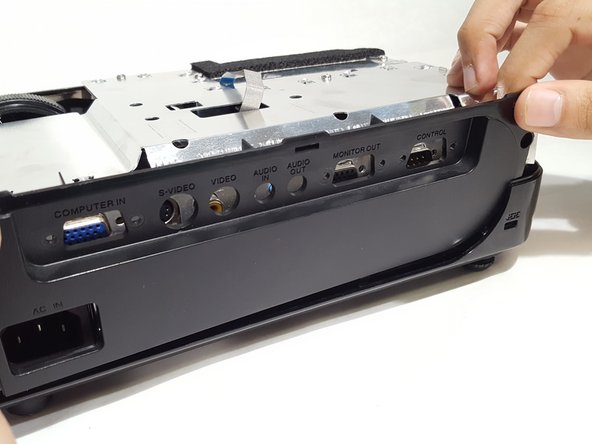
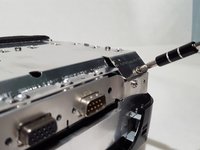
      • Remove the screws from the IO panel.

      • Pull up on the panel and remove it.

      Ask FixBot
      Add Comment

    6. Toshiba TDP-XP2 Fan Replacement: step 6, image 1 of 2 Toshiba TDP-XP2 Fan Replacement: step 6, image 2 of 2
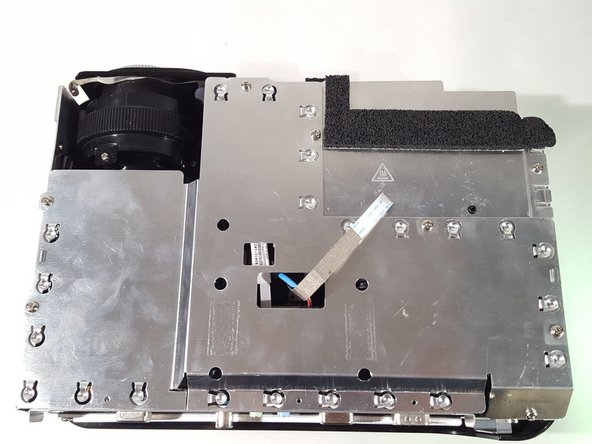
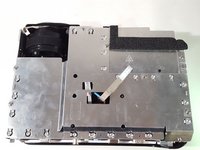
      • Unscrew the screws from the metal shielding to remove it.

      Ask FixBot

      Add Comment

    7. Toshiba TDP-XP2 Fan Replacement: step 7, image 1 of 3 Toshiba TDP-XP2 Fan Replacement: step 7, image 2 of 3 Toshiba TDP-XP2 Fan Replacement: step 7, image 3 of 3
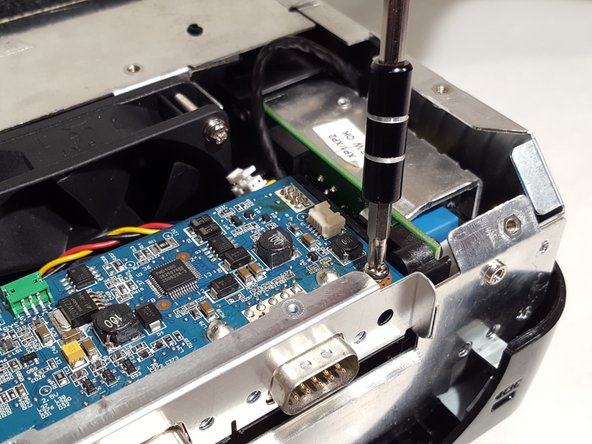
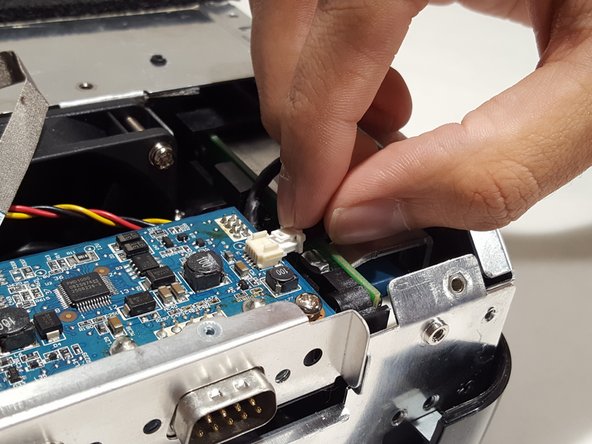
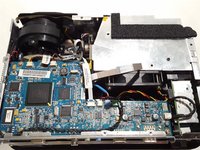
      • Remove cables from motherboard.

      • Unscrew motherboard and remove from device.

      Ask FixBot

      Add Comment

    8. Toshiba TDP-XP2 Fan Replacement: step 8, image 1 of 1
      • Remove the cable from the bottom of the motherboard to fully remove it.

      Ask FixBot

      Add Comment

    9. Toshiba TDP-XP2 Fan Replacement: step 9, image 1 of 1
      • Unscrew the power adapter on the back.

      Ask FixBot

      Add Comment

    10. Toshiba TDP-XP2 Fan Replacement: step 10, image 1 of 2 Toshiba TDP-XP2 Fan Replacement: step 10, image 2 of 2
      • Remove cables from the power supply board.

      • Remove the screws located around the board to un-mount it.

      Ask FixBot

      Add Comment

    11. Toshiba TDP-XP2 Fan Replacement: step 11, image 1 of 1
      • Remove the power board to reveal the bottom two screws to the fan.

      • Unscrew the fan and replace it with an equivalent one.

      Ask FixBot

      Add Comment

Conclusion

To reassemble your device, follow these instructions in reverse order.

Cancel: I did not complete this guide.

Bryan Underwood

Member since: 04/02/18

697 Reputation

5 Guides authored

0 Guide Comments

Add Comment

View Statistics:

Past 24 Hours: 3

Past 7 Days: 12

Past 30 Days: 71

All Time: 787