Free Shipping on Domestic Orders $75+

Toshiba HD-A2 Optical Lens Replacement

What you need

  1. Toshiba HD-A2 Optical Lens Replacement, Top Panel: step 1, image 1 of 1
    • Remove the three 6mm Phillips head screws on the back of the DVD player with a Phillips #1 screwdriver.

    Ask FixBot

    Add Comment

  2. Toshiba HD-A2 Optical Lens Replacement: step 2, image 1 of 2 Toshiba HD-A2 Optical Lens Replacement: step 2, image 2 of 2
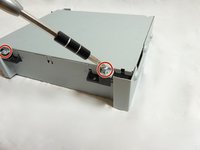
    • Remove the two 3mm Phillips screws on each side of the DVD player using the Phillips #1 screwdriver.

    Ask FixBot

    Add Comment

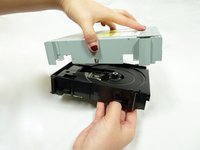
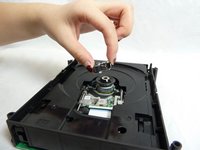
  3. Toshiba HD-A2 Optical Lens Replacement: step 3, image 1 of 1
    • Using your hand, gently lift the black top panel and safely place it off to the side.

    Ask FixBot

    Add Comment

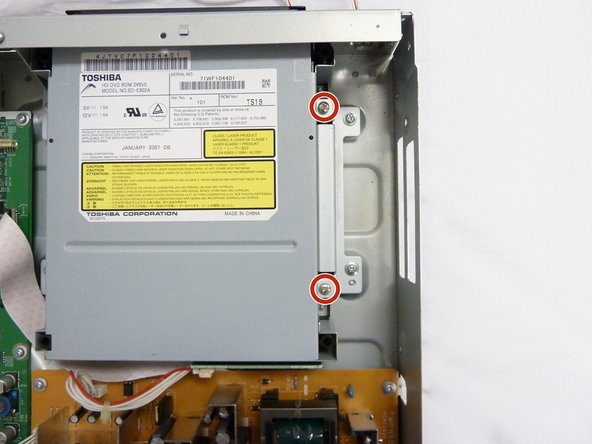
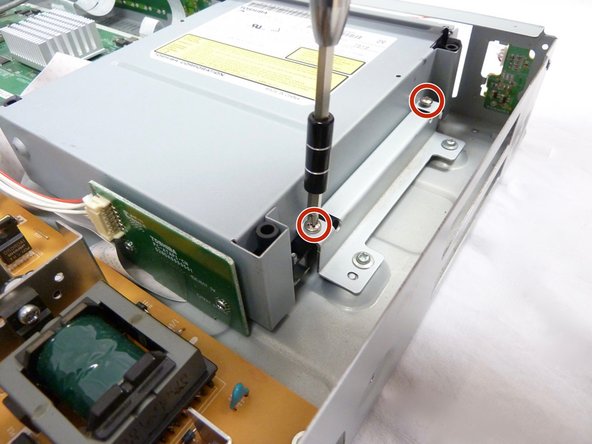
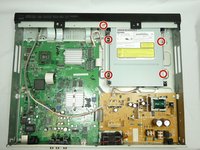
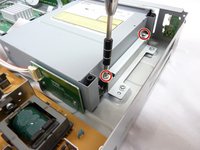
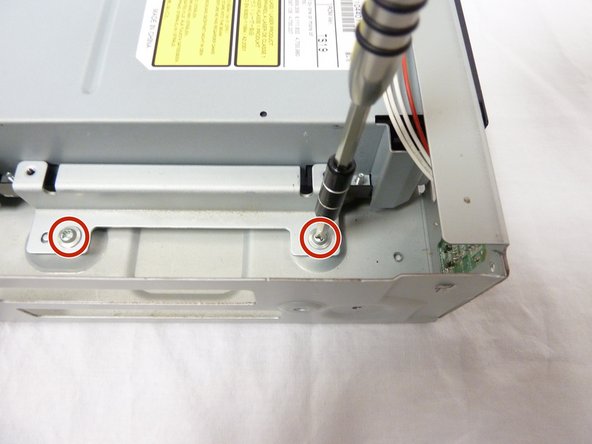
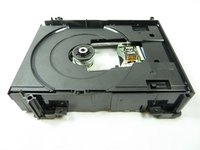
  4. Toshiba HD-A2 Optical Lens Replacement, Optical Drive: step 4, image 1 of 3 Toshiba HD-A2 Optical Lens Replacement, Optical Drive: step 4, image 2 of 3 Toshiba HD-A2 Optical Lens Replacement, Optical Drive: step 4, image 3 of 3
    • Remove five 6mm Phillips screws with a Phillips #2 screwdriver.

    • The 2 screws on the right of the cartridge are better shown in the second and third photos.

    Ask FixBot

    Add Comment

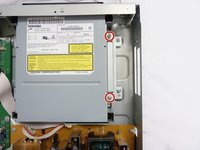
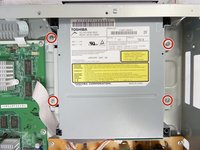
  5. Toshiba HD-A2 Optical Lens Replacement: step 5, image 1 of 2 Toshiba HD-A2 Optical Lens Replacement: step 5, image 2 of 2
    • Remove the remaining four 6mm Phillips screws.

    Ask FixBot

    Add Comment

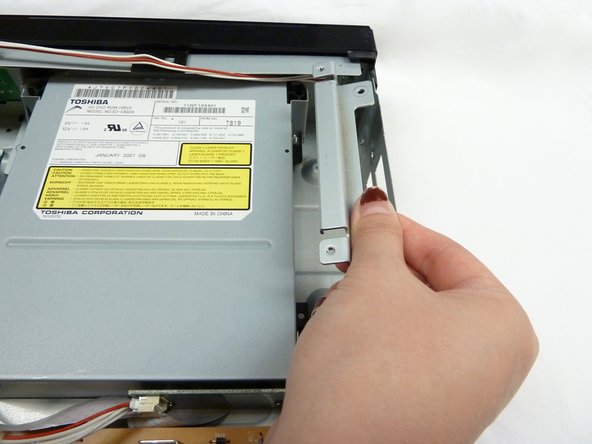
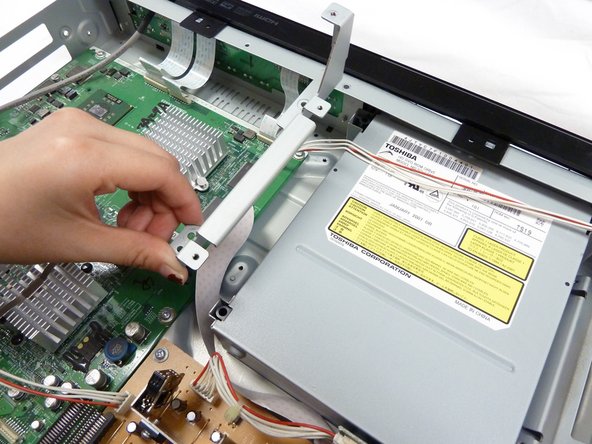
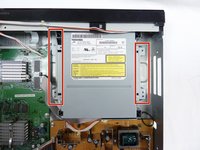
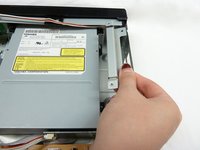
  6. Toshiba HD-A2 Optical Lens Replacement: step 6, image 1 of 3 Toshiba HD-A2 Optical Lens Replacement: step 6, image 2 of 3 Toshiba HD-A2 Optical Lens Replacement: step 6, image 3 of 3
    • Using your fingers, gently remove the metal pieces on each side of the cartridge and carefully place them aside.

    Ask FixBot

    Add Comment

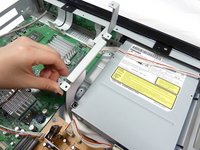
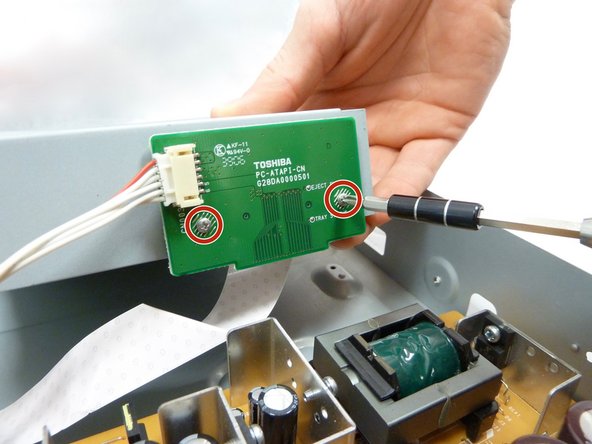
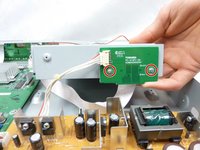
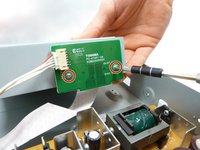
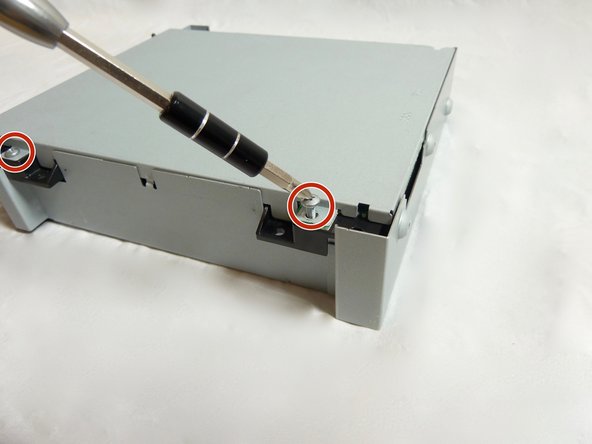
  7. Toshiba HD-A2 Optical Lens Replacement: step 7, image 1 of 2 Toshiba HD-A2 Optical Lens Replacement: step 7, image 2 of 2
    • Gently lift the cartridge. Remove two 4mm Phillips screws from the green circuit board.

    Ask FixBot

    Add Comment

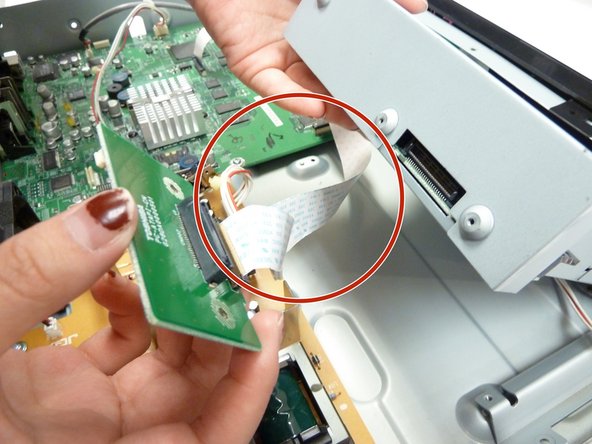
  8. Toshiba HD-A2 Optical Lens Replacement: step 8, image 1 of 1
    • Using your fingers, gently pull off the wires.

    Ask FixBot

    Add Comment

  9. Toshiba HD-A2 Optical Lens Replacement: step 9, image 1 of 2 Toshiba HD-A2 Optical Lens Replacement: step 9, image 2 of 2
    • Using your fingers, pull off the green circuit board from the cartridge and carefully place it down.

    • Be careful not to rip the tape attaching the green circuit boards together.

    Ask FixBot

    Add Comment

  10. Toshiba HD-A2 Optical Lens Replacement: step 10, image 1 of 2 Toshiba HD-A2 Optical Lens Replacement: step 10, image 2 of 2
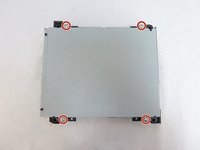
    • Flip the cartridge over to the bare side with no stickers. Remove four 10mm Phillips screws from each corner.

    Ask FixBot

    Add Comment

  11. Toshiba HD-A2 Optical Lens Replacement: step 11, image 1 of 2 Toshiba HD-A2 Optical Lens Replacement: step 11, image 2 of 2
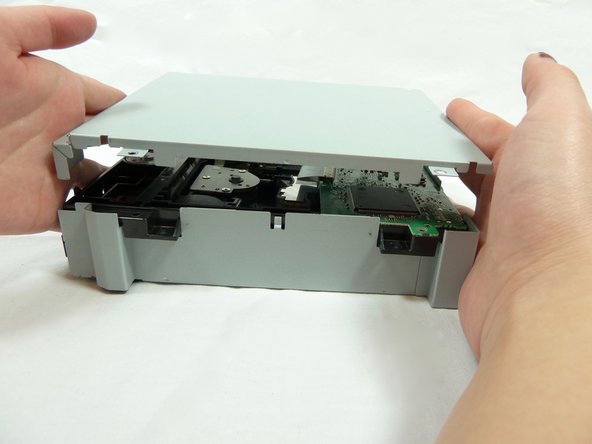
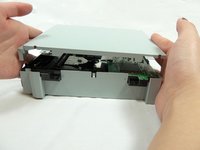
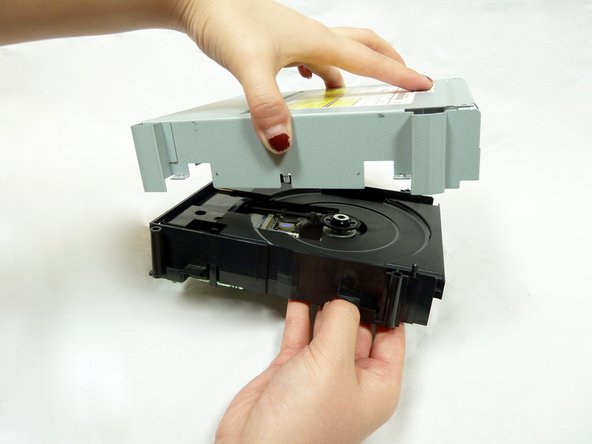
    • Using your hands, gently lift the lid and carefully place it aside.

    Ask FixBot

    Add Comment

  12. Toshiba HD-A2 Optical Lens Replacement: step 12, image 1 of 3 Toshiba HD-A2 Optical Lens Replacement: step 12, image 2 of 3 Toshiba HD-A2 Optical Lens Replacement: step 12, image 3 of 3
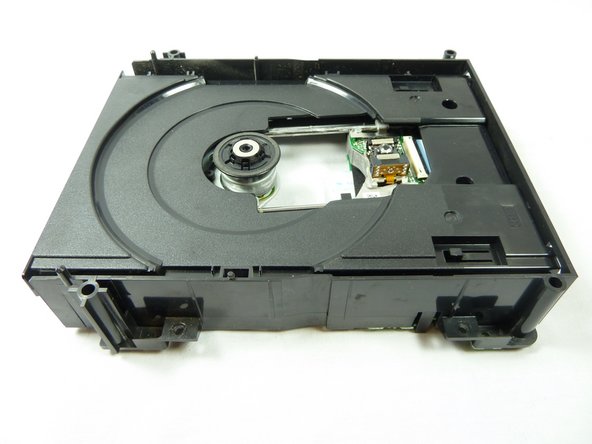
    • Flip over the cartridge. Using your hands, gently lift the rest of the silver case.

    Ask FixBot

    Add Comment

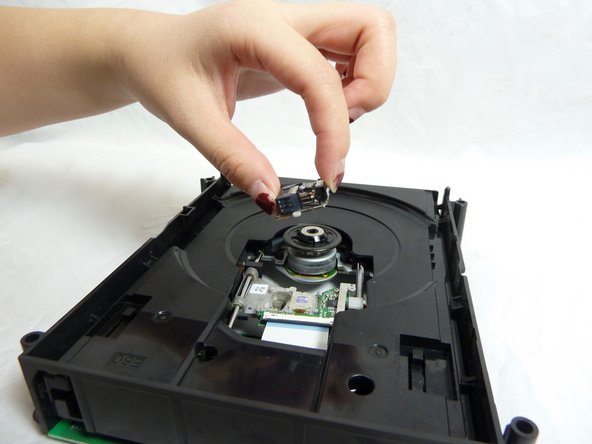
  13. Toshiba HD-A2 Optical Lens Replacement, Optical Lens: step 13, image 1 of 1
    • The optical lens will be resting aside the small green circuit board.

    Ask FixBot

    Add Comment

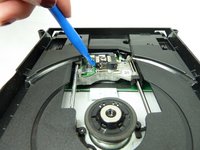
  14. Toshiba HD-A2 Optical Lens Replacement: step 14, image 1 of 2 Toshiba HD-A2 Optical Lens Replacement: step 14, image 2 of 2
    • Using a prying tool, wedge the edge of the tool underneath the end of the optical lens closest to the green circuit board. Gently push down to pop off the optical lens.

    Ask FixBot

    Add Comment

Conclusion

To reassemble your device, follow these instructions in reverse order.

Cancel: I did not complete this guide.

Nouriyah Saleh

Member since: 10/22/18

800 Reputation

6 Guides authored

Team

UC Davis, Team S11-G1, Lore Fall 2018 Member of UC Davis, Team S11-G1, Lore Fall 2018

UCD-LORE-F18S11G1

3 Members

6 Guides authored

0 Guide Comments

Add Comment

View Statistics:

Past 24 Hours: 1

Past 7 Days: 7

Past 30 Days: 45

All Time: 1,018