Introduction
If you find that your DVD player is overheating, use this guide to remove and replace the fan.
What you need
-
-
Remove the three 6mm Phillips head screws on the back of the DVD player with a Phillips #1 screwdriver.
 Ask FixBot
-
-
-
Remove the two 3mm Phillips screws on each side of the DVD player using the Phillips #1 screwdriver.
-
-
-
-
Using your hand, gently lift the black top panel and safely place it off to the side.
-
-
-
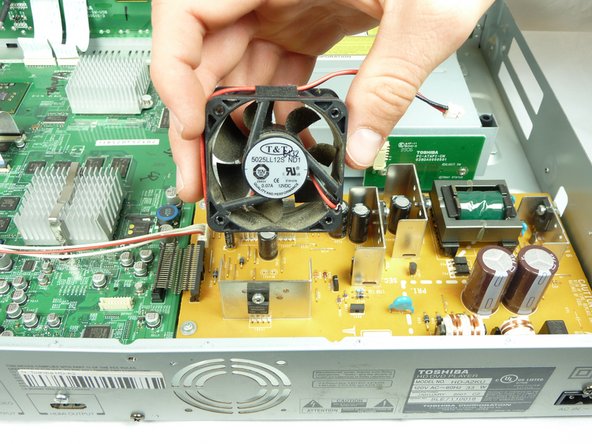
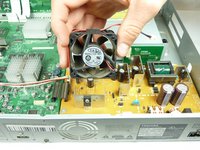
The fan will be attached to the case, connected to the yellow circuit board.
-
-
-
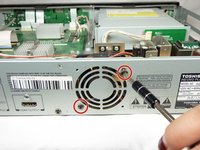
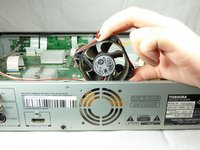
Remove the two 7mm Phillips head screws attaching the fan to the case of the DVD player.
-
-
-
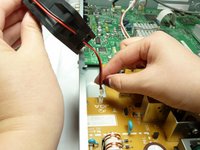
Use your fingers to unplug the red and black wire from the yellow circuit board to completely remove the fan.
-



To reassemble your device, follow these instructions in reverse order.
Cancel: I did not complete this guide.
One other person completed this guide.

Team

UC Davis, Team S11-G1, Lore Fall 2018 Member of UC Davis, Team S11-G1, Lore Fall 2018
UCD-LORE-F18S11G1
3 Members
6 Guides authored
