
Toptro TR23 Motherboard Replacement

evry1luvsj_ and 2 other contributors
Last updated on Dec 30, 2024
Views: 538
View statistics:
- Past 24 Hours:
- 7
- Past 7 Days:
- 22
- Past 30 Days:
- 76
- All Time:
- 538
Comments: 1
1 guide comment.
Go to guide commentsCompleted: 0 1
No one has marked this guide "completed." Will you be the first?
1 person has marked this guide "completed." It's you — great job!
Favorites: 0 1
No one has favorited (and subscribed to) this guide. Will you be the first?
1 person has favorited (and subscribed to) this guide — and that's you!
Introduction
Go to step 1 ↓Are there gremlins in your projector? Is your new projector's functionality in general disarray? Are you have trouble with hooking up your projector through USB or HDMI cable? Well, then you may need to replace the motherboard, and this guide will help you do that.
Before continuing on to the processes of taking this projector apart and ripping out the brains, I would do a few simple checks to makes sure it's not something else that is causing the issues. I would make sure that your projector is not in a spot where it could overheat. Say, in a corner or directly up against a wall with no ventilation. Then I would try factory resetting the projector, which could work out bugs in the system.
Before beginning make sure that the projector is unplugged from it's power source and is on a level sturdy work surface.
What you need
Tools


-
-
-
Set the projector on its side so the the front is facing to your left.
-
Insert an opening tool into the seam between the black chassis and the silver case.
-
Pry around the perimeter until the case fully releases.
-
Remove the case.
 Ask FixBot
-
-
-
-
-
Use your fingernails to gently disconnect the six sliding connectors from their motherboard sockets.
-
Gently lift the two antenna cable connector to disconnect them.
-
-
-
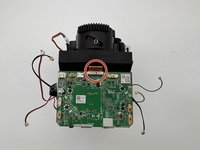
Flip up the black ZIF locking flap that secures the bronze ribbon cable.
-
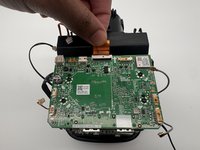
Using your fingers carefully disconnect the ribbon cable.
-
-
-
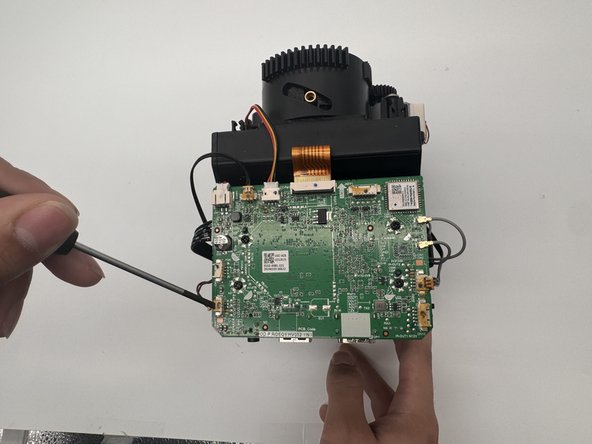
Use a Phillips #0 screwdriver to remove the four 7.3 mm screws securing the motherboard to the projector.
-
-
-
-
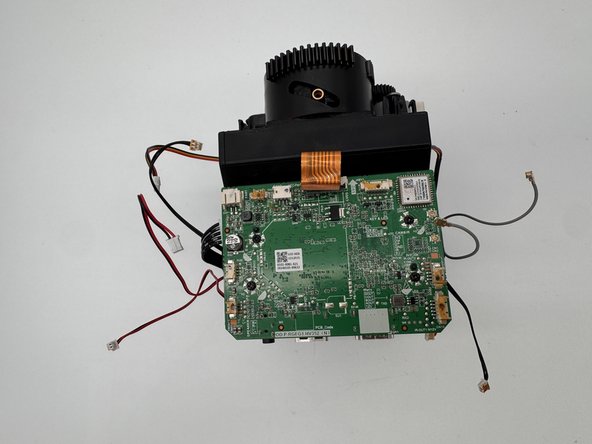
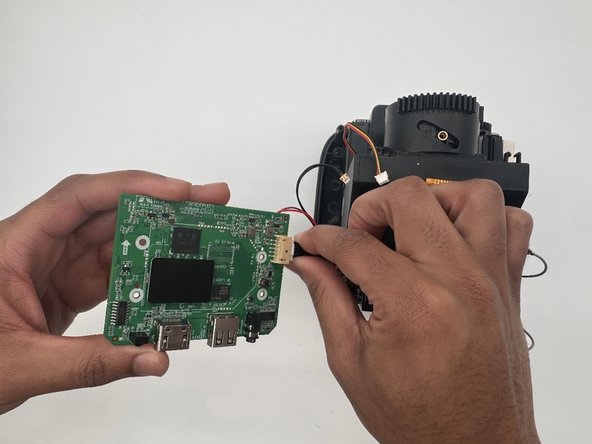
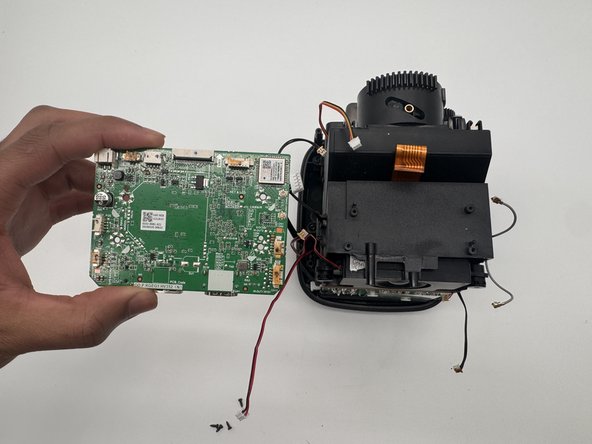
Gently lift the motherboard off to the left, with care not to strain the single remaining attached cable.
-
Disconnect the last connector from its motherboard scoket.
-
Remove the motherboard.
-
-




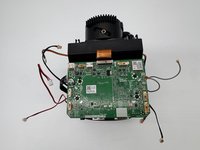


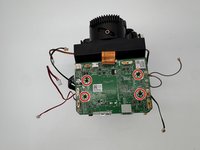
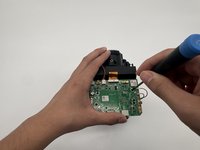
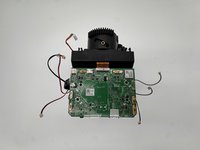

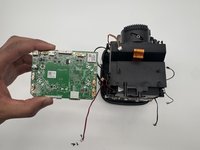
To reassemble your device, follow the above steps in reverse order.
Take your e-waste to an R2 or e-Stewards certified recycler.
Repair didn’t go as planned? Try some basic troubleshooting or ask our Answers community for help.

Team

University of North Texas, Team 6-2, Kilpatrick Fall 2024 Member of University of North Texas, Team 6-2, Kilpatrick Fall 2024
UNT-KILPATRICK-F24S6G2
4 Members
60 Guides authored
