Free Shipping on Domestic Orders $75+

TopTro TR25 Projector Lens Replacement

What you need

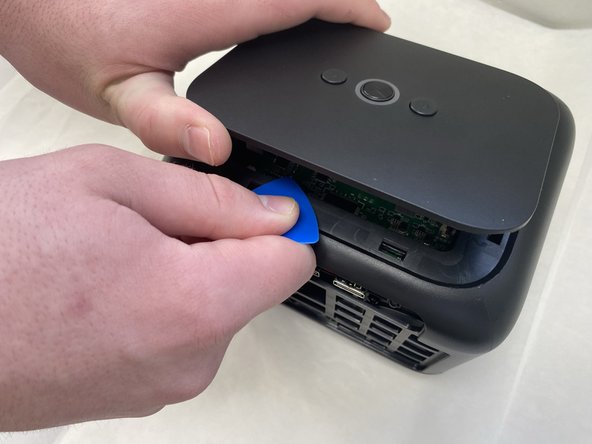
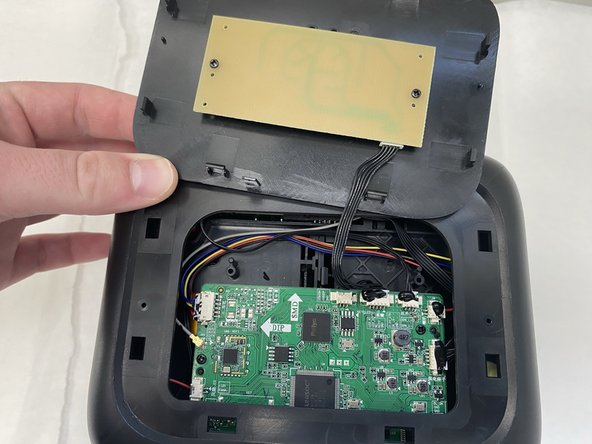
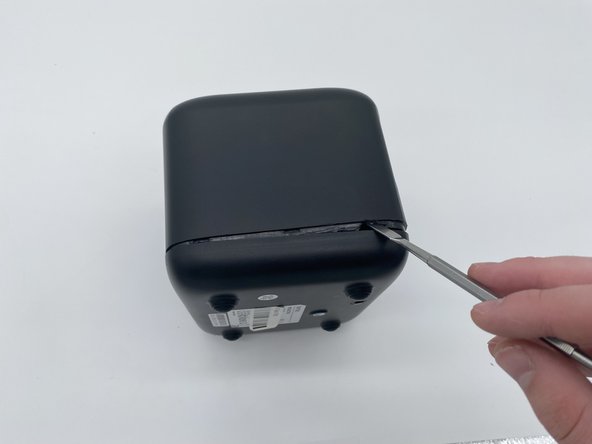
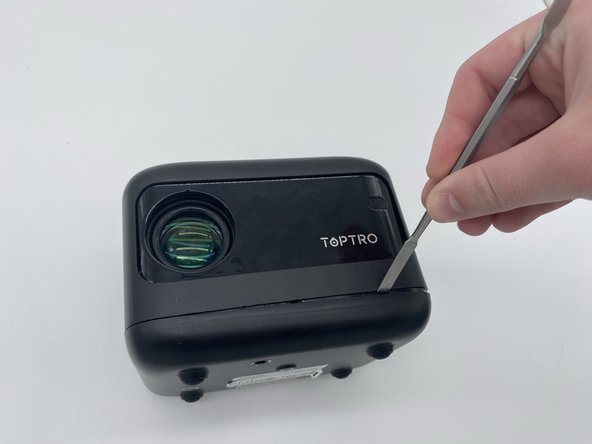
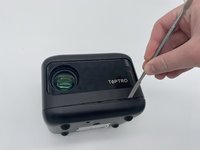
  1. TopTro TR25 Projector Lens Replacement, Outer Case: step 1, image 1 of 3 TopTro TR25 Projector Lens Replacement, Outer Case: step 1, image 2 of 3 TopTro TR25 Projector Lens Replacement, Outer Case: step 1, image 3 of 3
    • Insert an opening pick in the seam between the top panel and chassis.

    • Pry around the entire perimeter of the top panel until it fully releases.

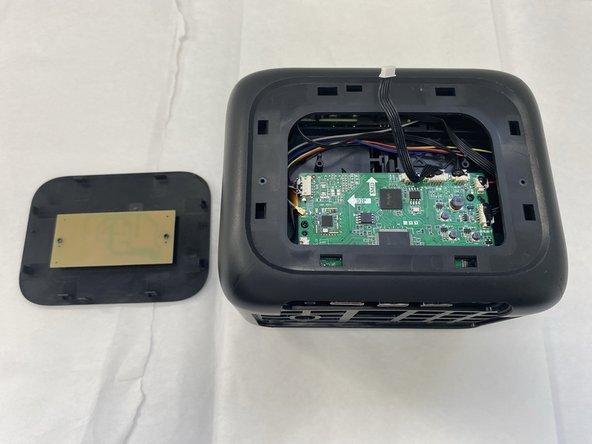
    • Remove the top panel.

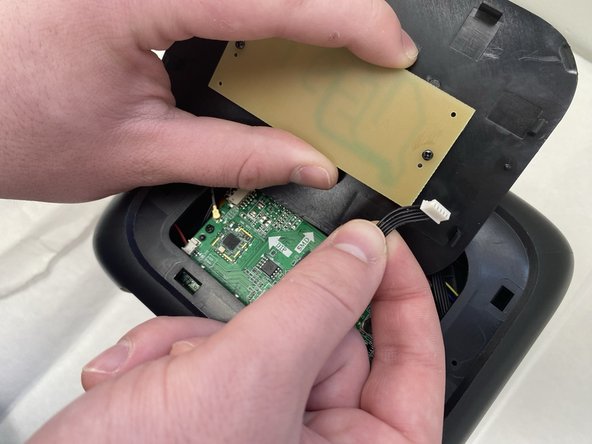
  2. TopTro TR25 Projector Lens Replacement: step 2, image 1 of 3 TopTro TR25 Projector Lens Replacement: step 2, image 2 of 3 TopTro TR25 Projector Lens Replacement: step 2, image 3 of 3
    • Unplug the cord connecting the top button panel to the projector,

    • Make sure to disconnect the end connected to the panel and not the chassis.

    • The cord is small and sensitive and could sustain damage if pulled out aggressively.

  3. TopTro TR25 Projector Lens Replacement: step 3, image 1 of 2 TopTro TR25 Projector Lens Replacement: step 3, image 2 of 2
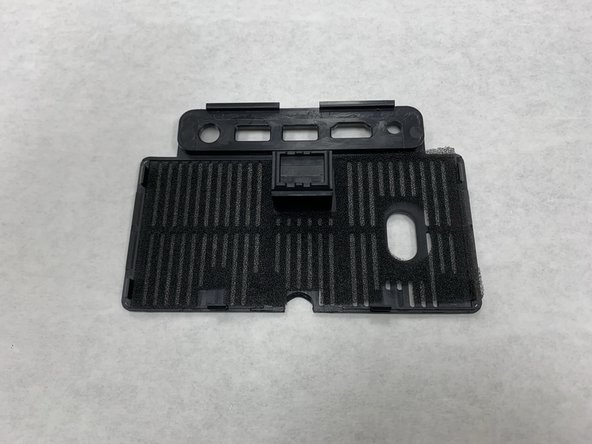
    • Insert a spudger into the semi-circle panel indent and pry up to remove it.

  4. TopTro TR25 Projector Lens Replacement: step 4, image 1 of 3 TopTro TR25 Projector Lens Replacement: step 4, image 2 of 3 TopTro TR25 Projector Lens Replacement: step 4, image 3 of 3
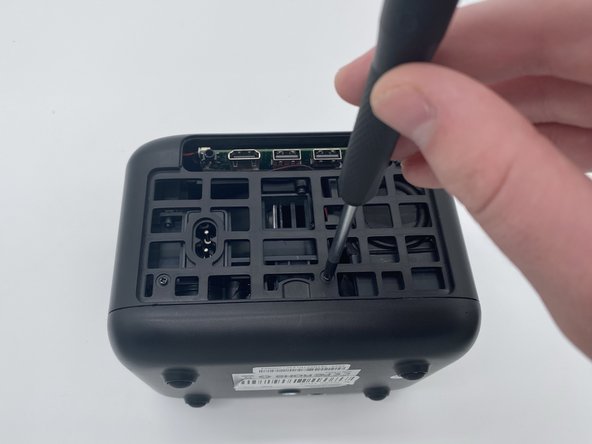
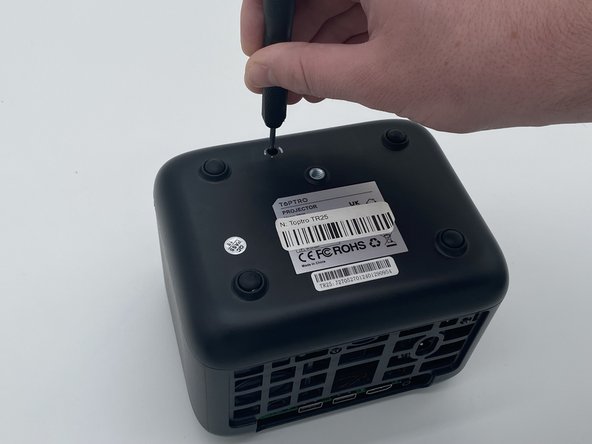
    • There are three Phillips screws securing the case on. Two are inside the opening left by the previous step, and the third is located on the underside of the projector. Remove all three.

    • The third sticker may be located underneath a QA (quality assurance) sticker. If you are having trouble finding it, look for that sticker.

  5. TopTro TR25 Projector Lens Replacement: step 5, image 1 of 3 TopTro TR25 Projector Lens Replacement: step 5, image 2 of 3 TopTro TR25 Projector Lens Replacement: step 5, image 3 of 3
    • Insert a spudger into the seam between the lower panel and chassis.

    • Pry around the perimeter until the lower panel fully releases.

    • We suggest starting at the front, but starting from any side will work.

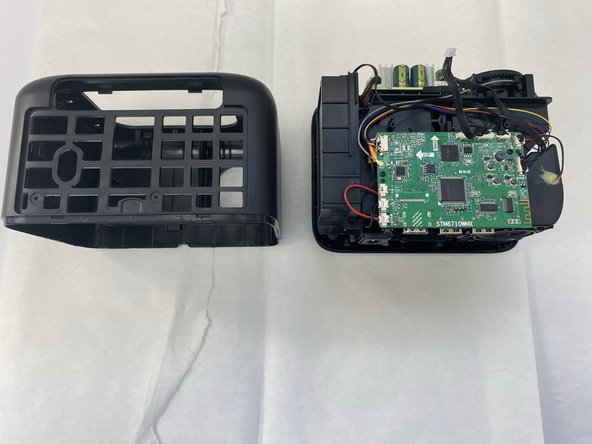
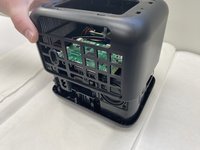
  6. TopTro TR25 Projector Lens Replacement: step 6, image 1 of 2 TopTro TR25 Projector Lens Replacement: step 6, image 2 of 2
    • Remove the case from the projector and set it aside.

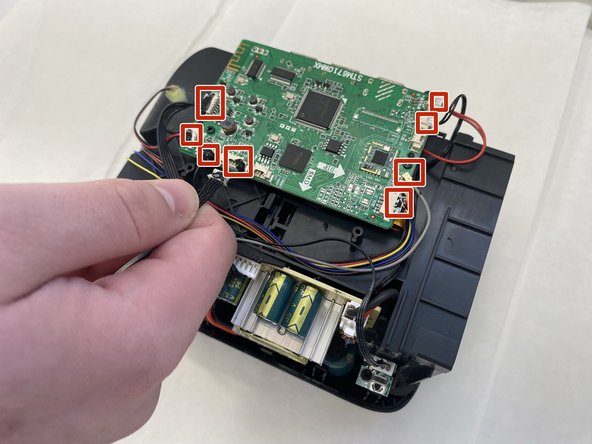
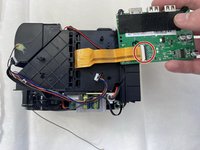
  7. TopTro TR25 Projector Lens Replacement, Main Board: step 7, image 1 of 2 TopTro TR25 Projector Lens Replacement, Main Board: step 7, image 2 of 2
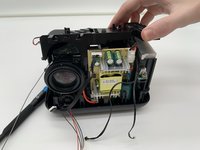
    • Disconnect all of the motherboard connectors.

    • The cables are small and thus subject to damage if removed improperly or aggressively.

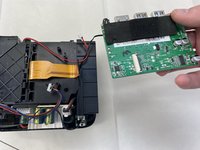
  8. TopTro TR25 Projector Lens Replacement: step 8, image 1 of 3 TopTro TR25 Projector Lens Replacement: step 8, image 2 of 3 TopTro TR25 Projector Lens Replacement: step 8, image 3 of 3
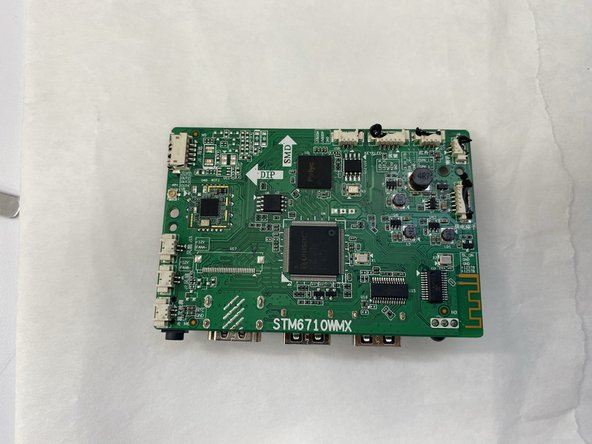
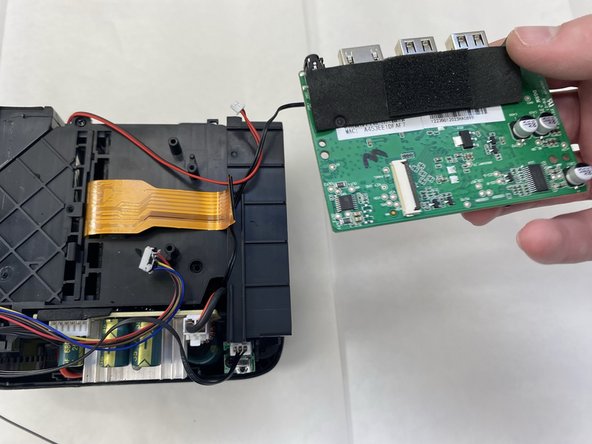
    • Flip the board over with care not to damage the attached ribbon cable.

    • Flip up the black locking ZIF flap that secures the ribbon cable.

    • Disconnect the ribbon cable.

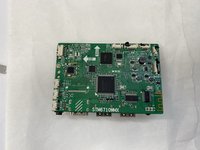
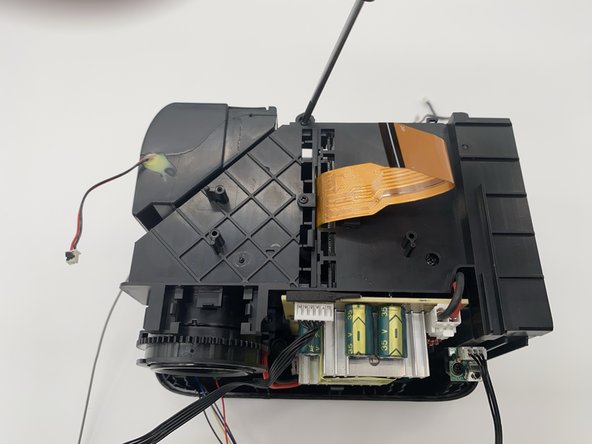
    • Remove the main board.

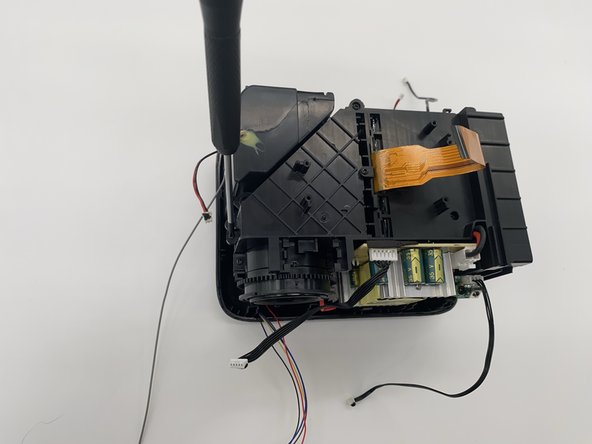
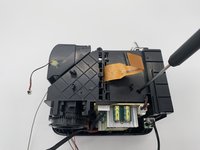
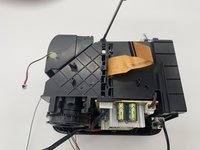
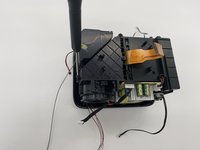
  9. TopTro TR25 Projector Lens Replacement, Projector Lens: step 9, image 1 of 3 TopTro TR25 Projector Lens Replacement, Projector Lens: step 9, image 2 of 3 TopTro TR25 Projector Lens Replacement, Projector Lens: step 9, image 3 of 3
    • Use a Phillips screwdriver to remove the three screws.

    • One bottom right, another top middle, and the final on the left side on the side of the projector.

  10. TopTro TR25 Projector Lens Replacement: step 10, image 1 of 3 TopTro TR25 Projector Lens Replacement: step 10, image 2 of 3 TopTro TR25 Projector Lens Replacement: step 10, image 3 of 3
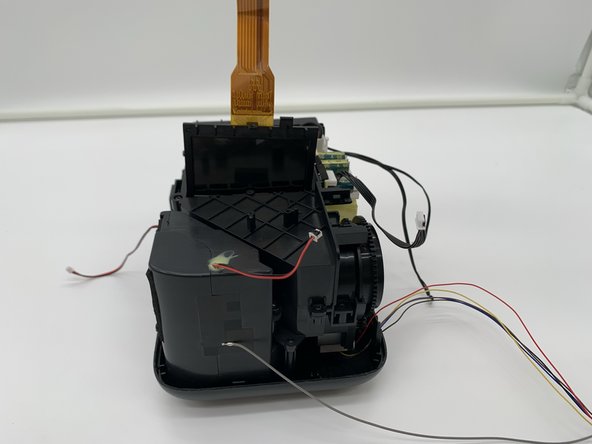
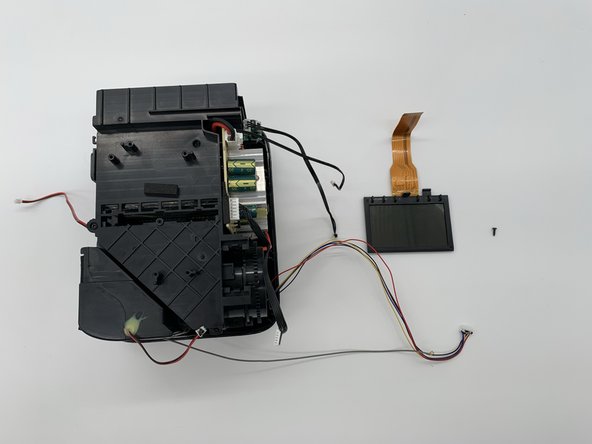
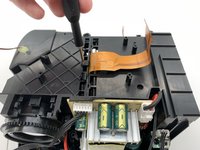
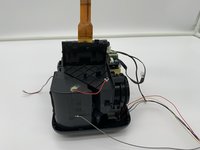
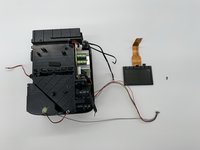
    • Remove the screws securing the display.

    • Remove the display.

  11. TopTro TR25 Projector Lens Replacement: step 11, image 1 of 2 TopTro TR25 Projector Lens Replacement: step 11, image 2 of 2
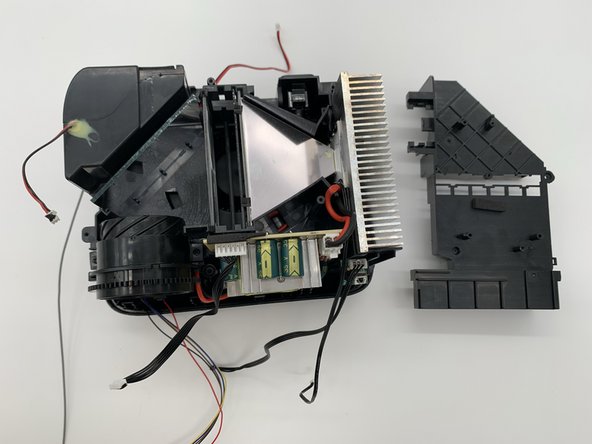
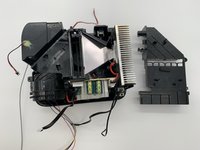
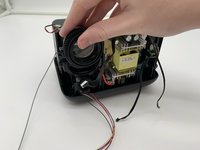
    • Pull off the cover and set it aside.

    • Use caution when removing and putting back on this cover as it can catch on the cords and damage them.

  12. TopTro TR25 Projector Lens Replacement: step 12, image 1 of 3 TopTro TR25 Projector Lens Replacement: step 12, image 2 of 3 TopTro TR25 Projector Lens Replacement: step 12, image 3 of 3
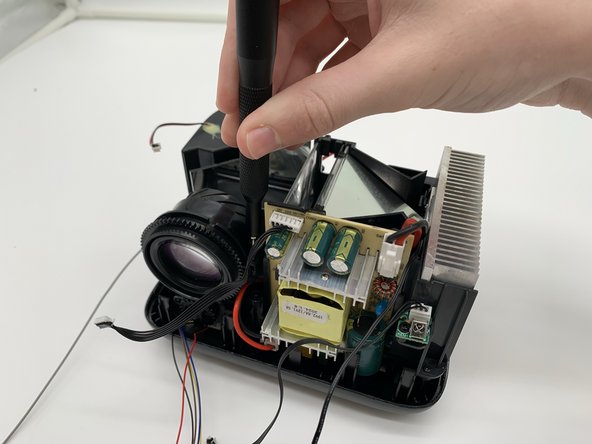
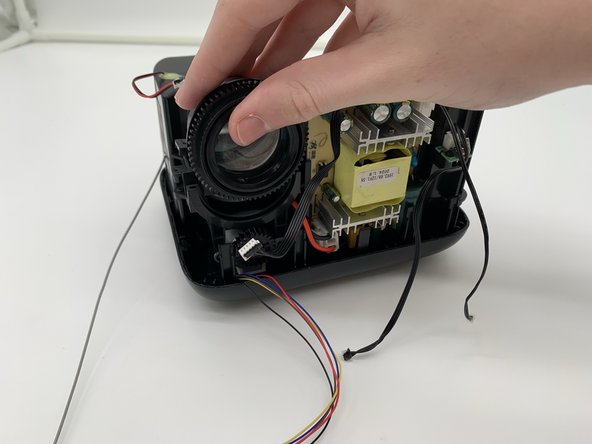
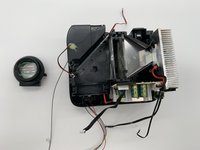
    • Remove the two Phillips screws securing the lens.

    • Both screws are on the left and right side.

    • Lift the lens up and out.

  13. TopTro TR25 Projector Lens Replacement: step 13, image 1 of 2 TopTro TR25 Projector Lens Replacement: step 13, image 2 of 2
    • Set the lens aside.

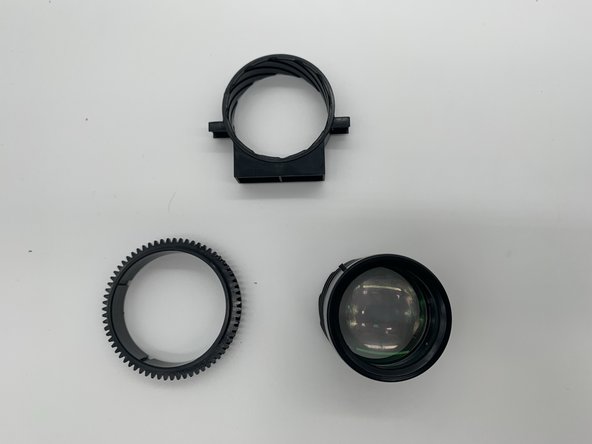
    • The lens comes apart into three parts: The actual lens; the part that adjusts the zoom; and the part that secures the lens to the projector.

    • The lens itself is fragile, handle with care.

Conclusion

To reassemble your device, follow these instructions in reverse order.

Bryan Limon Juarez

Member since: 08/28/24

121 Reputation

1 Guide authored

1 Guide Comment

Thank you. It's the same as Yaber E1 PROJECTOR

Megan Govias - Reply Share
Add Comment

View Statistics:

Past 24 Hours: 4

Past 7 Days: 7

Past 30 Days: 40

All Time: 697