Free Shipping on Domestic Orders $75+

TopTro TR25 Main Board Replacement

Views: 412

View statistics:

Past 24 Hours:
2
Past 7 Days:
13
Past 30 Days:
55
All Time:
412
Comments: 1

1 guide comment.

Go to guide comments
Completed: 0

No one has marked this guide "completed." Will you be the first?

Favorites: 0

No one has favorited (and subscribed to) this guide. Will you be the first?

Time Required: 10 - 20 minutes
Difficulty: Moderate
TopTro TR25 Main Board Replacement

Introduction

Go to step 1 ↓

If you want to replace the circuit board, use this guide. For this guide you will need an opening tool and a screwdriver. The steps aren't difficult but require you to be careful as the cords are weak.

What you need

Tools

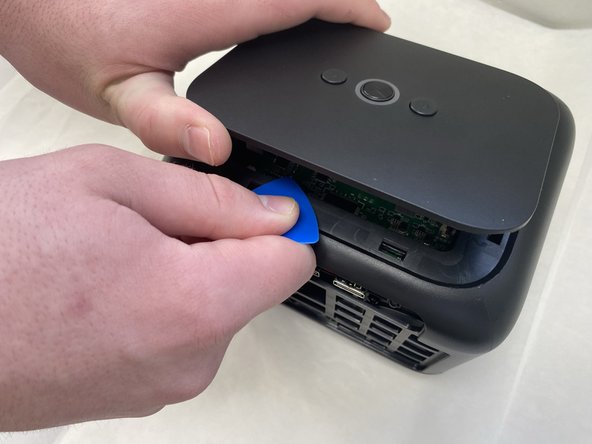
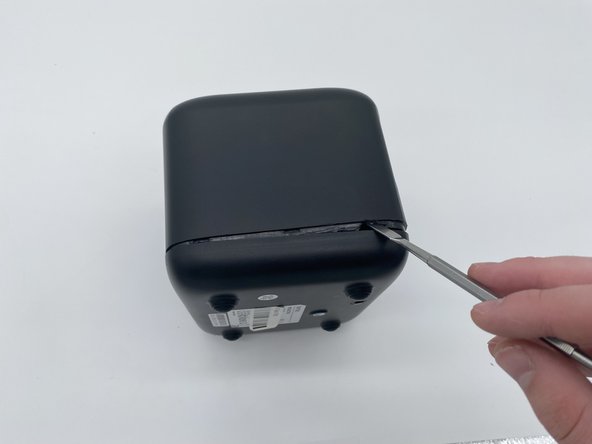
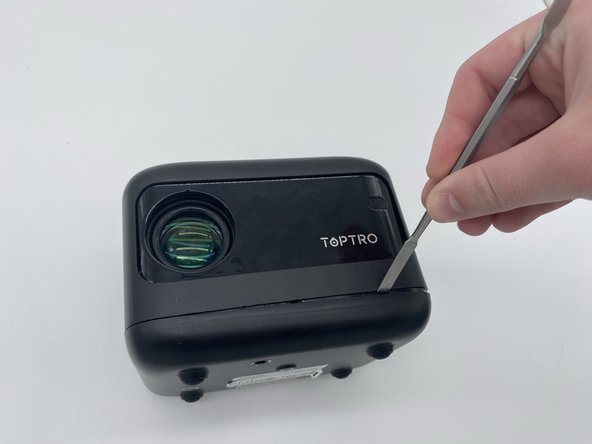
    1. TopTro TR25 Main Board Replacement, Outer Case: step 1, image 1 of 3 TopTro TR25 Main Board Replacement, Outer Case: step 1, image 2 of 3 TopTro TR25 Main Board Replacement, Outer Case: step 1, image 3 of 3
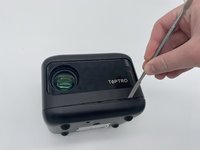
      • Insert an opening pick in the seam between the top panel and chassis.

      • Pry around the entire perimeter of the top panel until it fully releases.

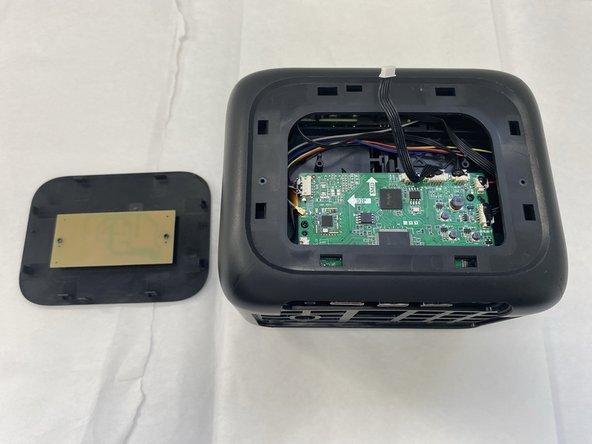
      • Remove the top panel.

      Ask FixBot

      Add Comment

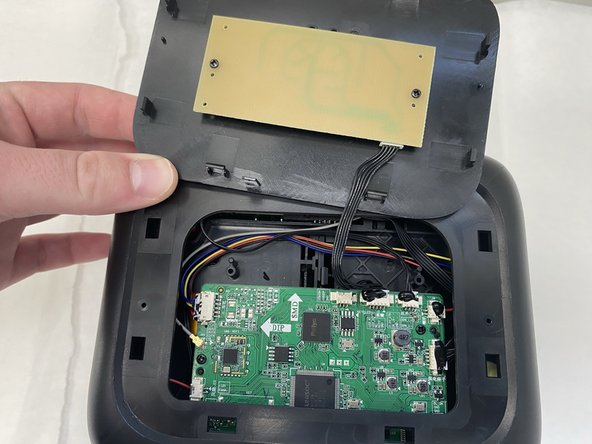
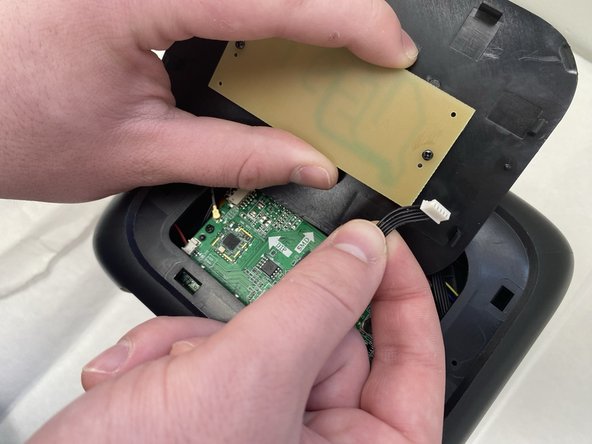
    2. TopTro TR25 Main Board Replacement: step 2, image 1 of 3 TopTro TR25 Main Board Replacement: step 2, image 2 of 3 TopTro TR25 Main Board Replacement: step 2, image 3 of 3
      • Unplug the cord connecting the top button panel to the projector,

      • Make sure to disconnect the end connected to the panel and not the chassis.

      • The cord is small and sensitive and could sustain damage if pulled out aggressively.

      Ask FixBot

      Add Comment

    3. TopTro TR25 Main Board Replacement: step 3, image 1 of 2 TopTro TR25 Main Board Replacement: step 3, image 2 of 2
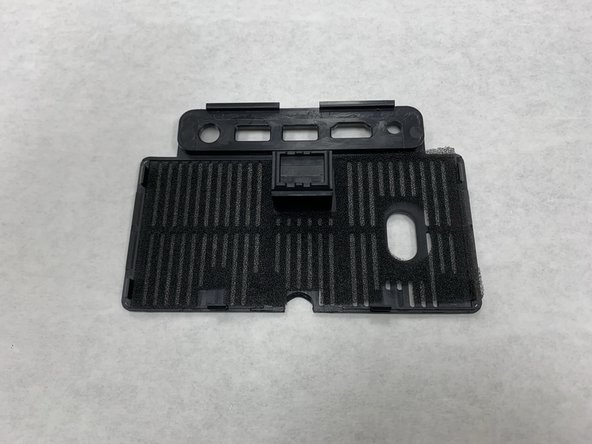
      • Insert a spudger into the semi-circle panel indent and pry up to remove it.

      Ask FixBot

      Add Comment

    4. TopTro TR25 Main Board Replacement: step 4, image 1 of 3 TopTro TR25 Main Board Replacement: step 4, image 2 of 3 TopTro TR25 Main Board Replacement: step 4, image 3 of 3
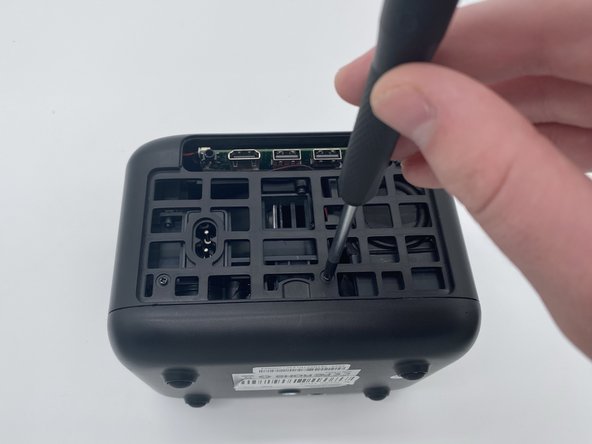
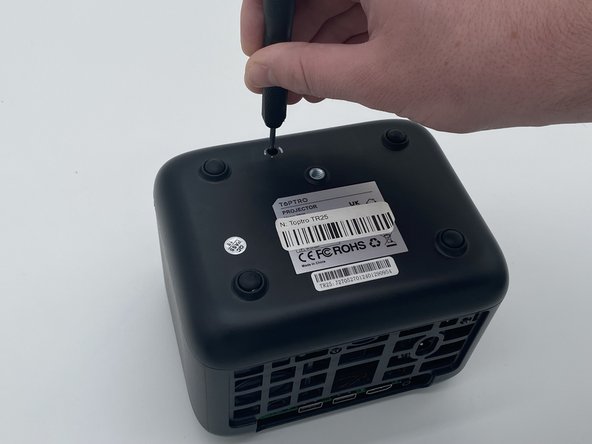
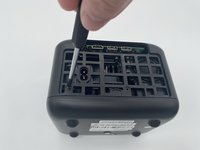
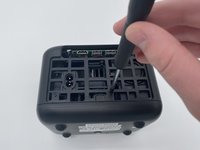
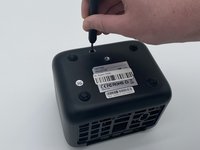
      • There are three Phillips screws securing the case on. Two are inside the opening left by the previous step, and the third is located on the underside of the projector. Remove all three.

      • The third sticker may be located underneath a QA (quality assurance) sticker. If you are having trouble finding it, look for that sticker.

      Ask FixBot

      Add Comment

    5. TopTro TR25 Main Board Replacement: step 5, image 1 of 3 TopTro TR25 Main Board Replacement: step 5, image 2 of 3 TopTro TR25 Main Board Replacement: step 5, image 3 of 3
      • Insert a spudger into the seam between the lower panel and chassis.

      • Pry around the perimeter until the lower panel fully releases.

      • We suggest starting at the front, but starting from any side will work.

      Ask FixBot

      Add Comment

    6. TopTro TR25 Main Board Replacement: step 6, image 1 of 2 TopTro TR25 Main Board Replacement: step 6, image 2 of 2
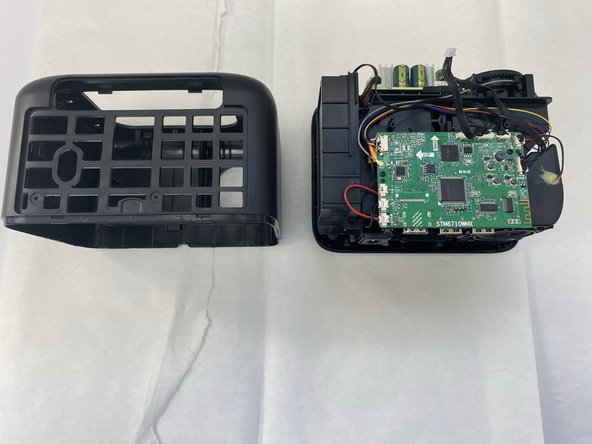
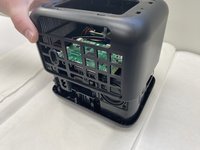
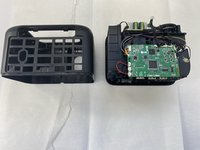
      • Remove the case from the projector and set it aside.

      Ask FixBot

      Add Comment

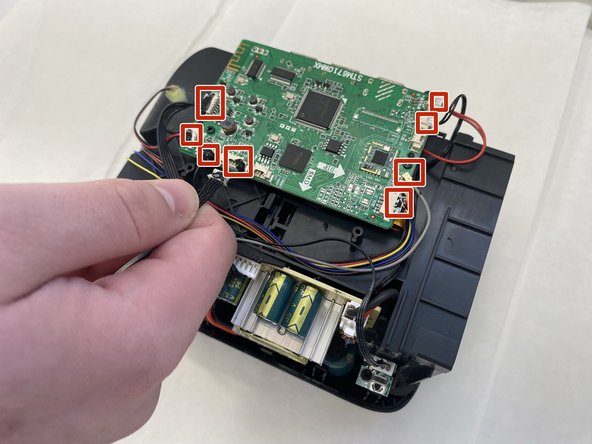
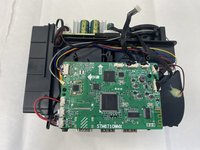
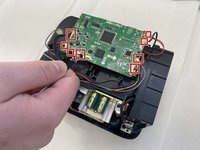
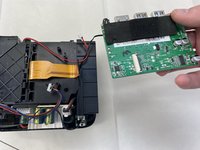
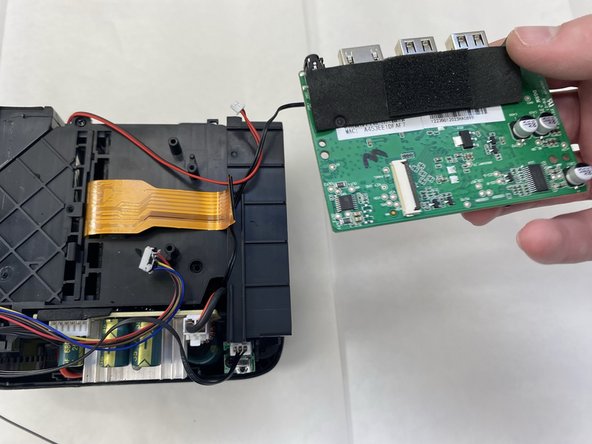
    1. TopTro TR25 Main Board Replacement, Main Board: step 7, image 1 of 2 TopTro TR25 Main Board Replacement, Main Board: step 7, image 2 of 2
      • Disconnect all of the motherboard connectors.

      • The cables are small and thus subject to damage if removed improperly or aggressively.

      Ask FixBot

      Add Comment

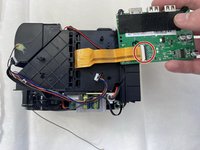
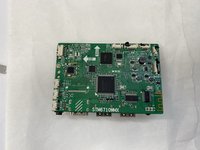
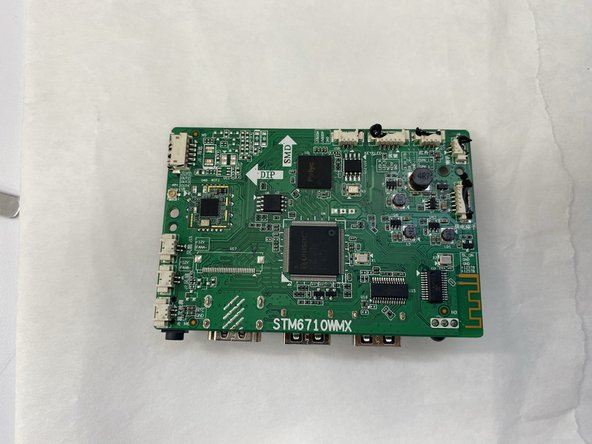
    2. TopTro TR25 Main Board Replacement: step 8, image 1 of 3 TopTro TR25 Main Board Replacement: step 8, image 2 of 3 TopTro TR25 Main Board Replacement: step 8, image 3 of 3
      • Flip the board over with care not to damage the attached ribbon cable.

      • Flip up the black locking ZIF flap that secures the ribbon cable.

      • Disconnect the ribbon cable.

      • Remove the main board.

      Ask FixBot

      Add Comment

Conclusion

To reassemble your device, follow the above steps in reverse order.
Take your e-waste to an R2 or e-Stewards certified recycler.
Repair didn’t go as planned? Try some basic troubleshooting or ask our Answers community for help.

Cancel: I did not complete this guide.

1 Guide Comment

Luego de conectar todo no encendía el ventilador, revise todos los cables y están en buen estado, como lo reviso?

Richard Vasquez Mercado - Reply Share
Add Comment

View Statistics:

Past 24 Hours: 2

Past 7 Days: 13

Past 30 Days: 55

All Time: 412