Introduction
GPS dropped and could damaged components. Replacement of the motherboard is needed in order for the device to properly function. When prying do not use metal tools as this can cause static damage. The device can be identified by its model number which is located under the small panel on the bottom of the device.
What you need
-
-
-
Locate the round suction cup on the back of the device.
-
Twist the suction cup clockwise or counterclockwise while pulling back away from the device closer to your body until removed.
 Ask FixBot
-
-
-
Location of screw is where the suction cup was.
-
Insert 8mm Hex #T6 screw driver into screw.
-
Unscrew in counter clockwise direction.
-
-
-
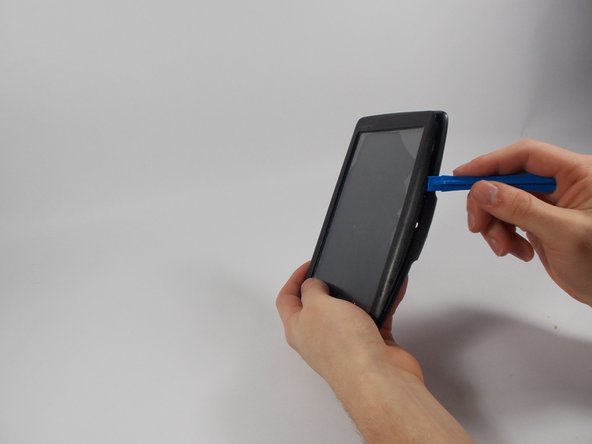
Pry along the edges with the plastic opening tool to separate the back and front panel.
-
-
-
-
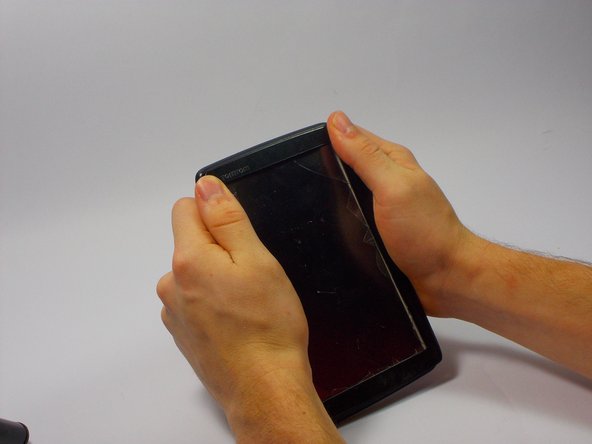
Place the new front panel (with new screen) on to the back panel. Press firmly along the edges to attach.
-
-
-
-
-
Keep the TOMTOM oriented so the curve is on the bottom.
-
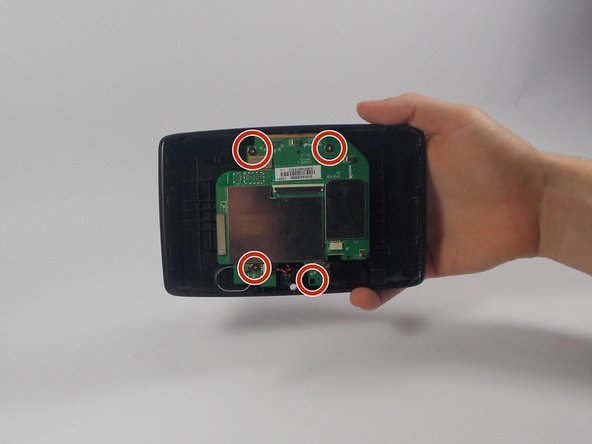
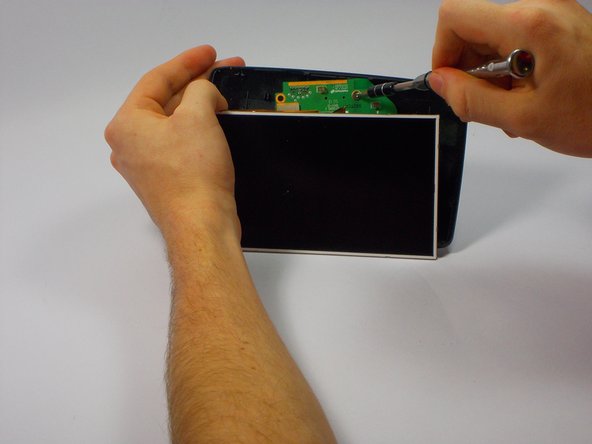
Remove the four 1 mm Phillips #1 screws attached to the motherboard.
-
-
-
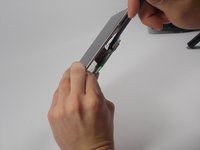
Remove the blue ribbon cable by pushing each side of the plastic holder with the nylon spudger.
-
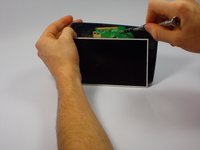
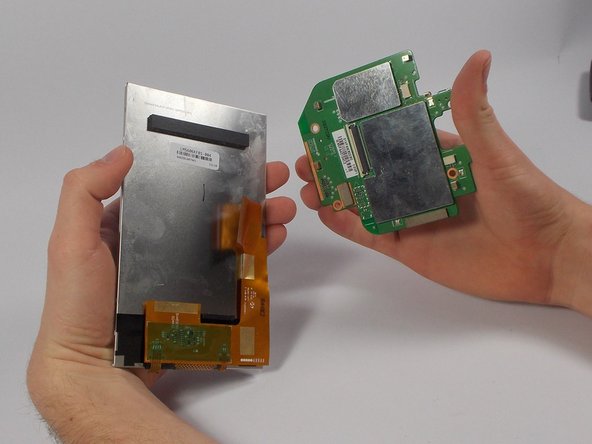
Remove the LCD from the motherboard.
-
-
-
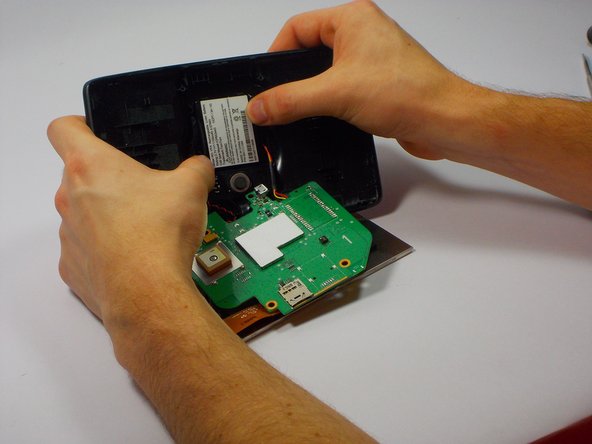
Unplug the wire connecting to the speaker by pinching the sides connected to the back screen.
-
Pull back away (in the opposite direction) from the connector.
-
-
-
Unplug the battery, the same way we unplugged the speaker by pinching the sides of the connection.
-
Pull away from the connector.
-
-



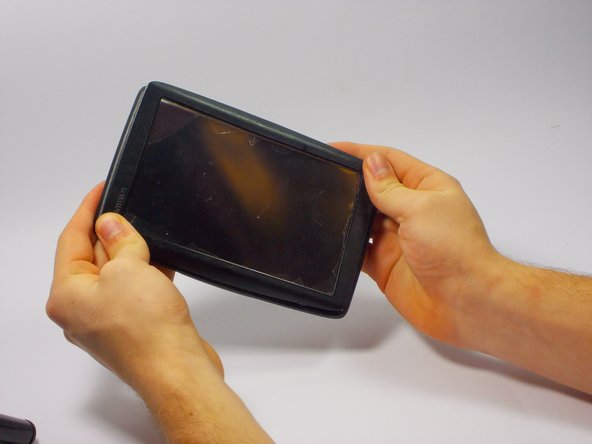
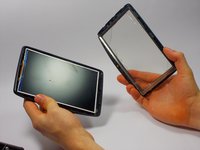
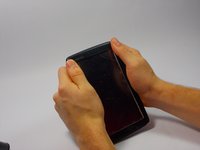
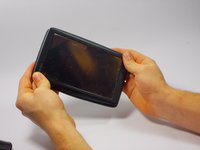






To reassemble your device, follow these instructions in reverse order.
Cancel: I did not complete this guide.
2 other people completed this guide.

Team

UMass Dartmouth, Team 4-4, Catania Fall 2015 Member of UMass Dartmouth, Team 4-4, Catania Fall 2015
UMASSD-CATANIA-F15S4G4
4 Members
60 Guides authored
1 Guide Comment
Trying to figure out y my gps is changing screen manual even i don't touch screen
