
Tofu65 Keyboard PCB Replacement

Daniel Payan and 2 other contributors
Last updated on Jun 20, 2024
Views: 1.6K
View statistics:
- Past 24 Hours:
- 4
- Past 7 Days:
- 28
- Past 30 Days:
- 116
- All Time:
- 1,555
Comments: 0
No one has left comments on this guide. Will you be first?
Go to guide commentsCompleted: 1 2
1 person has marked this guide "completed." Will you be next?
2 people have marked this guide "completed." Including you — great job!
Favorites: 0 1
No one has favorited (and subscribed to) this guide. Will you be the first?
1 person has favorited (and subscribed to) this guide — and that's you!
Featured Student Guide
This guide has been the hard work of our awesome students and is found to be exceptionally cool by the iFixit staff.
Introduction
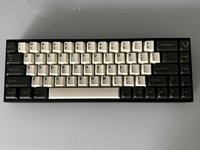
Go to step 1 ↓This guide demonstrates how to replace a malfunctioning keyboard PCB from a Tofu65 keyboard with a new hot-swap PCB. The PCB is the backbone of the keyboard and ensures connection or communication between the keyboard and other the components in the keyboard. It is essential to have in good condition so you don't have to replace the entire device. No prior experience is required.
Before you begin the repair, disconnect the power cord.
What you need
Parts
Tools
-
-
-
×2


-
-
-
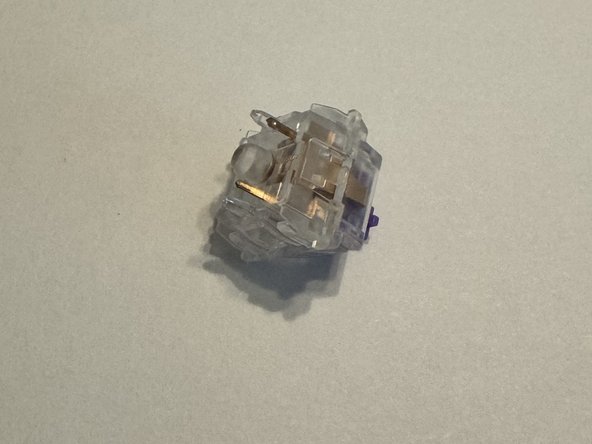
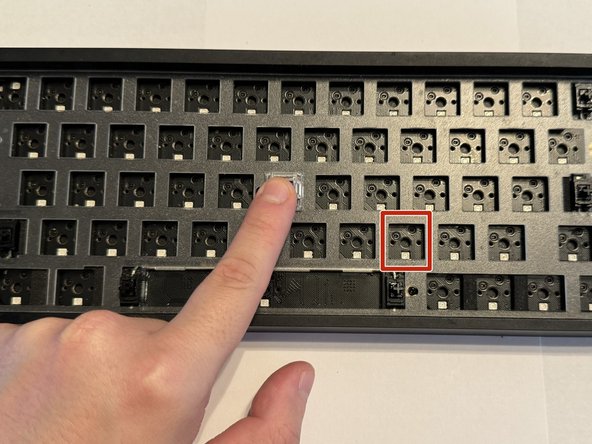
Use the switch puller to pinch the switch on the two pins to release the switch from the PCB.
-
-
-
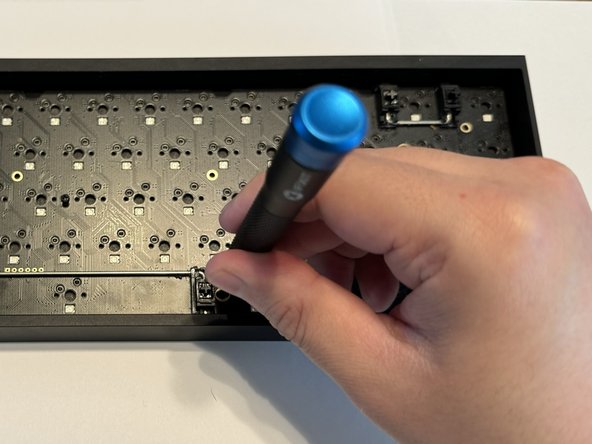
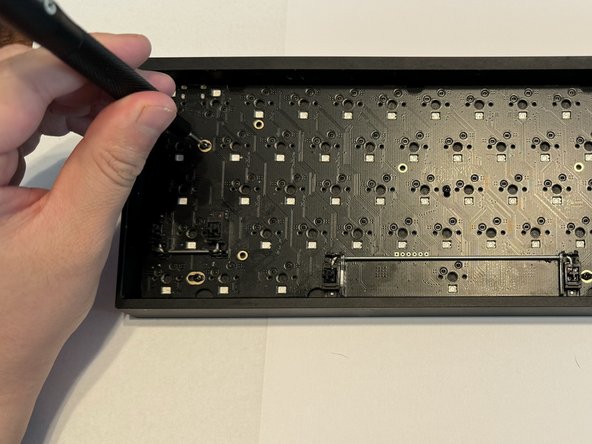
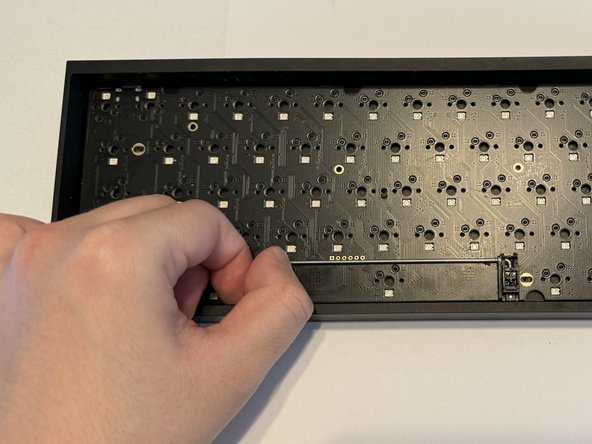
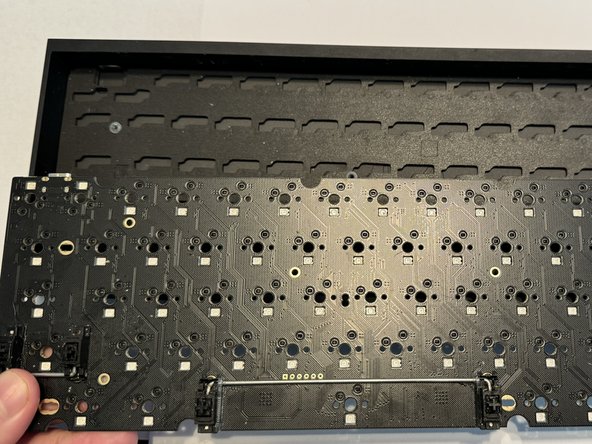
Use a Phillips #000 screwdriver to remove the six 5 mm screws keeping the PCB in place.
-
-
-
-
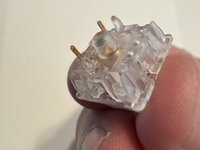
Ensure your keyboard switches are in good condition and the golden pins are not bent.
-
-
-
Replace your PCB.
-
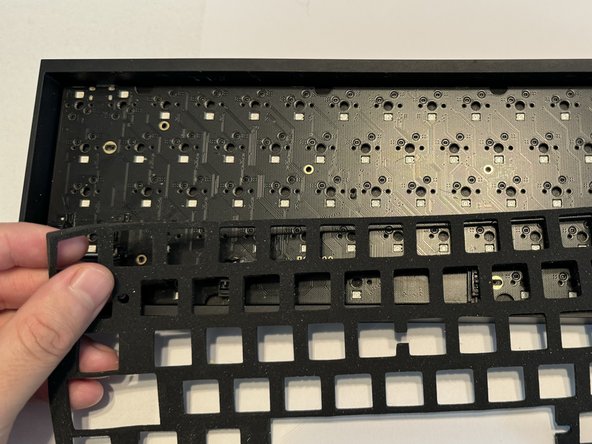
Place the foam and plastic plate cover back.
-
Line up the key switch pins with the sockets on the PCB before installing them.
-
-
-
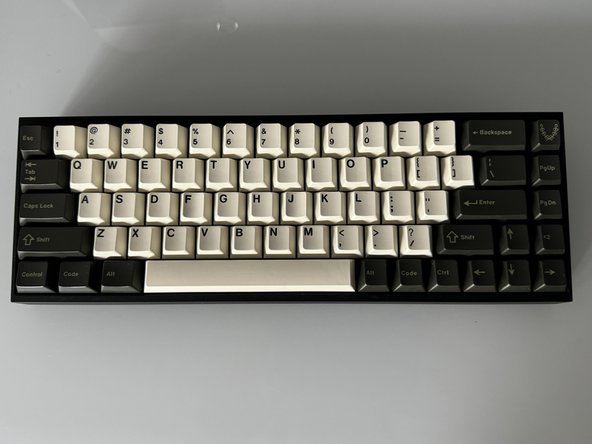
Replace each keycaps onto the appropriate switch.
-
Press down firmly on each to ensure they are making contact.
-

 Ask FixBot













Cancel: I did not complete this guide.
One other person completed this guide.

Team

CSU Los Angeles, Team 2-2, Grodsky Spring 2024 Member of CSU Los Angeles, Team 2-2, Grodsky Spring 2024
CSULA-GRODSKY-S24S2G2
2 Members
12 Guides authored
