Introduction
This repair is simple, but the pieces are delicate. Complete the repair on a safe and secure surface with good lighting. Beware of bendable pieces that can break if too much force is applied.
What you need
-
-
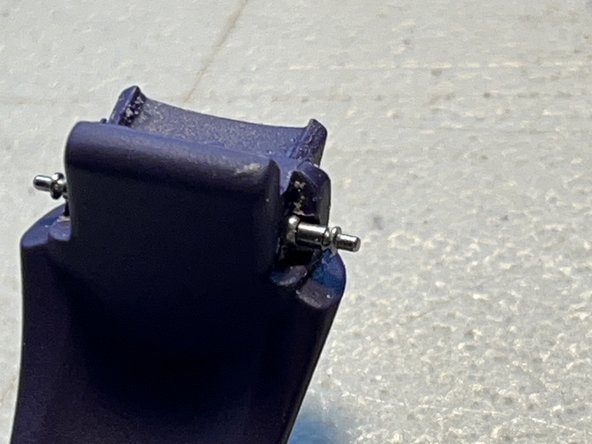
Use small flat tool such as a Flathead screwdriver to press the metal "spring bars" inward, one at a time, to release the wrist-band from the "Lugs."
-
Repeat first step on opposite side.
 Ask FixBot
-
-
-
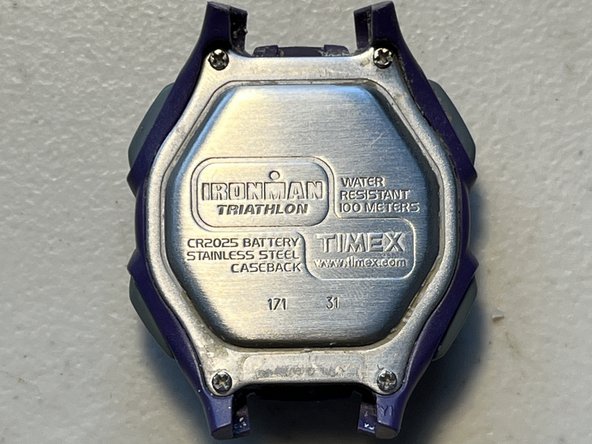
Remove screws the 4 screws using #000 Philips Bit.
-
Carefully remove back-plate, and lay it on its back.
-
-
-
-
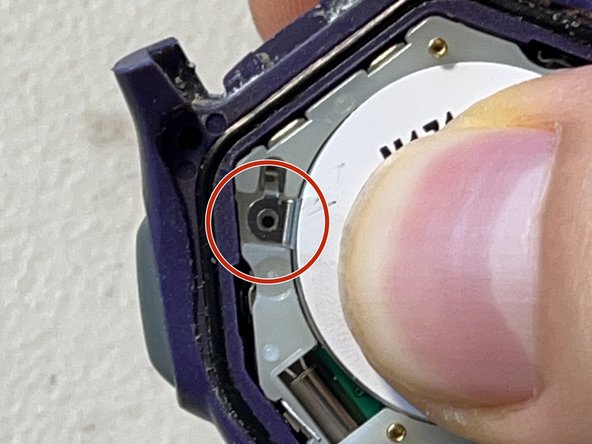
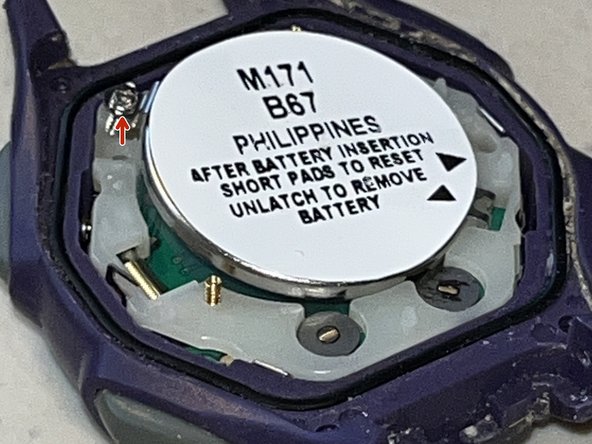
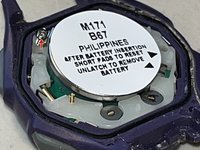
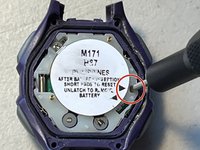
Use JIS #000 Bit to unscrew the screw that secures the 2025 coin-cell battery underneath the white sticker.
-
Remove the screw from the eyelet, and place it to the side in a safe place.
-
-
-
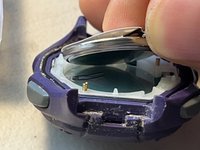
Carefully lift contact-bracket up and peel dead battery off, for recycling.
-
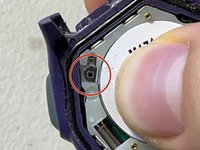
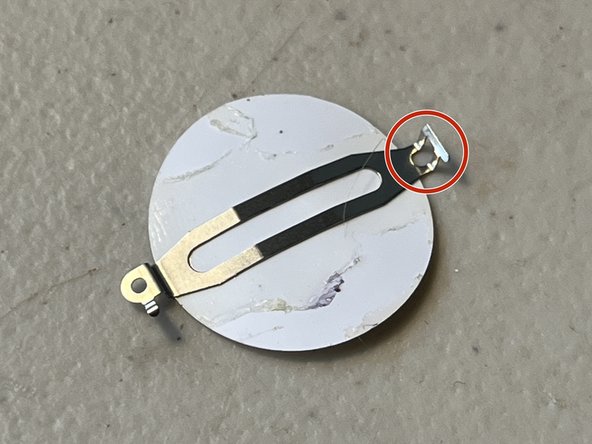
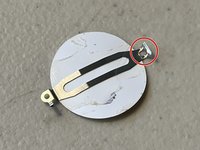
Unlatch the empty contact-bracket by gently lifting the bracket up, off, and away from the plastic knuckle that is holding it onto the body of the watch.
-
Place contact-bracket face-up on a secure surface.
-
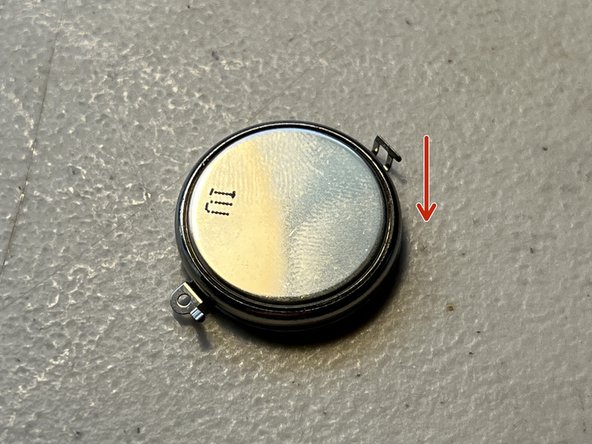
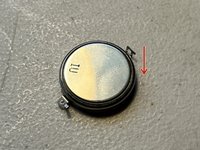
Place the positive(+) side of the new battery facing down on the contact-bracket.
-
-
-
Carefully replace contact-bracket by hanging the metal latch over the plastic knuckle.
-
Tighten screw.
-
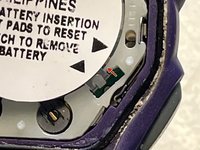
Reset system settings by touching both gold pins with a conductive tool, such as the tip of a small Flathead screwdriver, or tweezers.
-
-
-
Replace back-plate with logo facing same orientation as watch-face.
-
Replace and tighten screws from Step 2 with Bit #000, starting diagonally to create maximum water-resistance.
-









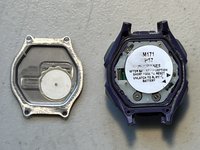
To reassemble your device, follow these steps in reverse, but remember to replace screws in a diagonal order to create a tight seal, and improve water-resistance.
Cancel: I did not complete this guide.
3 other people completed this guide.

1 Guide Comment
Forgot to tell people to put the strap back. (In my opinion the hardest part)
