
ThinkPad Yoga 12 Heasink & CPU Fan Replacement

David Staeheli and 2 other contributors
Last updated on Aug 6, 2024
Views: 1.7K
View statistics:
- Past 24 Hours:
- 2
- Past 7 Days:
- 14
- Past 30 Days:
- 82
- All Time:
- 1,720
Comments: 2
2 guide comments.
Go to guide commentsCompleted: 2 3
2 people have marked this guide "completed." Will you be next?
3 people have marked this guide "completed." Including you — great job!
Favorites: 0 1
No one has favorited (and subscribed to) this guide. Will you be the first?
1 person has favorited (and subscribed to) this guide — and that's you!
Community-Contributed Guide
An awesome member of our community made this guide. It was not created by iFixit staff.
Introduction
Go to step 1 ↓How to replace the CPU fan with its headsink for the Lenovo Yoga 12. Not super easy but can be done by your self.
Fan description for buying:
- Cooling Fans Heatsink For Lenovo Thinkpad S1 Yoga 04X6440.
What you need
Fix Kit
This kit contains all the parts and tools needed to complete this guide.

Parts
Tools
-
Spudger4.9


-
-
-
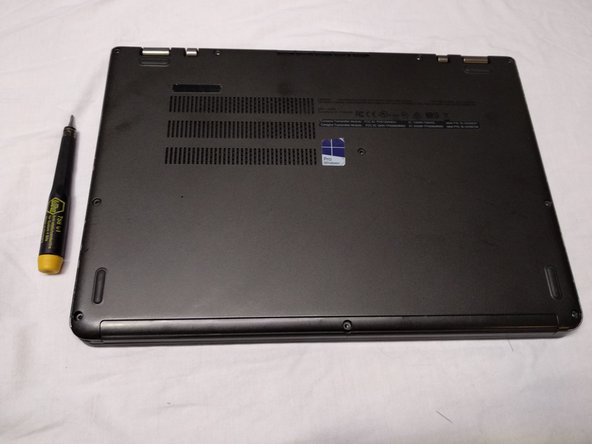
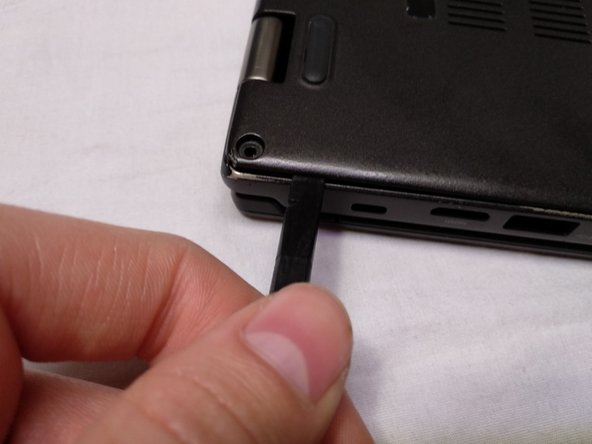
Remove the nine Phillips screws using a Philips 00 screwdriver
 Ask FixBot
-
-
-
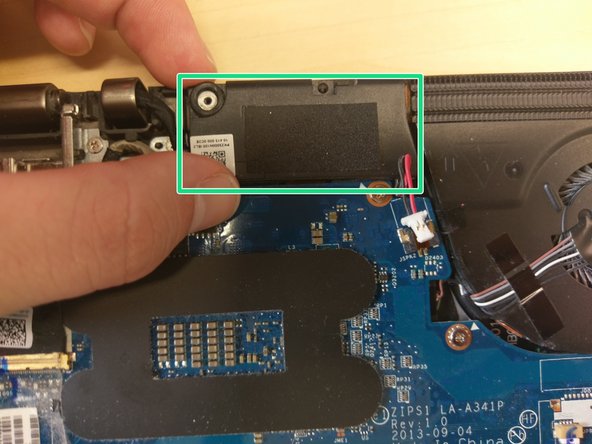
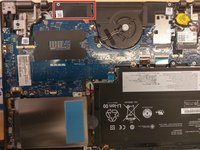
Top speaker left which needs to be removed to reveal the cooling system
-
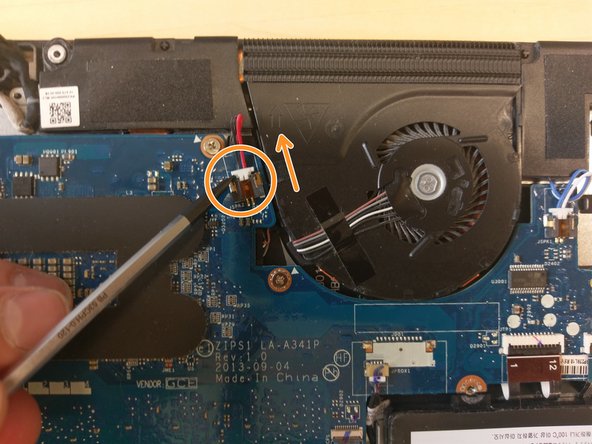
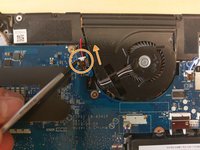
Push out the plug for the speaker in the direction of the arrow.
-
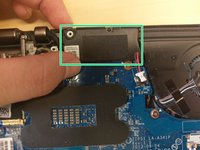
Grab the speaker on the top an bottom and pull it out.
-
-
-






To reassemble your device, follow these instructions in reverse order.
Cancel: I did not complete this guide.
2 other people completed this guide.

2 Guide Comments
Hello, are there some steps missing? The mainboard needs to be removed as well!
Yes there are some steps missing, but i can’t add them on this teadown and I don’t know why.
