Introduction
If it seems that an element of your scroll wheel is busted, it may need replacing. This guide will outline all the necessary steps to swap out a defective scroll wheel. With all the required parts and tools in hand, this guide should take but minutes to complete. Once finished, the scroll wheel for your Thermaltake Theron Plus Smart Mouse should be in working order.
What you need
-
Tool used on this step:Tweezers$4.99
-
Remove the plastic cover and pack of weights.
-
Remove the two 1.0 mm foam covers with tweezers.
-
Peel away the plastic screw cover with tweezers.
 Ask FixBot
-
-
-
-
Remove the four 1.0 mm screws with a Ph #1 screwdriver.
-
Gently remove the top of the mouse.
-
-
-
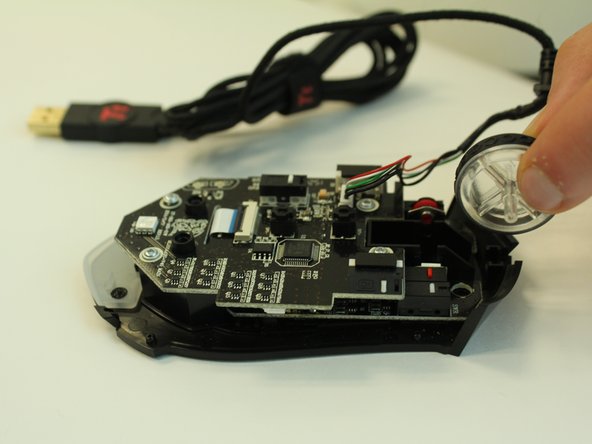
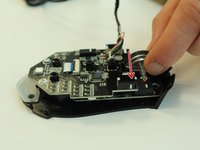
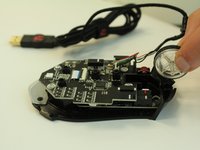
Grasp the scroll wheel and wiggle it out in the direction opposite the socket.
-


To reassemble your device, follow these instructions in reverse order.

Team

Linn Benton Community College, Team S2-G3, Johnson Spring 2018 Member of Linn Benton Community College, Team S2-G3, Johnson Spring 2018
LBCC-JOHNSON-S18S2G3
4 Members
5 Guides authored
