Introduction
Ink cartridges that are used a lot or that sit too long can dry out. Replacing the ink cartridge is a simple and easy way to fix dull printing.
What you need
-
-
Remove the cover over the printer unit by pulling back on the cover.
 Ask FixBot
-
-
-
-
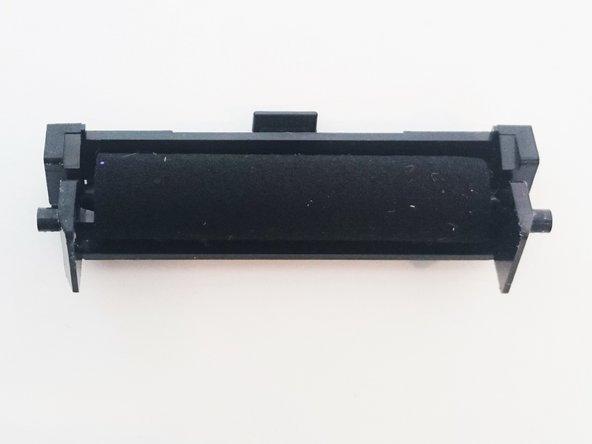
Locate the tab on the ink cartridge. (Shown in the first picture)
-
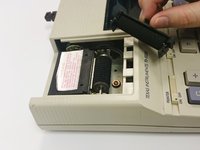
Pull back on the tab to release the cartridge.
-


To reassemble your device, follow these instructions in reverse order.
Cancel: I did not complete this guide.
4 other people completed this guide.

Team

USF Sarasota-Manatee, Team 1-2, Stewart Fall 2015 Member of USF Sarasota-Manatee, Team 1-2, Stewart Fall 2015
USFSM-STEWART-F15S1G2
5 Members
28 Guides authored
