Introduction
Use this guide to assist in replacing the battery in a Tesla Model S keyless fob remote. A Tesla key fob assists the user in accessing their Tesla vehicle from a distance. The key fob also allows the user to perform various remote functions such as door unlock/lock as well as a front and rear trunk hatch open button. Due to everyday use, the fob may begin to operate intermittently over time. This may be a result of the battery needing to be replaced. There are no special skills or tools required to complete this task.
What you need
-
-
-
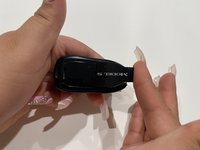
Insert the flat end of a spudger into the notch, and gently pry the key fob open along the seam.
-
Separate the cover from the key fob.
-
-
-
-
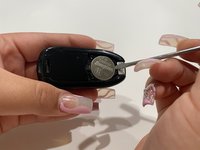
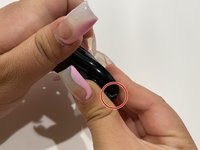
Insert the flat end of a spudger into the entry point at the top of the key fob.
-
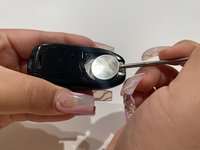
Lightly push the spudger under the battery.
-
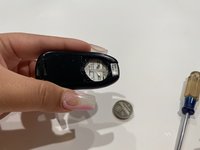
Remove the battery from the key fob.
-
-
-
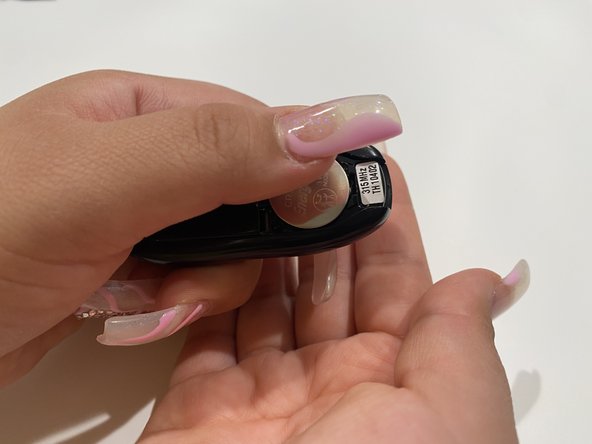
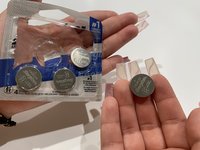
With your fingers, insert a new CR2032 battery into the opening.
-
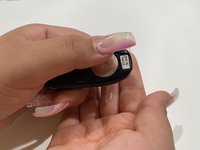
Push the battery with your thumb to lock it into place.
-
-
-
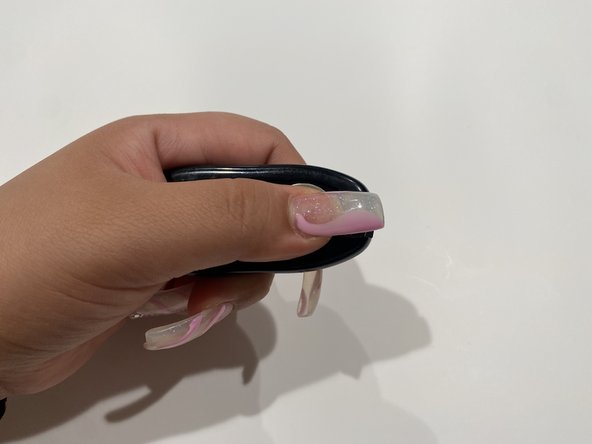
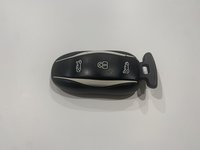
To close the key fob, enter the wider side of the cover into the opening in the middle of the key fob.
-
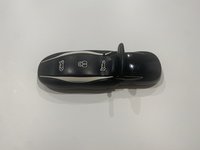
You should see the end of the cover a little popped out.
-
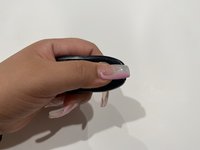
With your thumb and pointer finger push together the cover and the key fob to allow for the key fob to be securely closed.
-


 Ask FixBot









Cancel: I did not complete this guide.
3 other people completed this guide.

Team

CSU Los Angeles, Team 4-3, Briggs Spring 2022 Member of CSU Los Angeles, Team 4-3, Briggs Spring 2022
CSULA-BRIGGS-S22S4G3
1 Member
12 Guides authored
2 Guide Comments
Really, that tip was helpful, the last time i my model s tesla key fob's battery was dead, I order another on amazon, and some tips online here on tesla key fob programming. At first, I was a little bit skeptical given that I have not done such a thing before on my tesla. However, the process was really simple and the guide on the site was helpful.
hello thanks for WRONG INFORMATION on 2022 s key fob it does not take 2032 battery
