Introduction
Use this guide in order to replace the rear camera on the Tengda S5+.
What you need
-
-
-
Using your fingernail or any prying tool (we used the Metal Spudger), begin to pry away the back panel starting at the bottom of the phone.
-
Continue to work your way around the phone counterclockwise until you can pull the back cover off.
-
-
-
-
Remove the battery by placing your thumb in the slot, pushing the battery up and pulling it out.
-
-
-
-
-
-
Unscrew the twelve 3 mm screws from the back panel using a Phillips #00 screwdriver.
-
-
-
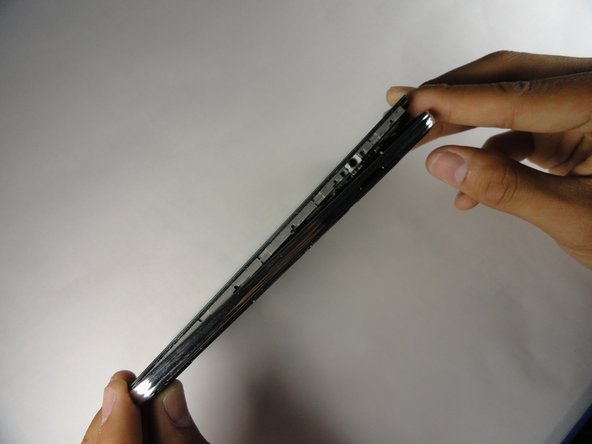
Using the plastic opening tool, create space between the front screen and the metal casing.
-
Once the screen is separated from the back panel, pull the two pieces apart.
-
-
-
Place the phone facing screen down.
-
Using the plastic prying tool, gently disconnect the black connector cable.
-
-
-
Using the plastic prying tool, pry the camera from the tape holding it in place.
-
-

 Ask FixBot




To reassemble your device, follow these instructions in reverse order.
Cancel: I did not complete this guide.
4 other people completed this guide.

Team

Cal Poly, Team 14-9, Amido Spring 2015 Member of Cal Poly, Team 14-9, Amido Spring 2015
CPSU-AMIDO-S15S14G9
4 Members
60 Guides authored
