Free Shipping on Domestic Orders $75+

Teddy Ruxpin Housing Cover Replacement

What you need

  1. Teddy Ruxpin Housing Cover Replacement, Battery: step 1, image 1 of 2 Teddy Ruxpin Housing Cover Replacement, Battery: step 1, image 2 of 2
    • Remove the vest covering the back of the bear.

    • Orient the bear with his back facing upwards and unscrew the single Phillips #2 screw.

    • Captured screws will stay in place, no need to worry about losing this one!

    Ask FixBot

    Add Comment

  2. Teddy Ruxpin Housing Cover Replacement: step 2, image 1 of 1
    • Pull the tab outward to remove the protective plate for the batteries.

    Ask FixBot

    Add Comment

  3. Teddy Ruxpin Housing Cover Replacement: step 3, image 1 of 1
    • Remove all four AA batteries by pushing the positive end down and pulling the battery out toward yourself.

    Ask FixBot

    Add Comment

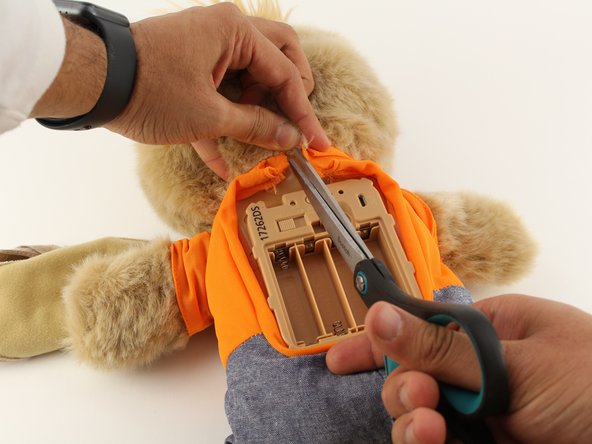
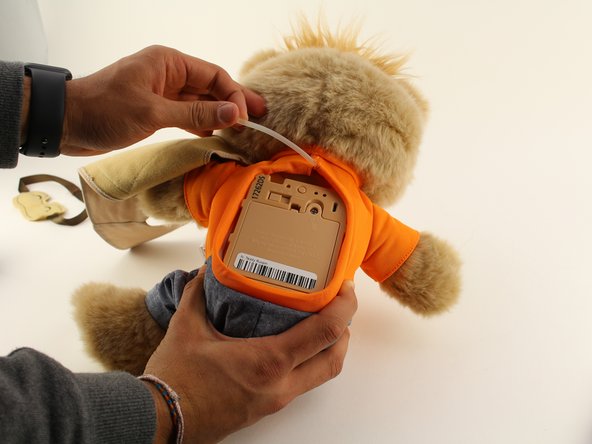
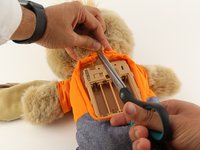
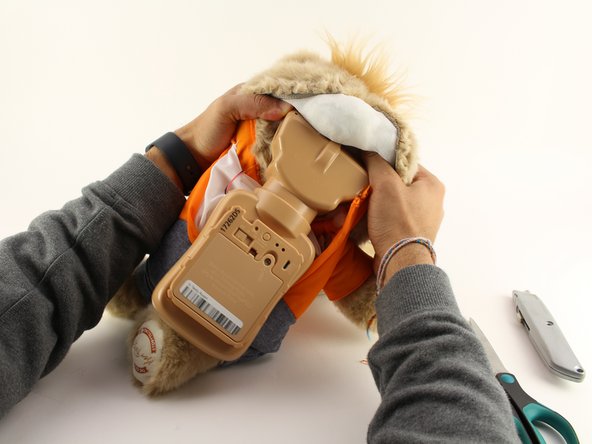
  4. Teddy Ruxpin Housing Cover Replacement, Arms: step 4, image 1 of 3 Teddy Ruxpin Housing Cover Replacement, Arms: step 4, image 2 of 3 Teddy Ruxpin Housing Cover Replacement, Arms: step 4, image 3 of 3
    • Cut the orange shirt and zip tie.

    • Remove the zip tie.

    Ask FixBot

    Add Comment

  5. Teddy Ruxpin Housing Cover Replacement: step 5, image 1 of 1
    • Cut across the back seam of the head of the bear along the arrow.

    • This damages the bear's exterior and will require resewing.

    Ask FixBot

    Add Comment

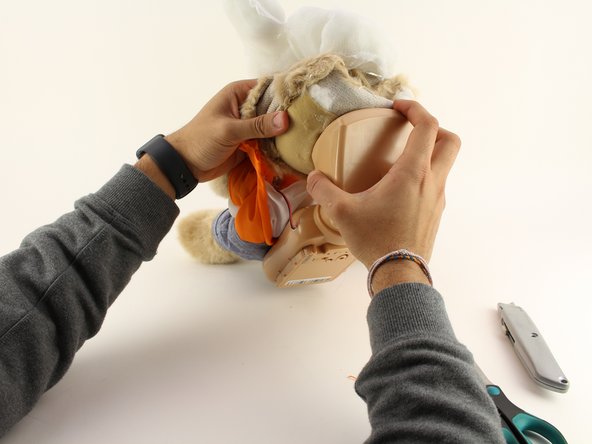
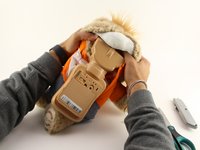
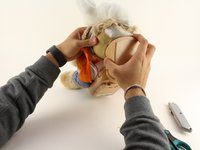
  6. Teddy Ruxpin Housing Cover Replacement: step 6, image 1 of 3 Teddy Ruxpin Housing Cover Replacement: step 6, image 2 of 3 Teddy Ruxpin Housing Cover Replacement: step 6, image 3 of 3
    • Remove the interior of the doll.

    • Peel the outer layer around the head of the bear and forcefully pry off the face of the bear from the outside layer of the bear.

    • This will be difficult and require significant force, but do not fear about breaking the doll at this stage.

    Ask FixBot

    Add Comment

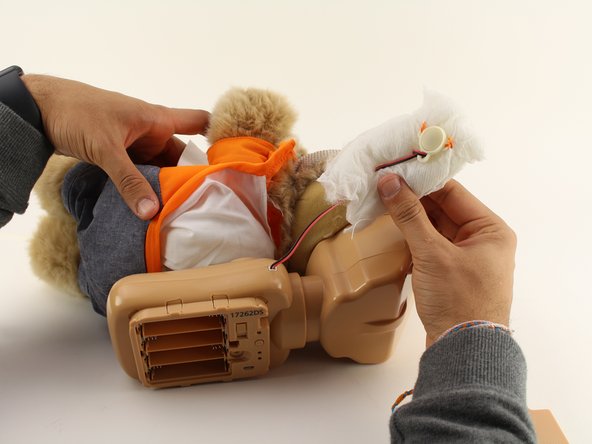
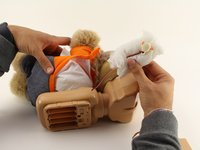
  7. Teddy Ruxpin Housing Cover Replacement: step 7, image 1 of 2 Teddy Ruxpin Housing Cover Replacement: step 7, image 2 of 2
    • Extract each arm button.

    • Pull on the stuffing of the bear and not the wire to remove the arm button.

    Ask FixBot

    Add Comment

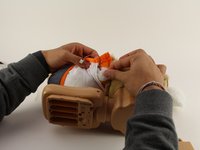
  8. Teddy Ruxpin Housing Cover Replacement: step 8, image 1 of 2 Teddy Ruxpin Housing Cover Replacement: step 8, image 2 of 2
    • Pull off the rest of the outside layer of the bear.

    Ask FixBot

    Add Comment

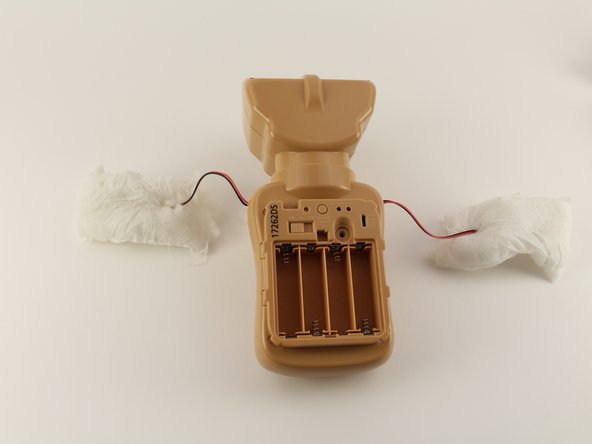
  9. Teddy Ruxpin Housing Cover Replacement: step 9, image 1 of 1
    • Unplug the arms from the main body.

    Ask FixBot

    Add Comment

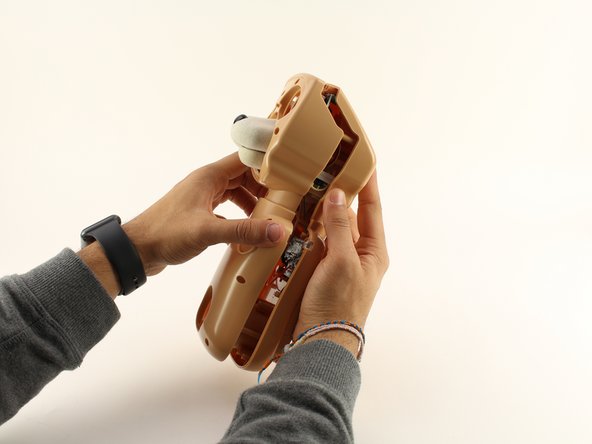
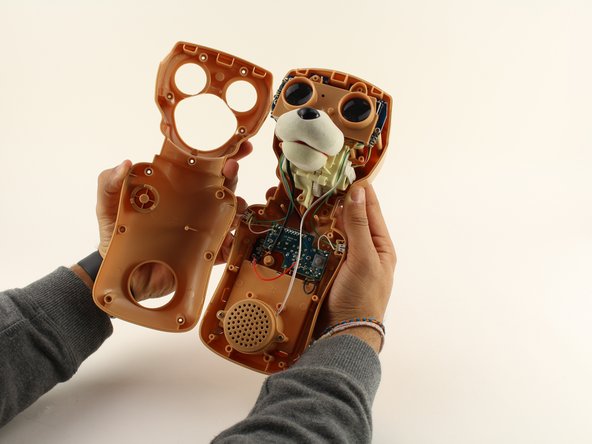
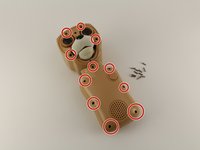
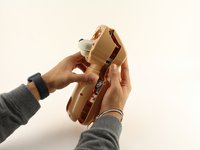
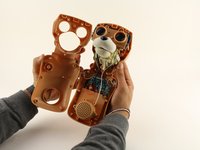
  10. Teddy Ruxpin Housing Cover Replacement, Housing Cover: step 10, image 1 of 3 Teddy Ruxpin Housing Cover Replacement, Housing Cover: step 10, image 2 of 3 Teddy Ruxpin Housing Cover Replacement, Housing Cover: step 10, image 3 of 3
    • Unscrew the eleven circled 12.5mm Phillips #1 screws.

    • Remove the top of the housing to access the electronics inside.

    Ask FixBot

    Add Comment

Conclusion

To reassemble your device, follow these instructions in reverse order.

Cancel: I did not complete this guide.

One other person completed this guide.

Jonny Brazil

Member since: 01/23/20

190 Reputation

1 Guide authored

Team

Cal Poly, Team S18-G5, White Winter 2020 Member of Cal Poly, Team S18-G5, White Winter 2020

CPSU-WHITE-W20S18G5

4 Members

8 Guides authored

0 Guide Comments

Add Comment

View Statistics:

Past 24 Hours: 2

Past 7 Days: 9

Past 30 Days: 35

All Time: 824