Free Shipping on Domestic Orders $75+

Teddy Ruxpin Eyes Replacement

What you need

    1. Teddy Ruxpin Eyes Replacement, Battery: step 1, image 1 of 2 Teddy Ruxpin Eyes Replacement, Battery: step 1, image 2 of 2
      • Remove the vest covering the back of the bear.

      • Orient the bear with his back facing upwards and unscrew the single Phillips #2 screw.

      • Captured screws will stay in place, no need to worry about losing this one!

      Ask FixBot

      Add Comment

    2. Teddy Ruxpin Eyes Replacement: step 2, image 1 of 1
      • Pull the tab outward to remove the protective plate for the batteries.

      Ask FixBot

      Add Comment

    3. Teddy Ruxpin Eyes Replacement: step 3, image 1 of 1
      • Remove all four AA batteries by pushing the positive end down and pulling the battery out toward yourself.

      Ask FixBot

      Add Comment

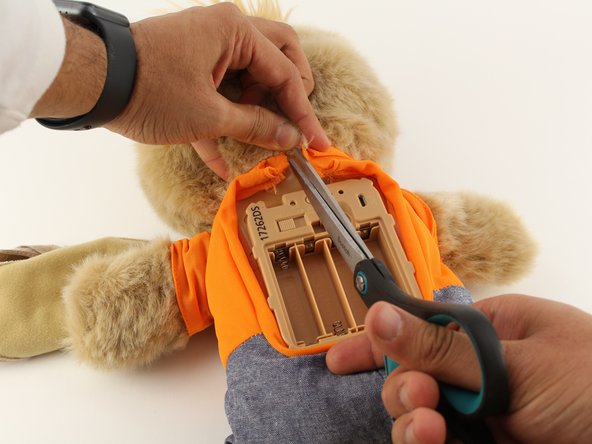
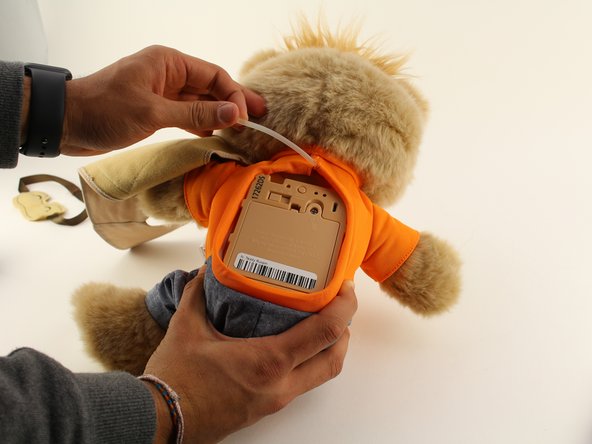
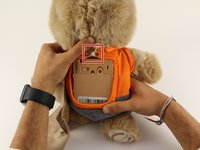
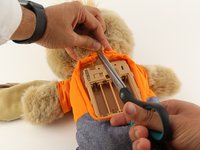
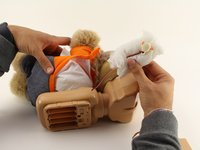
    1. Teddy Ruxpin Eyes Replacement, Arms: step 4, image 1 of 3 Teddy Ruxpin Eyes Replacement, Arms: step 4, image 2 of 3 Teddy Ruxpin Eyes Replacement, Arms: step 4, image 3 of 3
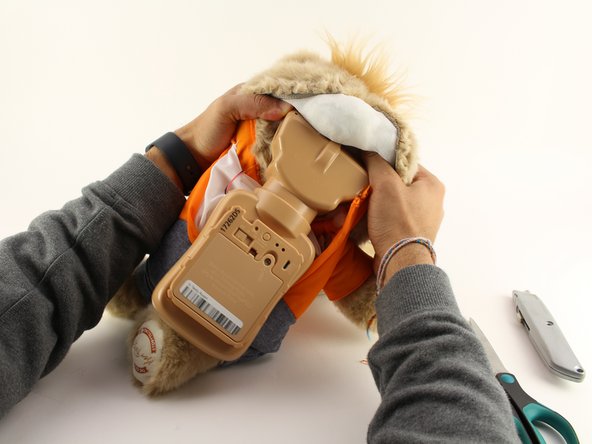
      • Cut the orange shirt and zip tie.

      • Remove the zip tie.

      Ask FixBot

      Add Comment

    2. Teddy Ruxpin Eyes Replacement: step 5, image 1 of 1
      • Cut across the back seam of the head of the bear along the arrow.

      • This damages the bear's exterior and will require resewing.

      Ask FixBot

      Add Comment

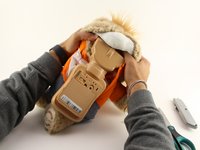
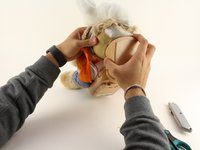
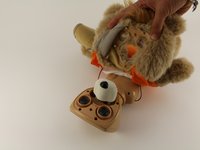
    3. Teddy Ruxpin Eyes Replacement: step 6, image 1 of 3 Teddy Ruxpin Eyes Replacement: step 6, image 2 of 3 Teddy Ruxpin Eyes Replacement: step 6, image 3 of 3
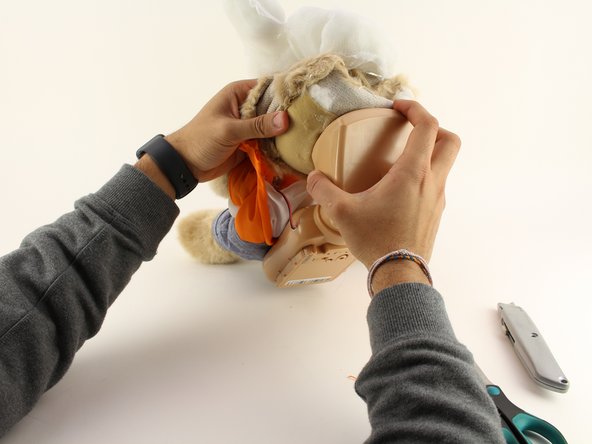
      • Remove the interior of the doll.

      • Peel the outer layer around the head of the bear and forcefully pry off the face of the bear from the outside layer of the bear.

      • This will be difficult and require significant force, but do not fear about breaking the doll at this stage.

      Ask FixBot

      Add Comment

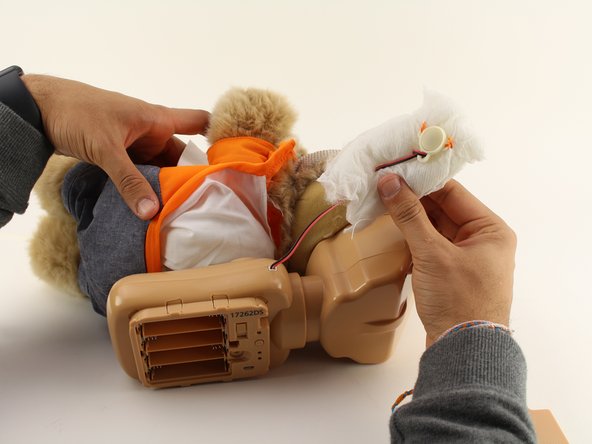
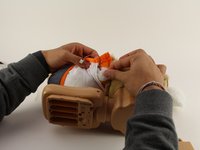
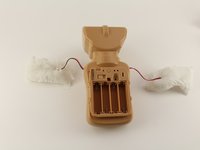
    4. Teddy Ruxpin Eyes Replacement: step 7, image 1 of 2 Teddy Ruxpin Eyes Replacement: step 7, image 2 of 2
      • Extract each arm button.

      • Pull on the stuffing of the bear and not the wire to remove the arm button.

      Ask FixBot

      Add Comment

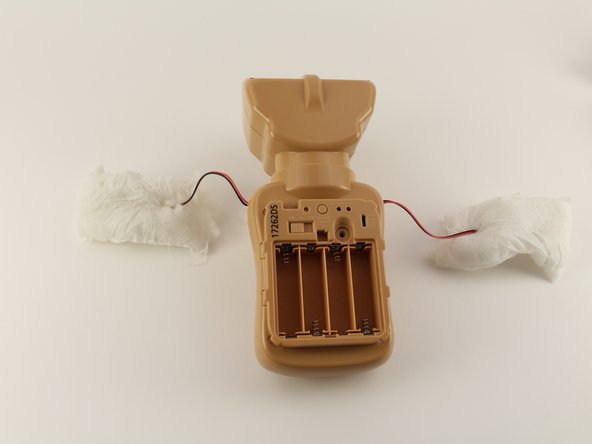
    5. Teddy Ruxpin Eyes Replacement: step 8, image 1 of 2 Teddy Ruxpin Eyes Replacement: step 8, image 2 of 2
      • Pull off the rest of the outside layer of the bear.

      Ask FixBot

      Add Comment

    6. Teddy Ruxpin Eyes Replacement: step 9, image 1 of 1
      • Unplug the arms from the main body.

      Ask FixBot

      Add Comment

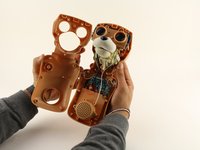
    1. Teddy Ruxpin Eyes Replacement, Housing Cover: step 10, image 1 of 3 Teddy Ruxpin Eyes Replacement, Housing Cover: step 10, image 2 of 3 Teddy Ruxpin Eyes Replacement, Housing Cover: step 10, image 3 of 3
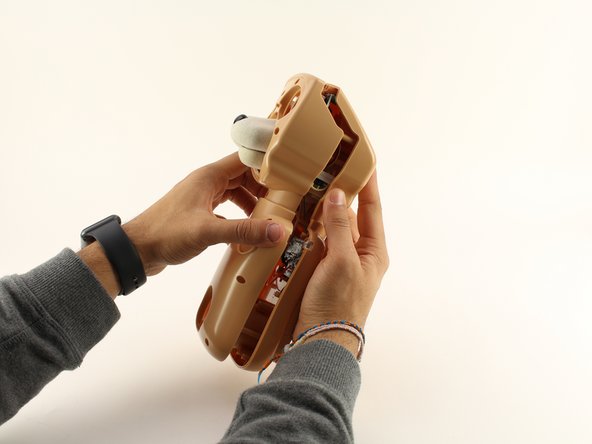
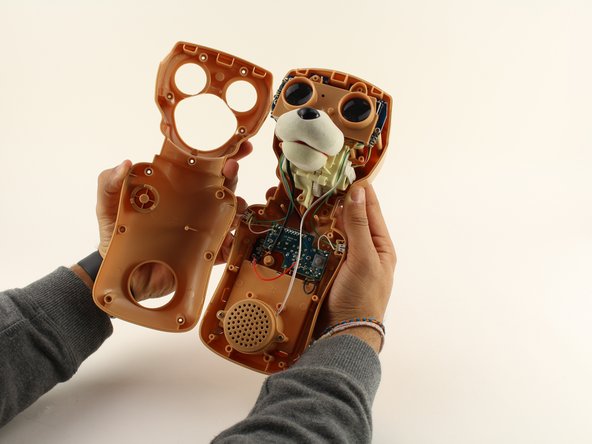
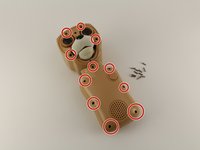
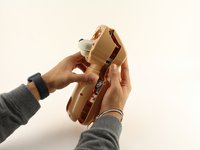
      • Unscrew the eleven circled 12.5mm Phillips #1 screws.

      • Remove the top of the housing to access the electronics inside.

      Ask FixBot

      Add Comment

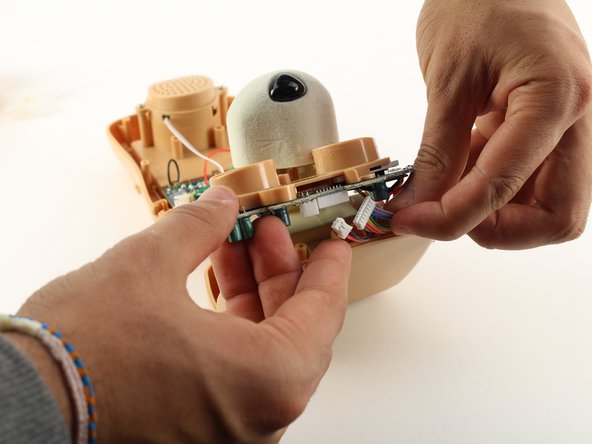
    1. Teddy Ruxpin Eyes Replacement, Eyes: step 11, image 1 of 1
      • Using a Phillips #1 screwdriver, remove the two 12.5mm screws connecting the eyes to the rest of the mechanism.

      Ask FixBot

      Add Comment

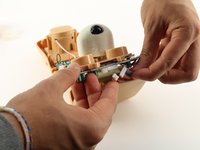
    2. Teddy Ruxpin Eyes Replacement: step 12, image 1 of 2 Teddy Ruxpin Eyes Replacement: step 12, image 2 of 2
      • Unplug the two sets of wires connected to the back of the eyes by using moderate to high force.

      Ask FixBot

      Add Comment

    3. Teddy Ruxpin Eyes Replacement: step 13, image 1 of 1
      • Once those wires are disconnected, desolder the wires connected from the eye motherboard.

      Ask FixBot

      Add Comment

Conclusion

To reassemble your device, follow these instructions in reverse order.

Cancel: I did not complete this guide.

2 other people completed this guide.

Jayin Patel

Member since: 01/23/20

406 Reputation

4 Guides authored

Team

Cal Poly, Team S18-G5, White Winter 2020 Member of Cal Poly, Team S18-G5, White Winter 2020

CPSU-WHITE-W20S18G5

4 Members

84 Guides authored

0 Guide Comments

Add Comment

View Statistics:

Past 24 Hours: 1

Past 7 Days: 7

Past 30 Days: 33

All Time: 1,945