
Teddy Ruxpin Arm Button Replacement

Lauren and 3 other contributors
Last updated on Jun 29, 2020
Views: 1.6K
View statistics:
- Past 24 Hours:
- 1
- Past 7 Days:
- 12
- Past 30 Days:
- 77
- All Time:
- 1,637
Comments: 6
2 comments on steps, 4 guide comments.
Go to guide commentsCompleted: 4 5
4 people have marked this guide "completed." Will you be next?
5 people have marked this guide "completed." Including you — great job!
Favorites: 0 1
No one has favorited (and subscribed to) this guide. Will you be the first?
1 person has favorited (and subscribed to) this guide — and that's you!
Introduction
Go to step 1 ↓Is your Teddy Ruxpin story-time mood or singing not working? Your Teddy Ruxpin’s arm buttons might need to be replaced! This guide will take you through the proper steps on how to remove the buttons with ease. For this guide, all you will need is a pair of scissors and a Phillips #1 and #2 screwdriver. There are not many difficult steps but pull the wires with caution as you do not want to break them.
What you need
Tools


-
-
-
Remove the vest covering the back of the bear.
-
Orient the bear with his back facing upwards and unscrew the single Phillips #2 screw.
 Ask FixBot
-
-
-
Remove all four AA batteries by pushing the positive end down and pulling the battery out toward yourself.
-
-
-
-
-
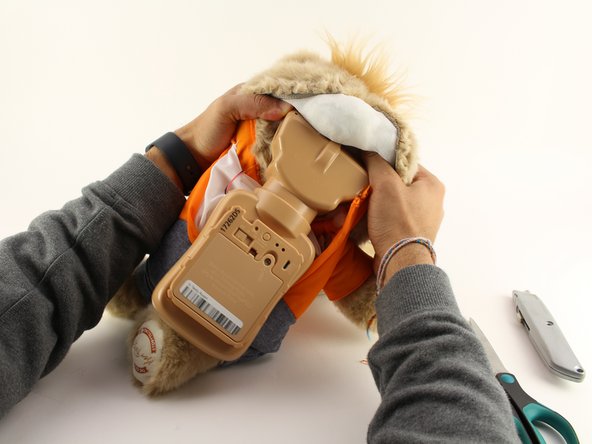
Remove the interior of the doll.
-
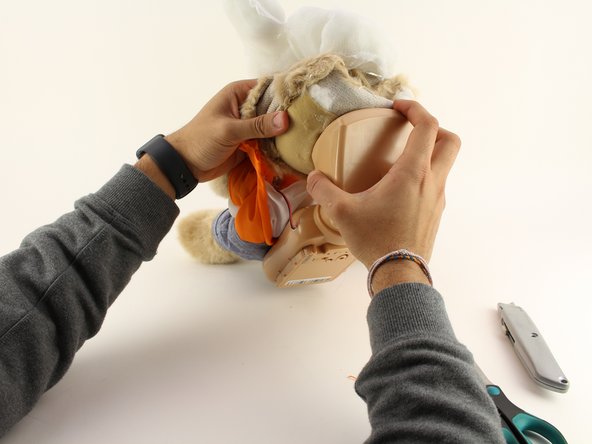
Peel the outer layer around the head of the bear and forcefully pry off the face of the bear from the outside layer of the bear.
-
-


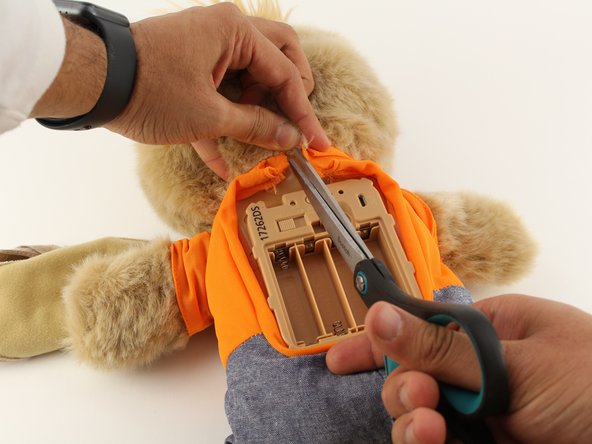
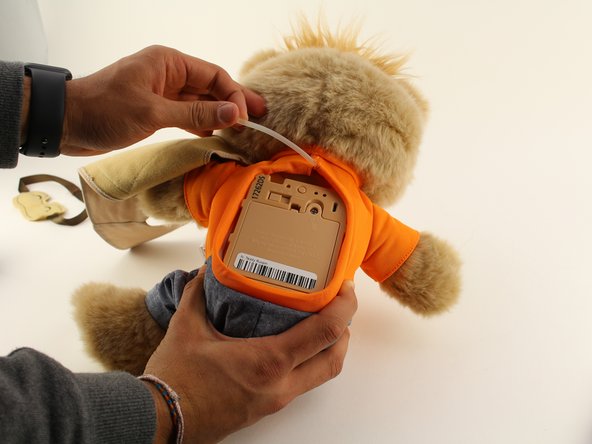
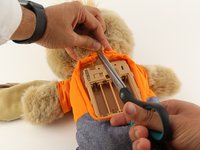


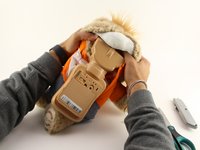
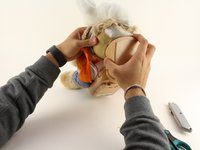

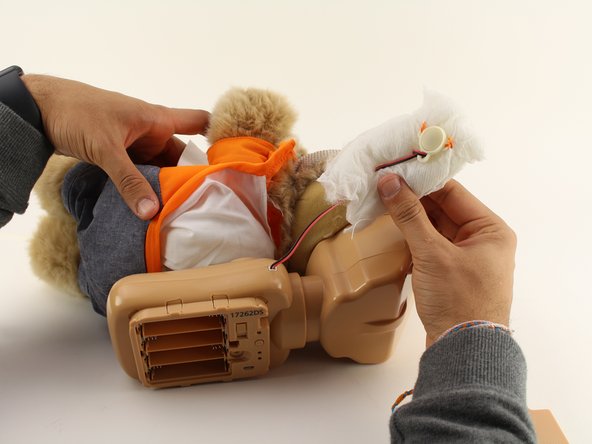
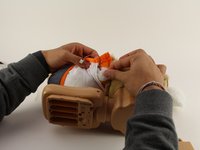
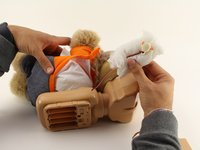

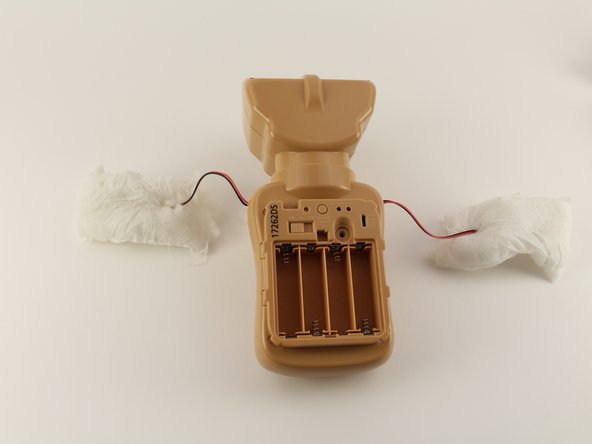

To reassemble your device, follow these instructions in reverse order.
Cancel: I did not complete this guide.
4 other people completed this guide.

Team

Cal Poly, Team S18-G5, White Winter 2020 Member of Cal Poly, Team S18-G5, White Winter 2020
CPSU-WHITE-W20S18G5
4 Members
84 Guides authored
4 Guide Comments
All you need are screwdrivers? The most important part is left out! New buttons? Where, how?
And how do you replace it?! This just says how to take out old buttons!
So has anyone figured out how to replace the button?
The plastic part of the button is what broke in my daughter's Teddy Ruxpin. She had a similar toy with a button in its hand that she no longer played with, so I took the plastic button part out of the old toy and fit it onto Teddy Ruxpin. I used the same wires and threaded them through the plastic button, then resoldered the wires to the small board in the button. Works perfectly now.
