Free Shipping on Domestic Orders $75+

TechniSat Viola BT 1 battery replacement

What you need

  1. TechniSat Viola BT 1 battery replacement, Beginning: step 1, image 1 of 2 TechniSat Viola BT 1 battery replacement, Beginning: step 1, image 2 of 2
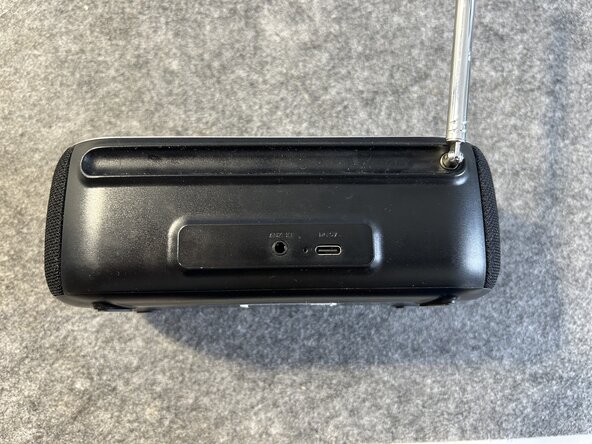
    • Inspecting the device there are no screws visible.

    • There are no screws on the back or under the rubber feet on the bottom - they are hidden behind the speaker mesh.
  2. TechniSat Viola BT 1 battery replacement, Unclip the speaker mesh: step 2, image 1 of 3 TechniSat Viola BT 1 battery replacement, Unclip the speaker mesh: step 2, image 2 of 3 TechniSat Viola BT 1 battery replacement, Unclip the speaker mesh: step 2, image 3 of 3
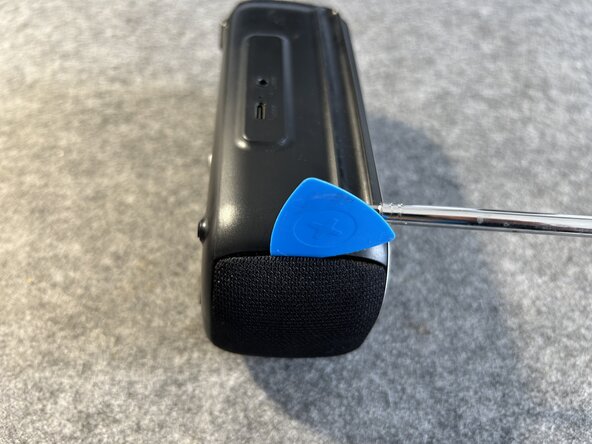
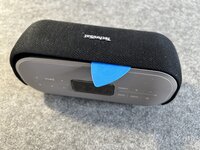
    • Use a guitar pick or a spudger and insert it between the radio and the speaker mesh on each side.

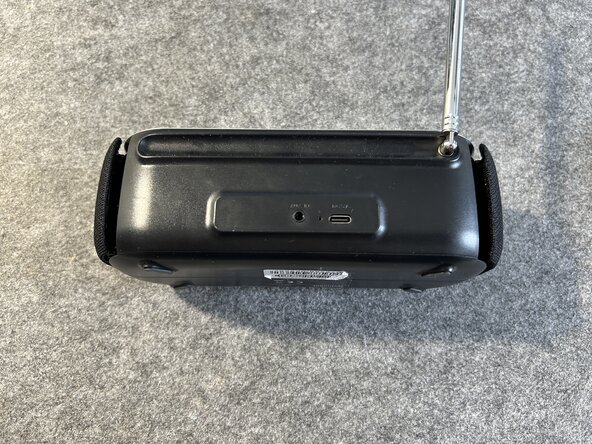
    • Be careful and lift the mesh guard off the radio until it looks like in image 3.

  3. TechniSat Viola BT 1 battery replacement, Speaker mesh removal pt. 2: step 3, image 1 of 3 TechniSat Viola BT 1 battery replacement, Speaker mesh removal pt. 2: step 3, image 2 of 3 TechniSat Viola BT 1 battery replacement, Speaker mesh removal pt. 2: step 3, image 3 of 3
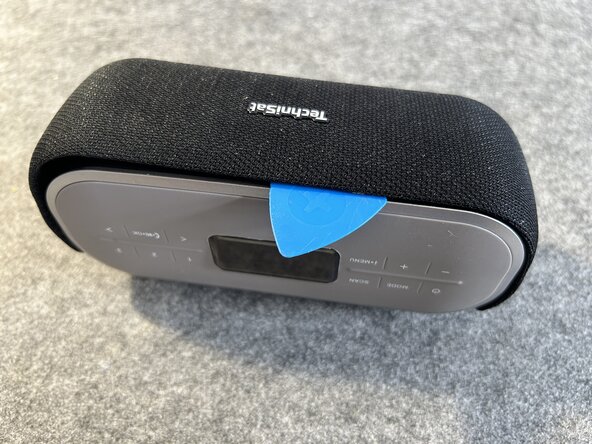
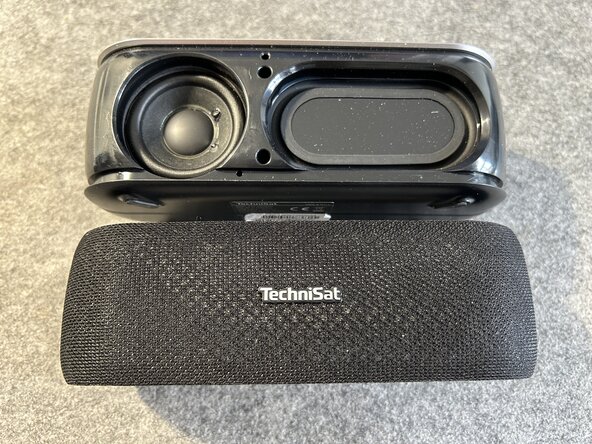
    • With both sides lifted up you still have to lift the mesh guard up in the middle.

    • Use a guitar pick again and pry up the speaker guard in the middle.

    • Now you can separate guard abd speaker and move on.

  4. TechniSat Viola BT 1 battery replacement, Opening up: step 4, image 1 of 3 TechniSat Viola BT 1 battery replacement, Opening up: step 4, image 2 of 3 TechniSat Viola BT 1 battery replacement, Opening up: step 4, image 3 of 3
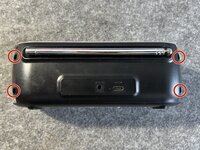
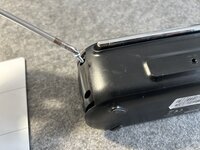
    • Turn the radio on the back where you'll find four screws we have to remove with a PH1 screwdriver.

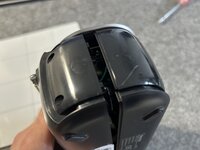
    • Remove all four screws and store them away. The radio will come apart right away.

  5. TechniSat Viola BT 1 battery replacement, Separation part 1: step 5, image 1 of 3 TechniSat Viola BT 1 battery replacement, Separation part 1: step 5, image 2 of 3 TechniSat Viola BT 1 battery replacement, Separation part 1: step 5, image 3 of 3
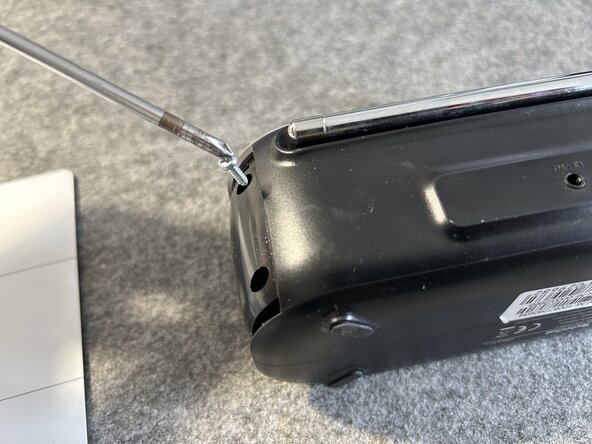
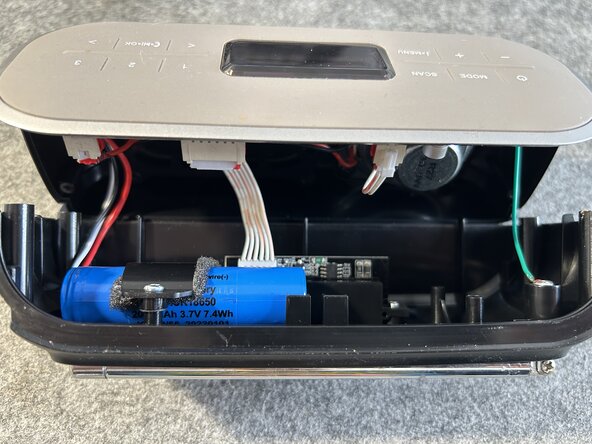
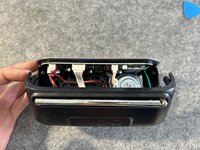
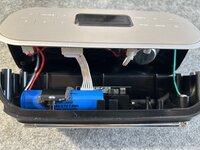
    • Do not separate both halves yet as the back part is still connected to the main logic board.

    • USB-C charging, aux port antenna and battery are all to be disconnected.

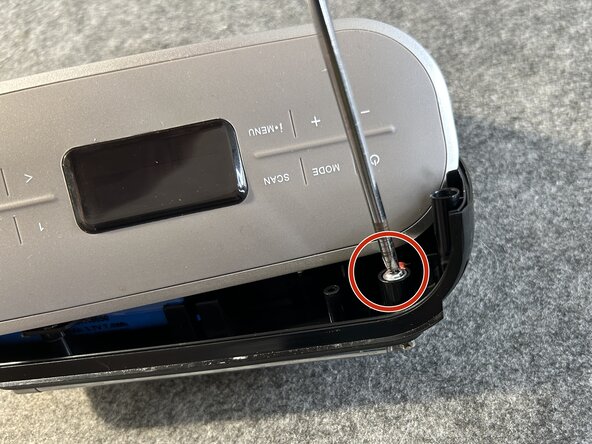
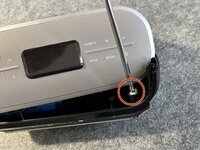
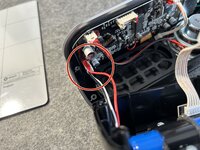
    • Start by unscrewing the antenna screw as seen here.

  6. TechniSat Viola BT 1 battery replacement, Disconnect the main board: step 6, image 1 of 3 TechniSat Viola BT 1 battery replacement, Disconnect the main board: step 6, image 2 of 3 TechniSat Viola BT 1 battery replacement, Disconnect the main board: step 6, image 3 of 3
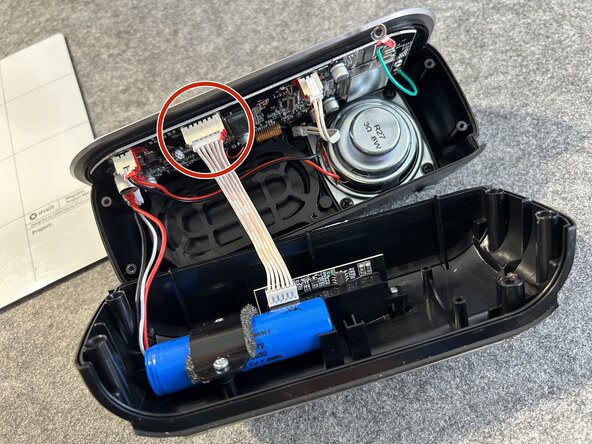
    • With the antenna cable disconnected you have more clearance to disconnect the mainboard.

    • The cable has a retention clip that must be pressed while pulling away from the board. Be careful while doing so.

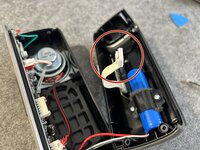
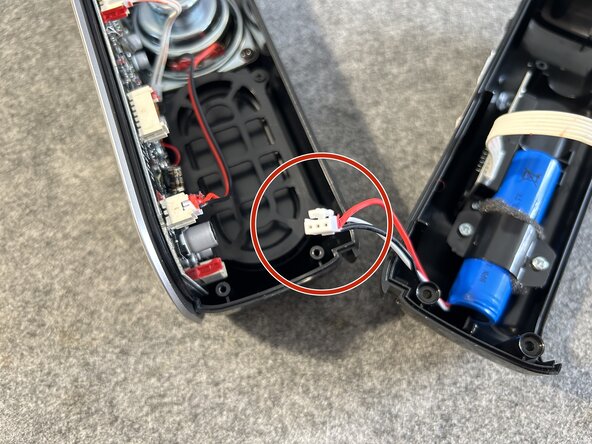
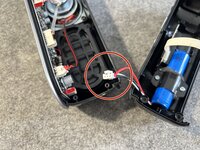
  7. TechniSat Viola BT 1 battery replacement, Disconnect the battery: step 7, image 1 of 3 TechniSat Viola BT 1 battery replacement, Disconnect the battery: step 7, image 2 of 3 TechniSat Viola BT 1 battery replacement, Disconnect the battery: step 7, image 3 of 3
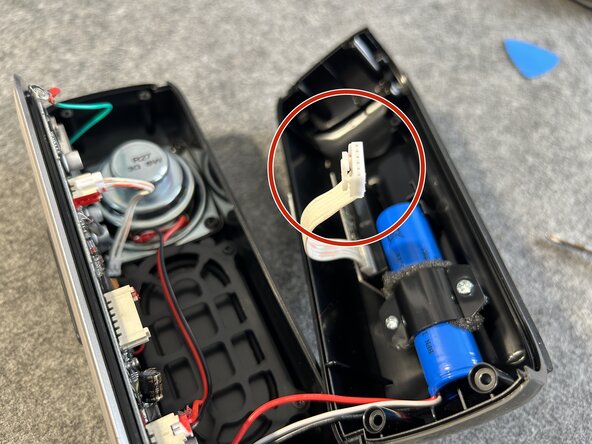
    • The battery wire also has a retention clip which must be pressed.

    • With the battery disconnected from the mainboard you're almost there.

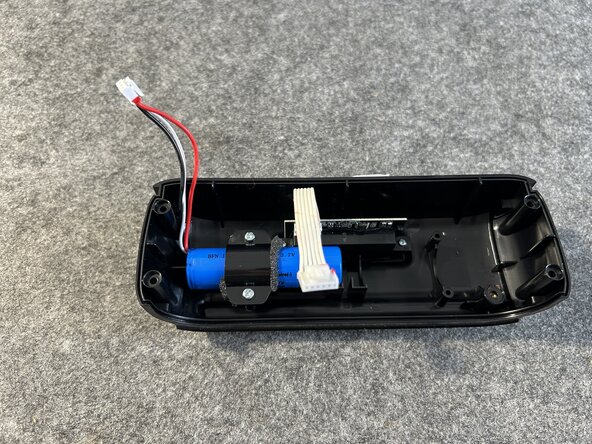
  8. TechniSat Viola BT 1 battery replacement, Unscrewing the battery: step 8, image 1 of 2 TechniSat Viola BT 1 battery replacement, Unscrewing the battery: step 8, image 2 of 2
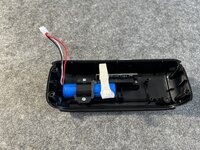
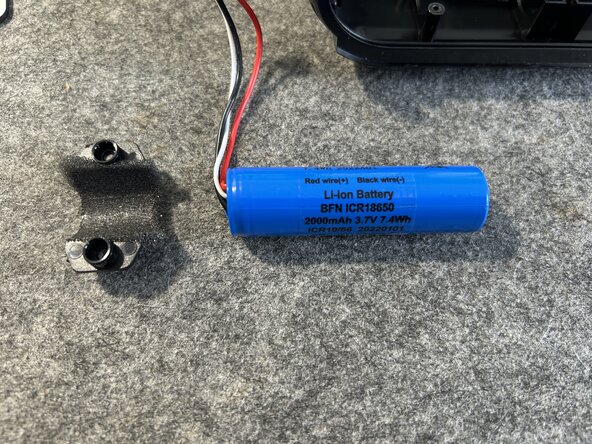
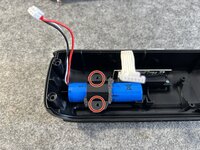
    • Two screws must be removed to finally release the battery.

    • As you can see the battery type is 3.7 volts current with 2000 mAh or 7.4 wH. Replacements with higher capacity might be available.

Conclusion

To reassemble your device, follow these instructions in reverse order.

0 Guide Comments

Add Comment

View Statistics:

Past 24 Hours: 0

Past 7 Days: 15

Past 30 Days: 44

All Time: 344