Free Shipping on Domestic Orders $75+

Teac DC-D2831 volume control knob replacement

What you need

  1. Teac DC-D2831 volume control knob replacement, Volume Control Knob: step 1, image 1 of 2 Teac DC-D2831 volume control knob replacement, Volume Control Knob: step 1, image 2 of 2
    • Remove the screws that are holding the circuit board in place.

    Ask FixBot

    Add Comment

  2. Teac DC-D2831 volume control knob replacement: step 2, image 1 of 2 Teac DC-D2831 volume control knob replacement: step 2, image 2 of 2
    • Pull the circuit board out to reveal the inside of the display.

    Ask FixBot

    Add Comment

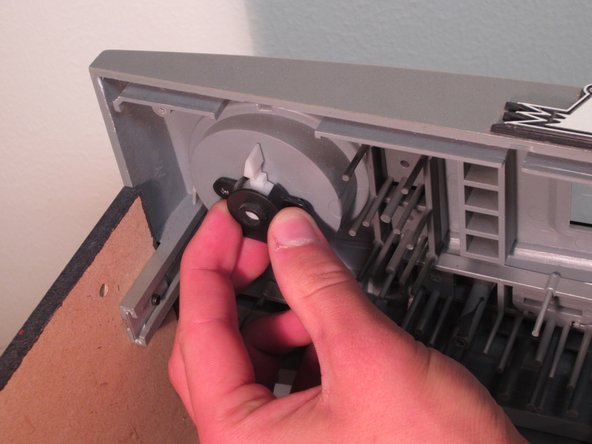
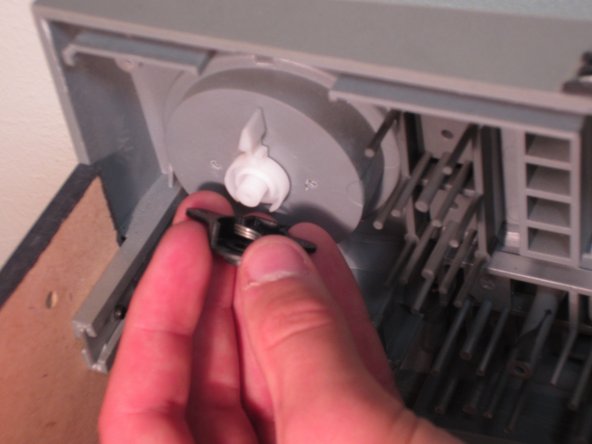
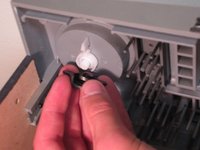
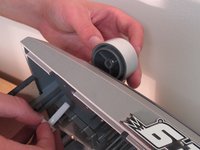
  3. Teac DC-D2831 volume control knob replacement: step 3, image 1 of 3 Teac DC-D2831 volume control knob replacement: step 3, image 2 of 3 Teac DC-D2831 volume control knob replacement: step 3, image 3 of 3
    • Remove the screws and the black piece that are holding the volume control knob in place.

    Ask FixBot

    Add Comment

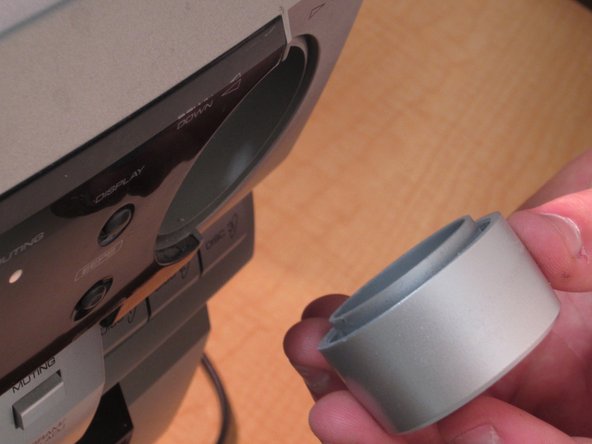
  4. Teac DC-D2831 volume control knob replacement: step 4, image 1 of 2 Teac DC-D2831 volume control knob replacement: step 4, image 2 of 2
    • Pull the volume control knob from the outside and the white piece on the inside until they separate.

    • Replace the volume knob with a new one to complete the repair.

    Ask FixBot

    Add Comment

Conclusion

To reassemble your device, follow these instructions in reverse order and follow the disassembly guide instructions in reverse order.

Cancel: I did not complete this guide.

3 other people completed this guide.

Oliver Kunz

Member since: 09/26/12

131 Reputation

1 Guide authored

Team

Cal Poly, Team 2-61, Propen Fall 2012 Member of Cal Poly, Team 2-61, Propen Fall 2012

CPSU-PROPEN-F12S2G61

4 Members

5 Guides authored

0 Guide Comments

Add Comment

View Statistics:

Past 24 Hours: 3

Past 7 Days: 7

Past 30 Days: 33

All Time: 4,728