
TI-36X Pro Solar Panel Replacement

James Roslund and 4 other contributors
Last updated on Nov 5, 2015
Views: 5.6K
View statistics:
- Past 24 Hours:
- 3
- Past 7 Days:
- 24
- Past 30 Days:
- 109
- All Time:
- 5,644
Comments: 0
No one has left comments on this guide. Will you be first?
Go to guide commentsCompleted: 3 4
3 people have marked this guide "completed." Will you be next?
4 people have marked this guide "completed." Including you — great job!
Favorites: 0 1
No one has favorited (and subscribed to) this guide. Will you be the first?
1 person has favorited (and subscribed to) this guide — and that's you!
Featured Student Guide
This guide has been the hard work of our awesome students and is found to be exceptionally cool by the iFixit staff.
Introduction
Go to step 1 ↓For this guide you will remove the back cover, battery cover, and battery in order to replace the solar panel.
What you need
Tools
-
Spudger4.9
-
-


-
-
-
Remove the calculator's protective cover.
-
Place the calculator face down.
 Ask FixBot
-
-
-
Using a Phillips #1 screwdriver, remove the six 6mm screws from the back of the case and place them to the side.
-
Start from the notches on the top edge and use your fingers or a prying tool to carefully pry the back cover from the calculator.
-
-
-
-
-
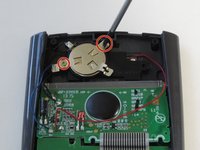
Use a Phillips #00 screwdriver to remove the two 7.5 mm screws holding the battery cover to the case.
-
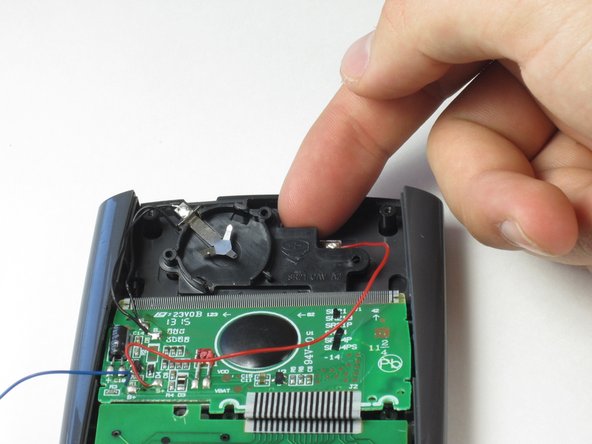
Use your finger to move the battery cover to the side.
-
-
-
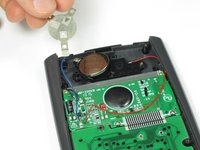
Use the flat side of a spudger to remove the battery by lifting the bottom edge.
-
-
-
-
-
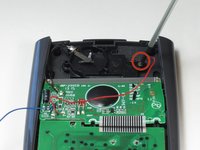
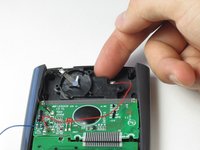
To detach the solar panel, use a Phillips #00 screwdriver to remove the 4.5mm screw that connects the solar panel to the calculator.
-
Once the screw has been removed, you may lift the top of the black solar panel cover with your finger and gently pull away from the green circuit board.
-
-
-
-
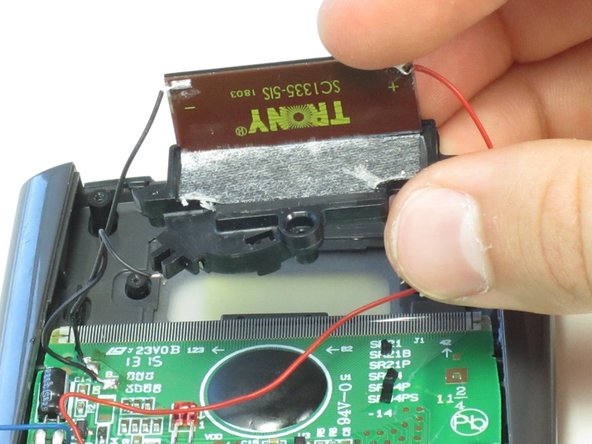
Turn the black cover so the solar panel is facing you.
-
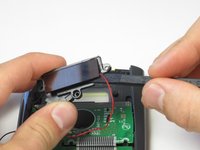
Insert the flat end of the spudger between the solar panel and the black cover at the corner where the red wire connects.
-
Carefully slide the spudger all the way underneath the solar panel until it detaches from the tape.
-
-






To reassemble your device, follow these instructions in reverse order.
Cancel: I did not complete this guide.
3 other people completed this guide.

Team

Cal Poly, Team 11-52, Amido Spring 2014 Member of Cal Poly, Team 11-52, Amido Spring 2014
CPSU-AMIDO-S14S11G52
4 Members
60 Guides authored
