Free Shipping on Domestic Orders $75+

Swann Doorphone Video Intercom Doorbell Replacement

What you need

    1. Swann Doorphone Video Intercom Doorbell Replacement, Camera: step 1, image 1 of 3 Swann Doorphone Video Intercom Doorbell Replacement, Camera: step 1, image 2 of 3 Swann Doorphone Video Intercom Doorbell Replacement, Camera: step 1, image 3 of 3
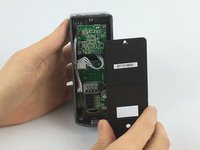
      • Flip the outdoor camera over so that the underside is facing up.

      • Remove the back cover by grabbing the sides of the camera and pulling towards your body.

      Ask FixBot

      Add Comment

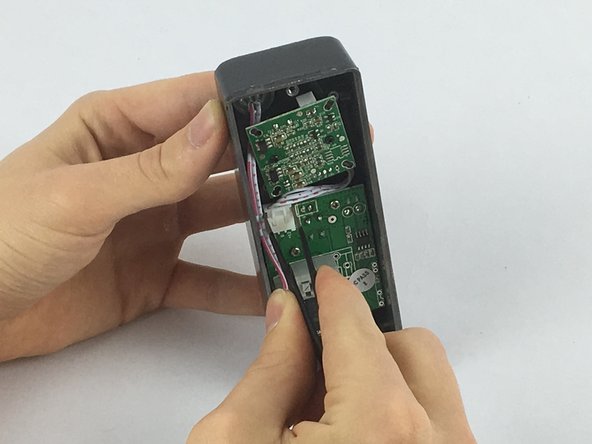
    2. Swann Doorphone Video Intercom Doorbell Replacement: step 2, image 1 of 2 Swann Doorphone Video Intercom Doorbell Replacement: step 2, image 2 of 2
      • With the back cover of the outdoor camera off, press the first gray button, with blue wire underneath, down as shown in the picture.

      • While pressing the gray square button, remove the blue wire from the first opening under the button.

      • Be sure to remove the same color wire for the outdoor camera as was used for the indoor video intercom.

      Ask FixBot

      Add Comment

    3. Swann Doorphone Video Intercom Doorbell Replacement: step 3, image 1 of 3 Swann Doorphone Video Intercom Doorbell Replacement: step 3, image 2 of 3 Swann Doorphone Video Intercom Doorbell Replacement: step 3, image 3 of 3
      • Remove the other wires using the same steps as the blue wire.

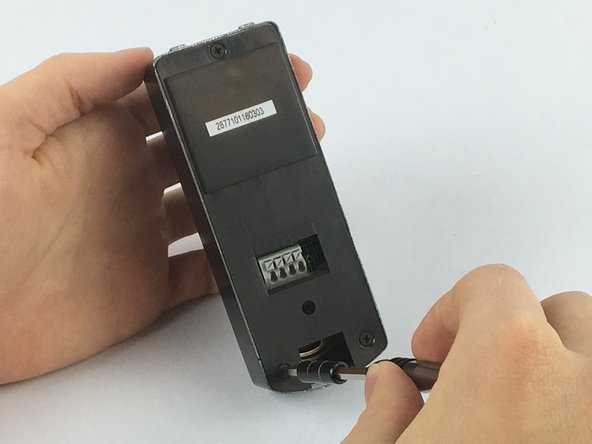
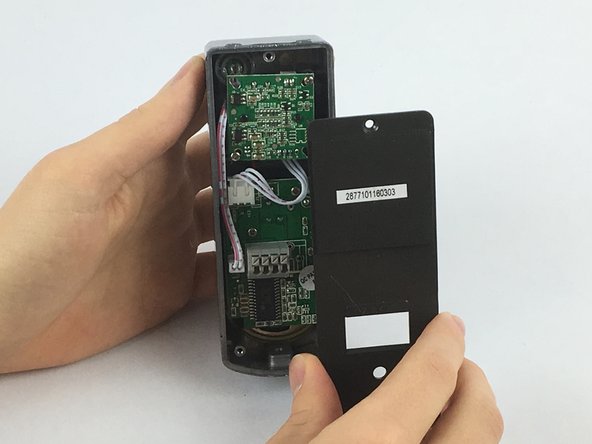
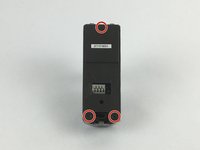
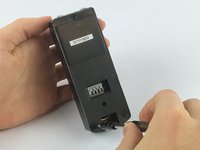
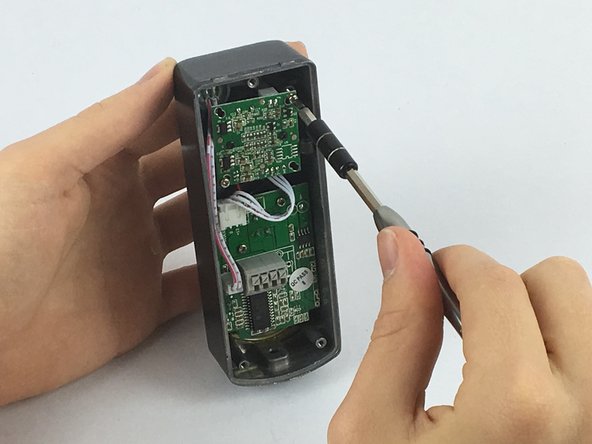
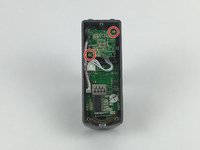
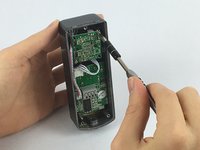
      • Using the JIS #0 screwdriver, remove the 2mm screws from the back plate.

      • Remove the back plate by pulling the plate away from the device.

      Ask FixBot

      Add Comment

    4. Swann Doorphone Video Intercom Doorbell Replacement: step 4, image 1 of 2 Swann Doorphone Video Intercom Doorbell Replacement: step 4, image 2 of 2
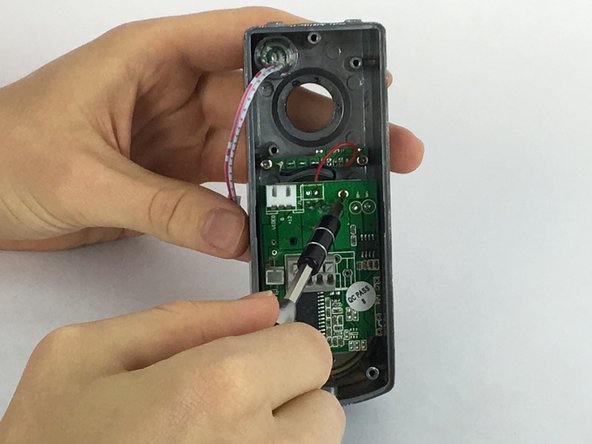
      • Using the JIS #0 screwdriver, remove the 1mm screws from behind the camera.

      Ask FixBot

      Add Comment

    5. Swann Doorphone Video Intercom Doorbell Replacement: step 5, image 1 of 2 Swann Doorphone Video Intercom Doorbell Replacement: step 5, image 2 of 2
      Tool used on this step:
      Tweezers
      $4.99
      Buy
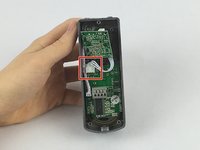
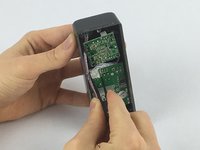
      • Using one of the tweezers from the Precision Tweezers Set, gently place them around the wire connector attached to the camera.

      • Pull slowly in the direction of the cables until the connector is no longer attached.

      Ask FixBot

      Add Comment

    6. Swann Doorphone Video Intercom Doorbell Replacement: step 6, image 1 of 2 Swann Doorphone Video Intercom Doorbell Replacement: step 6, image 2 of 2
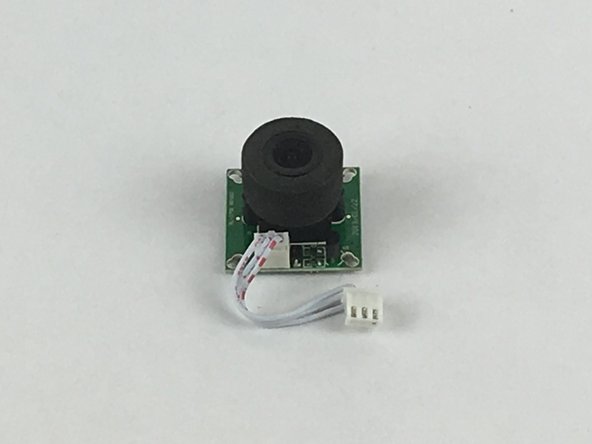
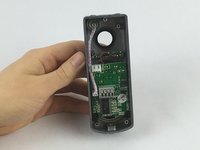
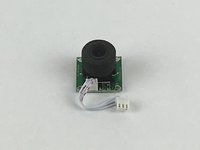
      • Remove the camera from the device.

      Ask FixBot

      Add Comment

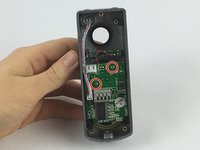
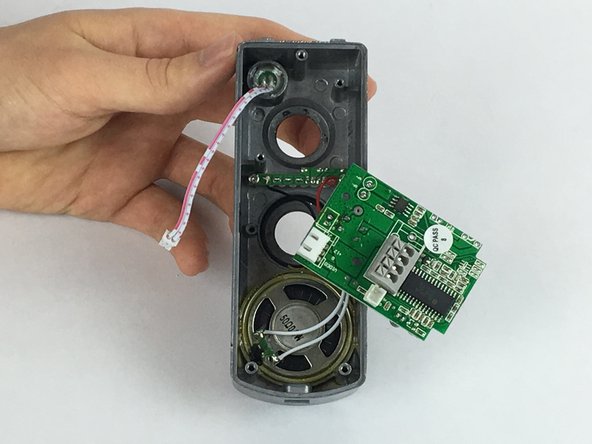
    1. Swann Doorphone Video Intercom Doorbell Replacement, Doorbell: step 7, image 1 of 3 Swann Doorphone Video Intercom Doorbell Replacement, Doorbell: step 7, image 2 of 3 Swann Doorphone Video Intercom Doorbell Replacement, Doorbell: step 7, image 3 of 3
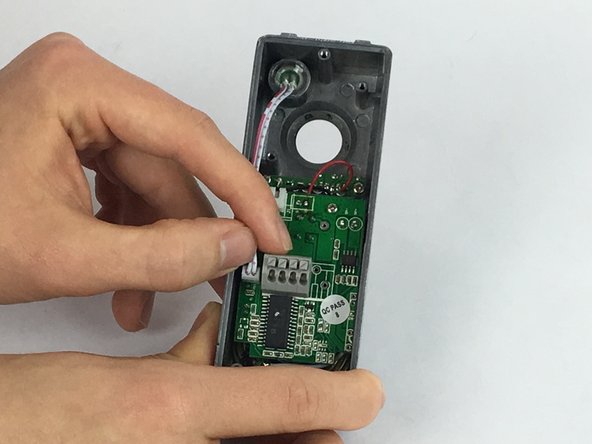
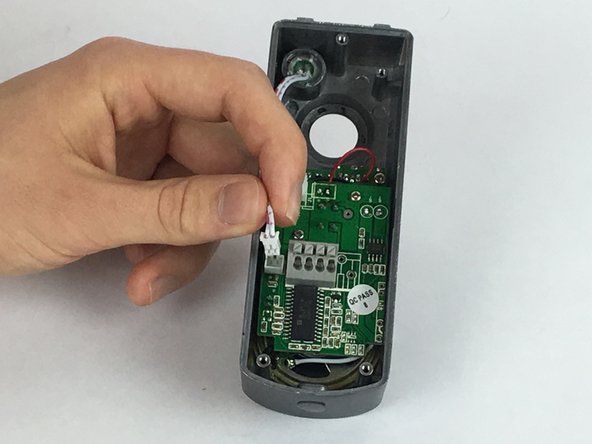
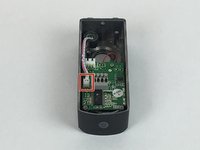
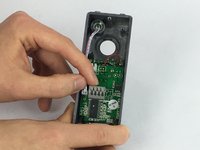
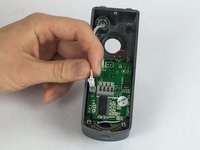
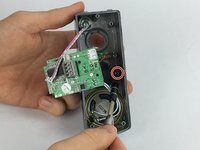
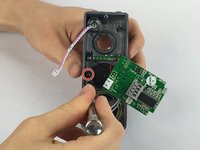
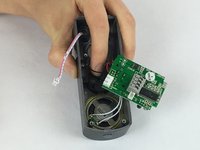
      • Using your fingers, take hold of the wire connector attached to the main board

      • Pull slowly towards your body until the connector is no longer attached.

      Ask FixBot

      Add Comment

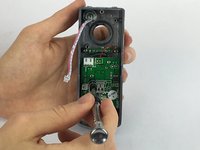
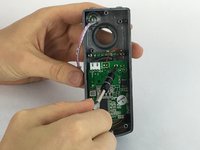
    2. Swann Doorphone Video Intercom Doorbell Replacement: step 8, image 1 of 3 Swann Doorphone Video Intercom Doorbell Replacement: step 8, image 2 of 3 Swann Doorphone Video Intercom Doorbell Replacement: step 8, image 3 of 3
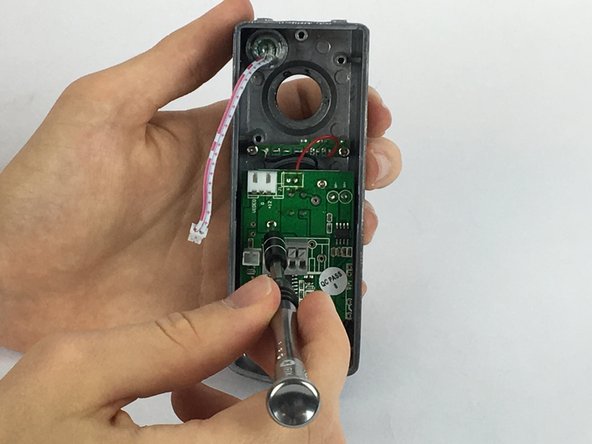
      • Using the JIS #0 screwdriver, remove the 2 mm screws diagonal from each other from the main board.

      Ask FixBot

      Add Comment

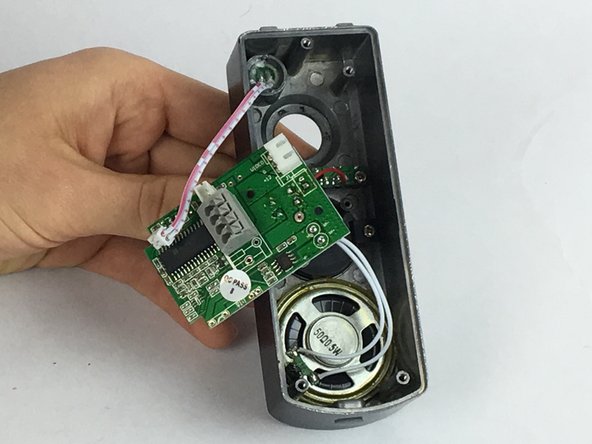
    3. Swann Doorphone Video Intercom Doorbell Replacement: step 9, image 1 of 2 Swann Doorphone Video Intercom Doorbell Replacement: step 9, image 2 of 2
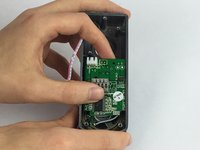
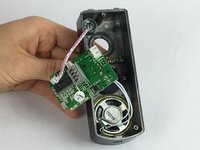
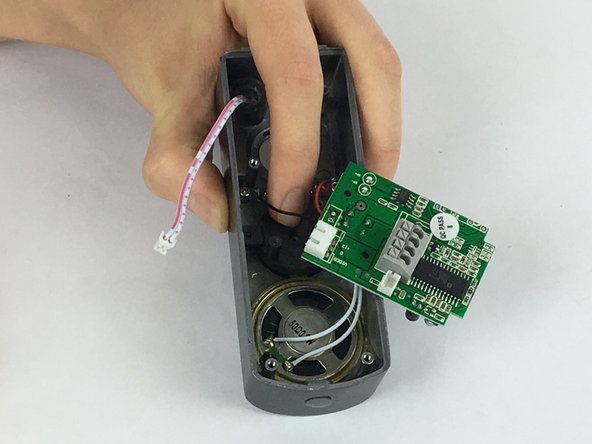
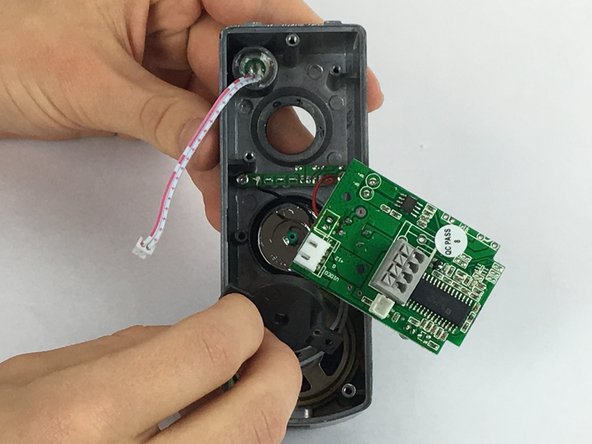
      • Gently pull the main board away from the inside of the device and leave to the side.

      • The main board will still be attached to the device by a remaining set of wires, but do not need to be removed.

      Ask FixBot

      Add Comment

    4. Swann Doorphone Video Intercom Doorbell Replacement: step 10, image 1 of 3 Swann Doorphone Video Intercom Doorbell Replacement: step 10, image 2 of 3 Swann Doorphone Video Intercom Doorbell Replacement: step 10, image 3 of 3
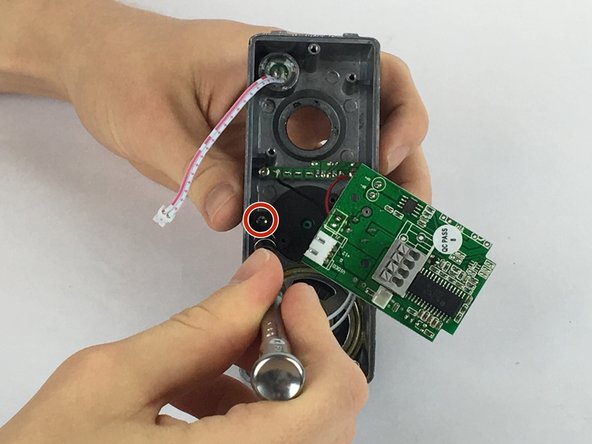
      • Using the JIS #0 screwdriver, remove the 1mm screws from each side of the doorbell spring-loaded cover-plate

      • While removing the second screw, hold down the cover-plate with your index finger to prevent the plate from springing out.

      Ask FixBot

      Add Comment

    5. Swann Doorphone Video Intercom Doorbell Replacement: step 11, image 1 of 3 Swann Doorphone Video Intercom Doorbell Replacement: step 11, image 2 of 3 Swann Doorphone Video Intercom Doorbell Replacement: step 11, image 3 of 3
      • Remove the black circular doorbell cover-plate.

      • Remove the metal circular doorbell button.

      Ask FixBot

      Add Comment

Conclusion

To reassemble your device, follow these instructions in reverse order.

Cancel: I did not complete this guide.

One other person completed this guide.

Joseph Kelemen

Member since: 02/14/18

227 Reputation

1 Guide authored

Team

USF Tampa, Team S2-G4, Eyestone Spring 2018 Member of USF Tampa, Team S2-G4, Eyestone Spring 2018

USFT-EYESTONE-S18S2G4

4 Members

15 Guides authored

1 Guide Comment

Thanks for posting. It is great to find new sources of doorbell replacement information.

Jeselle Arce - Reply Share
Add Comment

View Statistics:

Past 24 Hours: 0

Past 7 Days: 7

Past 30 Days: 31

All Time: 1,875