
Surface Studio Motherboard Replacement

The Raptor and 2 other contributors
Last updated on Jul 27, 2023
Views: 6.3K
View statistics:
- Past 24 Hours:
- 2
- Past 7 Days:
- 22
- Past 30 Days:
- 129
- All Time:
- 6,315
Comments: 6
3 comments on steps, 3 guide comments.
Go to guide commentsCompleted: 9 10
9 people have marked this guide "completed." Will you be next?
10 people have marked this guide "completed." Including you — great job!
Favorites: 0 1
No one has favorited (and subscribed to) this guide. Will you be the first?
1 person has favorited (and subscribed to) this guide — and that's you!
Featured Guide
This guide has been found to be exceptionally cool by the iFixit staff.
Community-Contributed Guide
An awesome member of our community made this guide. It was not created by iFixit staff.
Introduction
Go to step 1 ↓This guide shows you how to replace the motherboard in the Surface Studio
What you need
Tools


-
-
-
Lay the Surface face down on a padded surface
-
Remove the four rubber feet at each corner concealing the Torx screws
-
Remove the four Torx screws under the rubber feet.
-
Two screws on the upper corners are longer than two screws on the lower corners.
-
Attach suction cups to the bottom cover and then pull on the suction cups to free the bottom cover.
 Ask FixBot
-
-
-
Remove five torx screws holding the two fans to the midframe
-
Remove the two fans
-
Remove four large torx screws holding the midframe
-
Remove four small torx screws holding the midframe
-
-
-
Slowly remove the midframe
-
Detach the connectors for the two fans and the speaker
-
-
-
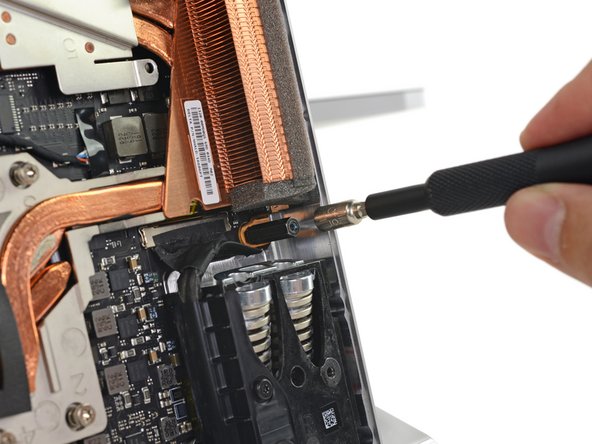
Remove four spring loaded torx screw labeled 1 to 4
-
Remove four torx screw labeled 5 to 7
-
Remove 5mm hex mounting post
-
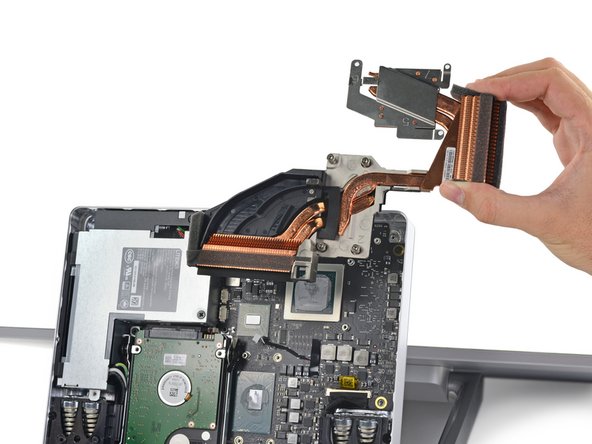
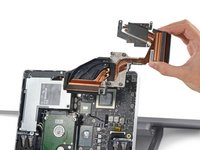
Use a spudger to remove the heatsink assembly from the motherboard
-
-
-
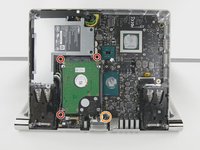
Remove three torx screws holding the hard drive brackets
-
Remove 5mm hex mounting post
-
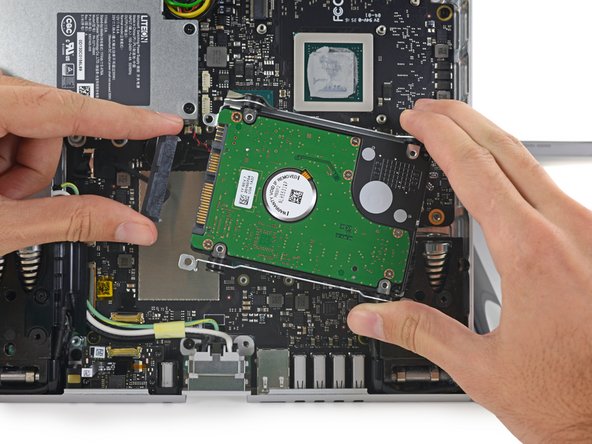
Remove the hard drive and disconnect the SATA/SATA power cable
-
-
-
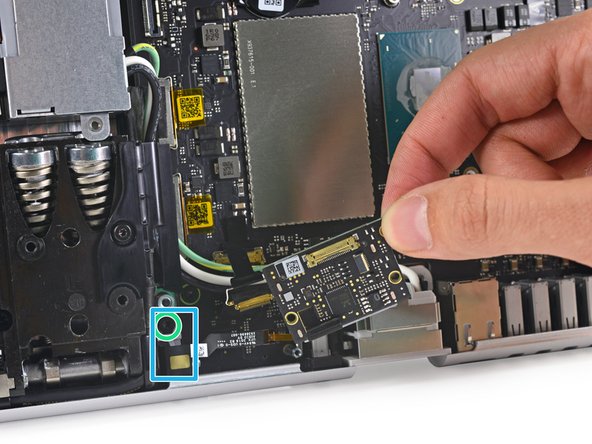
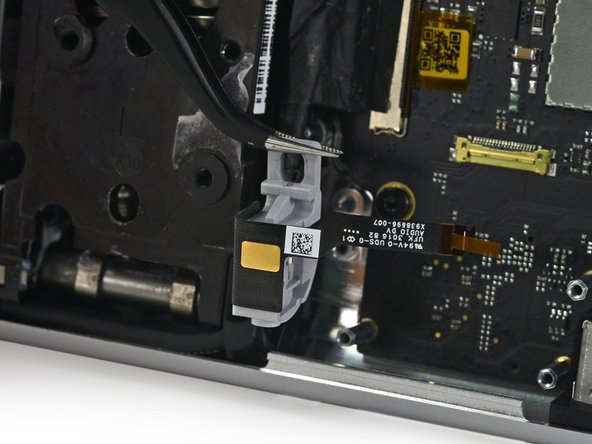
Lift the black plastic flap attached to the data cable retainer and rotate it away from motherboard.
-
Pull the data cable out of its socket.
-
Disconnect the data cable connecting the headphone jack to the SD card slot modular board
-
Remove three torx screws holding the SD card slot modular board
-
Remove the SD card slot modular board
-
Remove a torx screw holding the headphone jack
-
Remove the headphone jack
-
-
-
-
Remove a Phillips screw still retaining the power supply
-
Remove a torx screw retaining the power supply cable
-
Unplug the power supply from the motherboard
-
Lift the power supply up and away from the base unit
-
-
-
Lift the black plastic flap attached to the data cable retainer and rotate it away from motherboard.
-
Pull the data cable out of its socket.
-
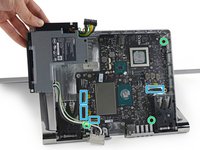
Remove three torx screws holding the motherboard
-
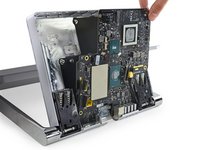
Lift the motherboard up and away from the base unit.
-
-




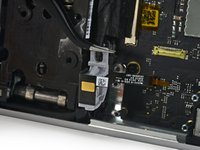

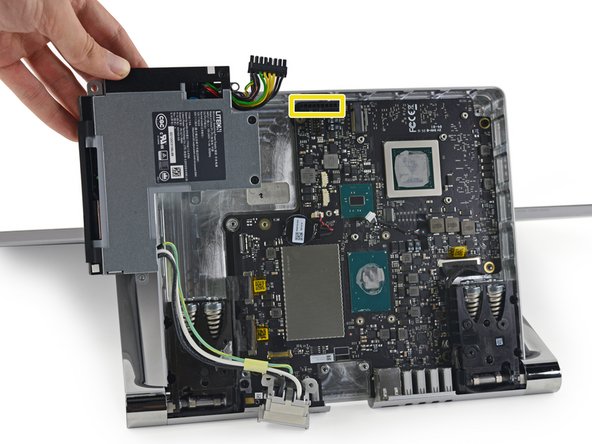

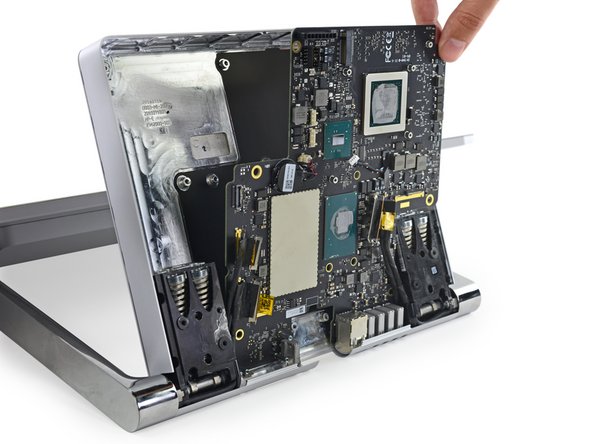

To reassemble your device, follow these instructions in reverse order.
Cancel: I did not complete this guide.
9 other people completed this guide.

3 Guide Comments
I would like to find a new motherboard too… 32gb ram though.
