Free Shipping on Domestic Orders $75+

SuperSonic Matrix Mid SC-999 Camera Replacement

What you need

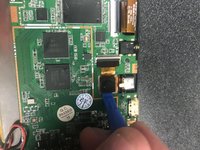
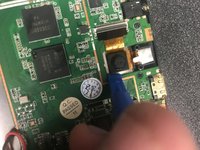
  1. SuperSonic Matrix Mid SC-999 Camera Replacement, Opening the Back: step 1, image 1 of 3 SuperSonic Matrix Mid SC-999 Camera Replacement, Opening the Back: step 1, image 2 of 3 SuperSonic Matrix Mid SC-999 Camera Replacement, Opening the Back: step 1, image 3 of 3
    • Open up the back on the tablet.

    Ask FixBot

    Add Comment

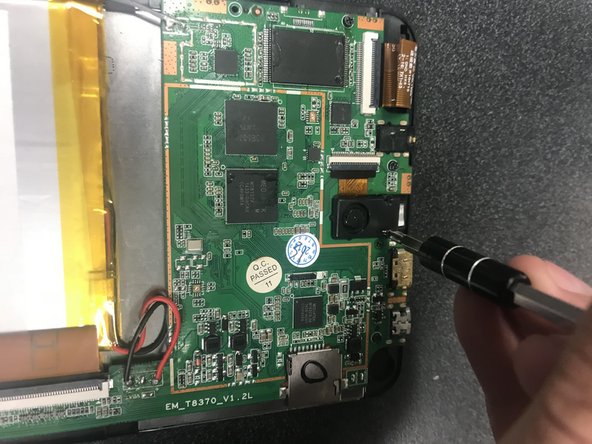
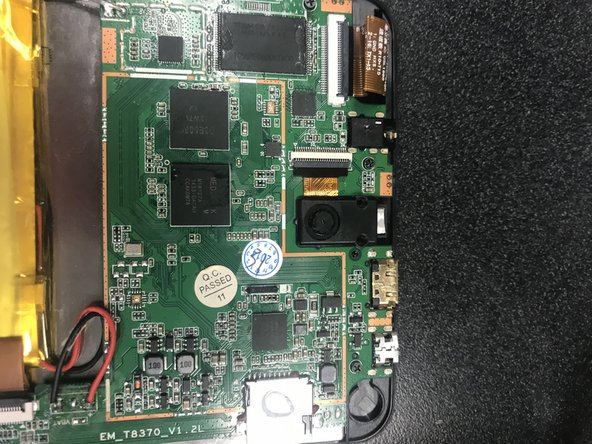
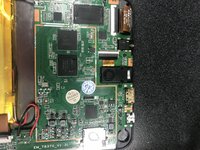
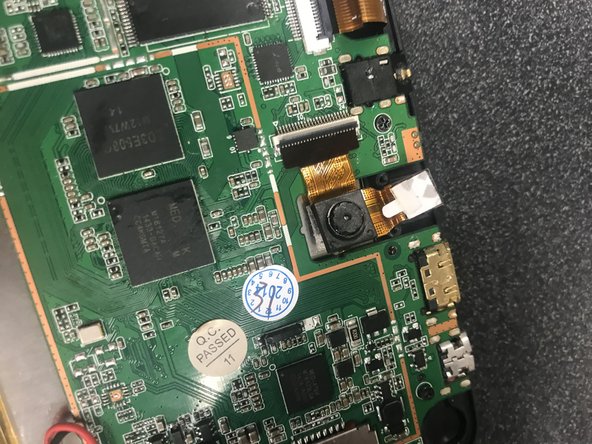
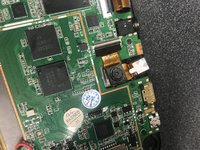
  2. SuperSonic Matrix Mid SC-999 Camera Replacement, Finding the Camera: step 2, image 1 of 2 SuperSonic Matrix Mid SC-999 Camera Replacement, Finding the Camera: step 2, image 2 of 2
    • Locate the camera.

    • Unscrew the two screws.

    Ask FixBot
    Add Comment

  3. SuperSonic Matrix Mid SC-999 Camera Replacement, Unscrewing the Cover: step 3, image 1 of 3 SuperSonic Matrix Mid SC-999 Camera Replacement, Unscrewing the Cover: step 3, image 2 of 3 SuperSonic Matrix Mid SC-999 Camera Replacement, Unscrewing the Cover: step 3, image 3 of 3
    • Use the J0 Phillps screw driver to unscrew the the two small screws on either side of the black peice.

    Ask FixBot
    Add Comment

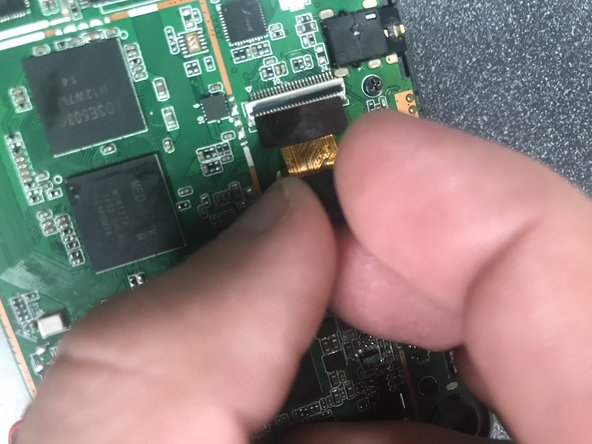
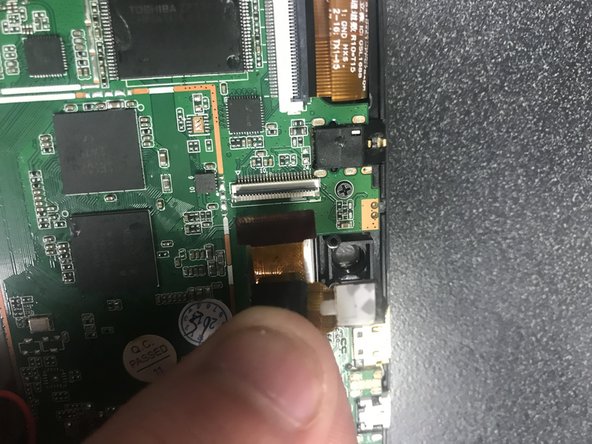
  4. SuperSonic Matrix Mid SC-999 Camera Replacement, Opening Up to the Camera: step 4, image 1 of 2 SuperSonic Matrix Mid SC-999 Camera Replacement, Opening Up to the Camera: step 4, image 2 of 2
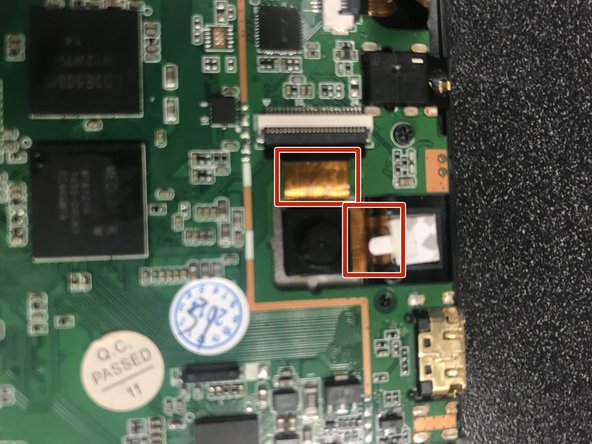
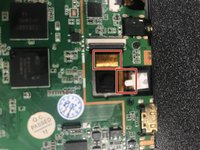
    • Pull the black camera cover off and locate the camera with two gold bands running off upwards and to the right.

    Ask FixBot
    Add Comment

  5. SuperSonic Matrix Mid SC-999 Camera Replacement, Finding Where the Camera and Motherboard Meet: step 5, image 1 of 1
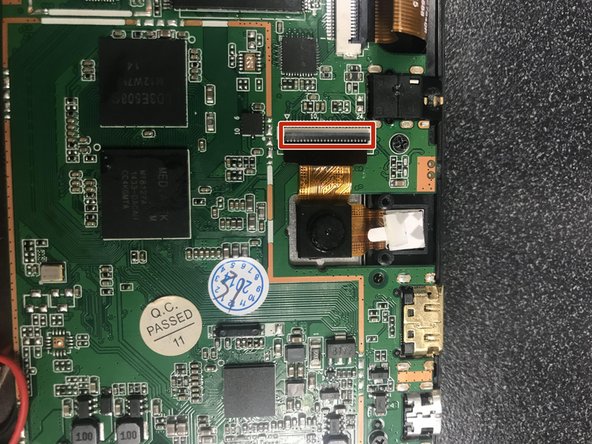
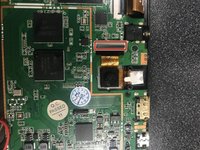
    • Follow the gold band the runs up towards the white and grey box connected to the green plate.

    Ask FixBot
    Add Comment

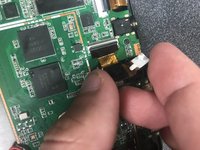
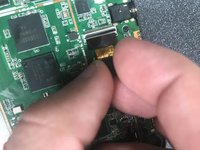
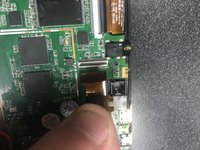
  6. SuperSonic Matrix Mid SC-999 Camera Replacement, Unhocking the Camera from Motherboard: step 6, image 1 of 2 SuperSonic Matrix Mid SC-999 Camera Replacement, Unhocking the Camera from Motherboard: step 6, image 2 of 2
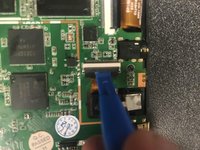
    • Use the wedge from step one to lift the grey box up.

    • The grey piece should open up towards you.

    Ask FixBot
    Add Comment

  7. SuperSonic Matrix Mid SC-999 Camera Replacement, Finding the Camera Pt. 2: step 7, image 1 of 1
    • Now turn your attention back the camera.

    Ask FixBot

    Add Comment

  8. SuperSonic Matrix Mid SC-999 Camera Replacement, Finding the Front Camera: step 8, image 1 of 1
    • Next, Follow the second gold band to right to the white paper, or the front camra.

    Ask FixBot

    Add Comment

  9. SuperSonic Matrix Mid SC-999 Camera Replacement, Unhocking the Front Camera from device: step 9, image 1 of 1
    • Now, carefully remove the front camera with the same wedge from step one, six, and eight.

    Ask FixBot

    Add Comment

  10. SuperSonic Matrix Mid SC-999 Camera Replacement, Unhocking the Back Camera from Device: step 10, image 1 of 3 SuperSonic Matrix Mid SC-999 Camera Replacement, Unhocking the Back Camera from Device: step 10, image 2 of 3 SuperSonic Matrix Mid SC-999 Camera Replacement, Unhocking the Back Camera from Device: step 10, image 3 of 3
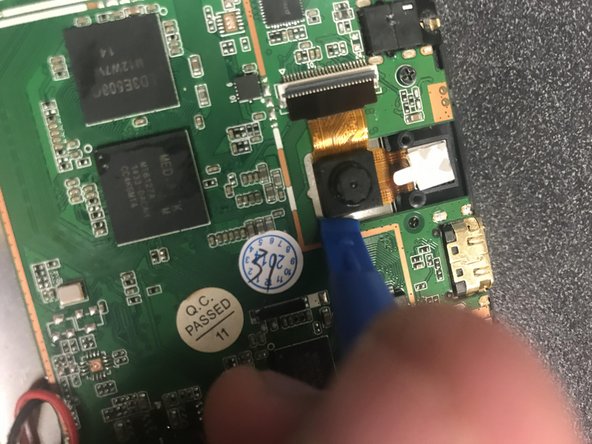
    • Use the same wedge used in step one and step six to go under the camera and carefully pry away from the sivler plating.

    Ask FixBot

    Add Comment

  11. SuperSonic Matrix Mid SC-999 Camera Replacement, Taking the Camra System Off the Device.: step 11, image 1 of 3 SuperSonic Matrix Mid SC-999 Camera Replacement, Taking the Camra System Off the Device.: step 11, image 2 of 3 SuperSonic Matrix Mid SC-999 Camera Replacement, Taking the Camra System Off the Device.: step 11, image 3 of 3
    • When the camera becomes loose, gental pull up and out to the right to silde the gold band out of the white and grey box.

    Ask FixBot

    Add Comment

Conclusion

To reassemble your device, follow these instructions in reverse order.

Cancel: I did not complete this guide.

Logan Robinson

Member since: 09/18/18

493 Reputation

3 Guides authored

0 Guide Comments

Add Comment

View Statistics:

Past 24 Hours: 0

Past 7 Days: 5

Past 30 Days: 28

All Time: 292