Introduction
Caution: Ensure hands are dry. Moisture could mess up the wiring. Be gentle and careful pulling the wires out of the microphone as they could easily break.
What you need
-
-
-
Remove ear cushion by pulling the cushion up and towards yourself.
-
Repeat this motion around the cushion until it comes free.
 Ask FixBot
-
-
-
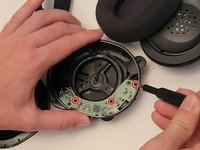
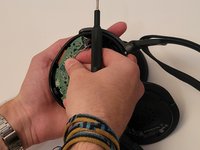
Use a Phillips #0 screwdriver to remove the 3 case screws.
-
Lift the driver assembly away from the rest of the housing.
-
-
-
-
Use a Phillips #0 screwdriver to remove the three 5 mm screws.
-
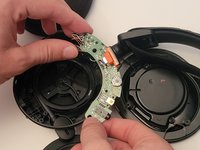
Push the headset volume dial in-words towards the housing while simultaneously pulling the board towards yourself.
-
-
-
Use a Phillips #0 screwdriver to remove the two 5 mm screws that secure the microphone holder.
-
-
-
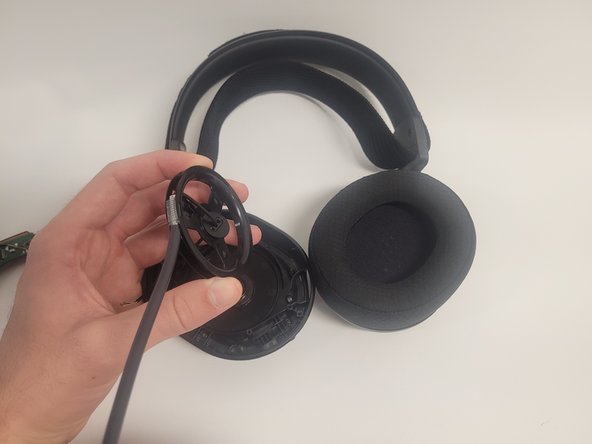
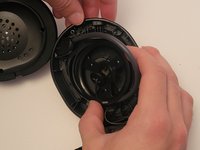
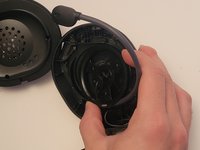
Pull the microphone assembly and cable out of the housing and out towards you until it comes free.
-
-




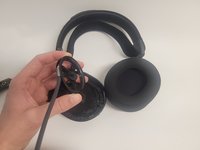
To reassemble your device, follow these instructions in reverse order.
Cancel: I did not complete this guide.
2 other people completed this guide.

Team

Western Carolina University, Team 1-1, Virtue Fall 2022 Member of Western Carolina University, Team 1-1, Virtue Fall 2022
WCU-VIRTUE-F22S1G1
4 Members
60 Guides authored
