
SteelSeries Arctis Pro Headset Volume Control Wheel Replacement

Matthew Hockey and 3 other contributors
Last updated on Dec 30, 2022
Views: 5.9K
View statistics:
- Past 24 Hours:
- 6
- Past 7 Days:
- 40
- Past 30 Days:
- 161
- All Time:
- 5,894
Comments: 4
4 guide comments.
Go to guide commentsCompleted: 5 6
5 people have marked this guide "completed." Will you be next?
6 people have marked this guide "completed." Including you — great job!
Favorites: 0 1
No one has favorited (and subscribed to) this guide. Will you be the first?
1 person has favorited (and subscribed to) this guide — and that's you!
Introduction
Go to step 1 ↓If the volume scroll wheel is not adjusting the volume or rotating as it should be, follow this guide to replace the wheel.
Caution: Ensure hands are dry. Moisture could mess up the wiring. Be gentle and remove necessary pieces carefully to not break the device.
What you need
Tools


-
-
-
Remove the ear cushion on the left ear muff
-
This is done by pulling slightly on the outside of the cushion and moving around it until it comes off
 Ask FixBot
-
-
-
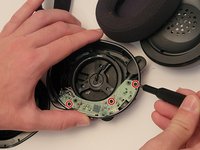
Remove the three 5mm screws with the Phillips #0 screwdriver head.
-
Separate the driver assembly from the rest of the housing
-
-
-
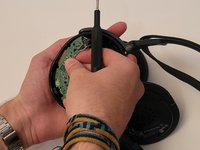
Remove the 3 phillips #0 screws
-
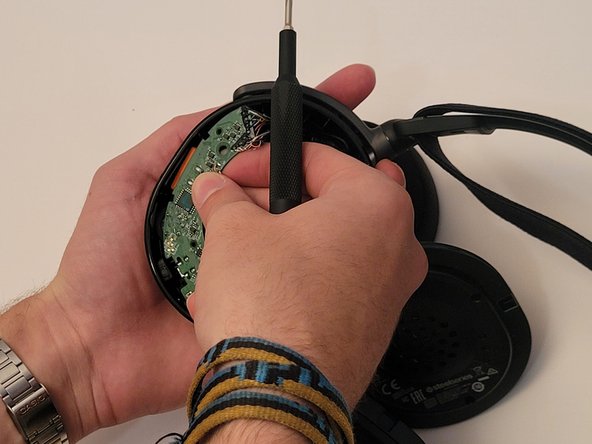
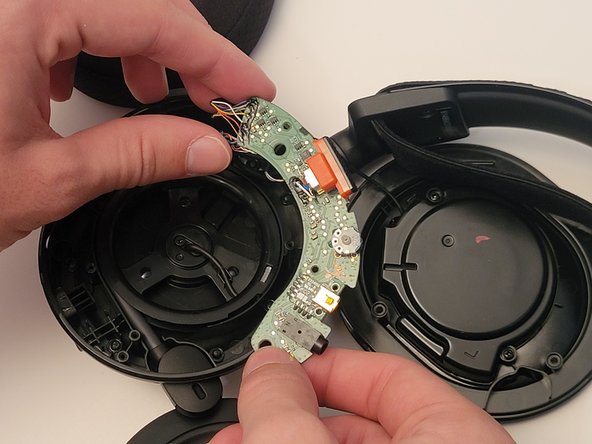
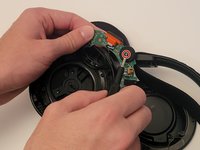
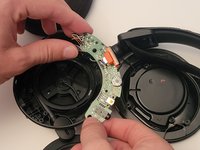
Remove the circuit board by pushing the volume wheel in towards the center of the housing and pulling the board towards yourself
-
-
-
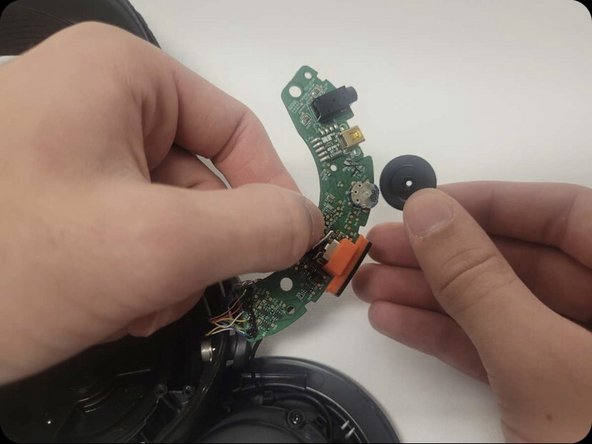
Remove the phillips #0 screw in the center of the headset volume wheel
-
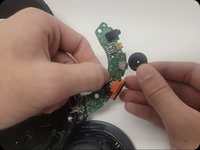
Remove the wheel by pulling it upwards until it comes free
-
-
-




To reassemble your device, follow these instructions in reverse order.
Cancel: I did not complete this guide.
5 other people completed this guide.

Team

Western Carolina University, Team 1-1, Virtue Fall 2022 Member of Western Carolina University, Team 1-1, Virtue Fall 2022
WCU-VIRTUE-F22S1G1
4 Members
60 Guides authored
4 Guide Comments
thanks for the tutorial
I have the equipment and skills to do this repair, but need to source parts.
Where would I get a replacement wheel and what would be the part #?
My wheel is starting to fail and as I adjust it, one earpiece cuts in and out. There is also a scratching/static sound as I turn the wheel
I am also searching for parts, Did you ever find some?
A potential replacement is this part from digikey. I used it to fix my broken ChatMix wheel here: SteelSeries Arctis 7 2019 Edition Wireless CharMix Dial Potentiometer Replacement
but you won’t be able to click in order to cycle on the base station with this replacement part ?
