Free Shipping on Domestic Orders $75+

Sony Xplod CDX-MP30 LCD Replacement

What you need

    1. Sony Xplod CDX-MP30 LCD Replacement, Front Panel: step 1, image 1 of 3 Sony Xplod CDX-MP30 LCD Replacement, Front Panel: step 1, image 2 of 3 Sony Xplod CDX-MP30 LCD Replacement, Front Panel: step 1, image 3 of 3
      • Press down the release button on the bottom left corner of the face plate.

      • Then remove the face plate carefully.

      Ask FixBot

      Add Comment

    1. Sony Xplod CDX-MP30 LCD Replacement, LCD: step 2, image 1 of 1
      • Unscrew the four (length - 11.11mm) phillips-head screws on the front screen.

      Ask FixBot

      Add Comment

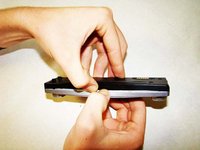
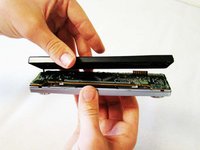
    2. Sony Xplod CDX-MP30 LCD Replacement: step 3, image 1 of 3 Sony Xplod CDX-MP30 LCD Replacement: step 3, image 2 of 3 Sony Xplod CDX-MP30 LCD Replacement: step 3, image 3 of 3
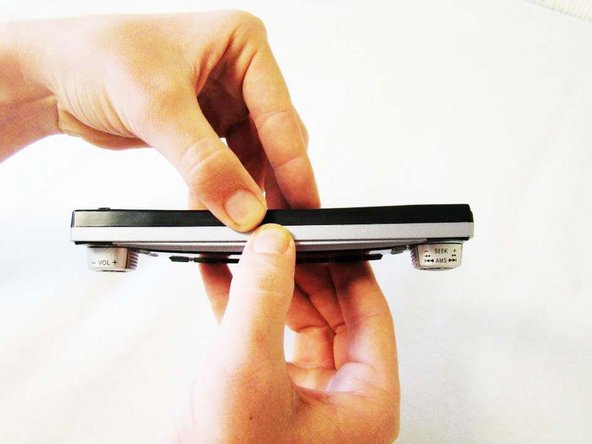
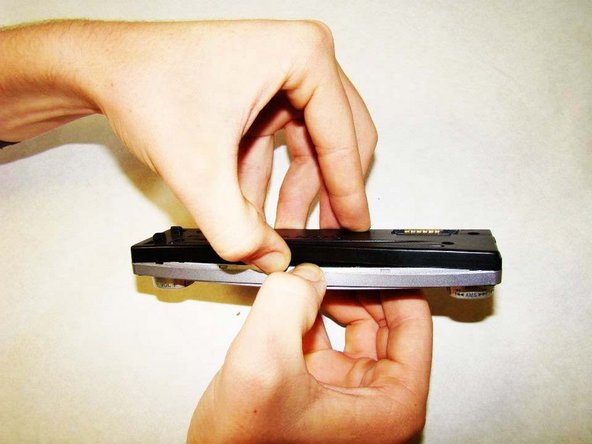
      • Use two fingers to create a small gap on the top of the faceplate, as indicated in the picture.

      Ask FixBot

      Add Comment

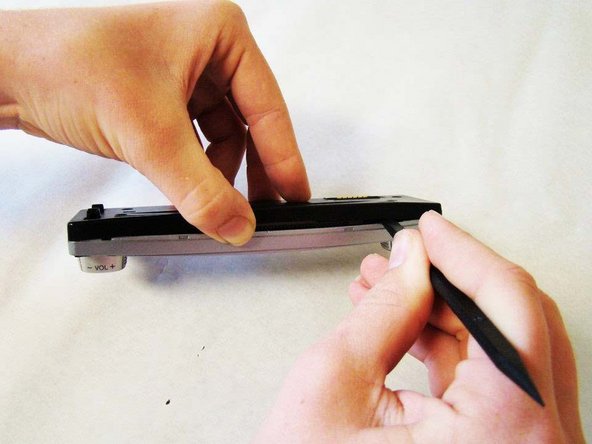
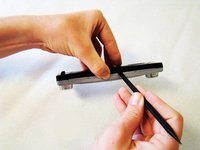
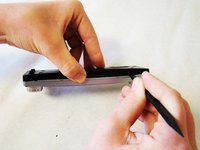
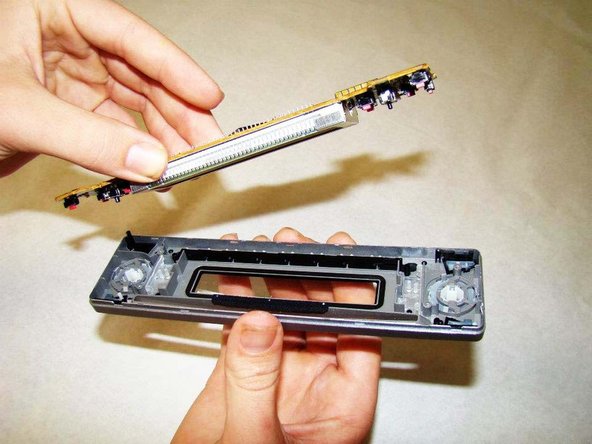
    3. Sony Xplod CDX-MP30 LCD Replacement: step 4, image 1 of 3 Sony Xplod CDX-MP30 LCD Replacement: step 4, image 2 of 3 Sony Xplod CDX-MP30 LCD Replacement: step 4, image 3 of 3
      Tool used on this step:
      Heavy-Duty Spudger
      $4.99
      Buy
      • Insert the flat end of the Heavy-duty Spudger into the opening you created.

      • Slide it to the right carefully, until you feel the screen pop off.

      • Make sure you keep the face of the screen pointed down as you carefully lift off the freed black portion of the screen - as shown in the picture.

      Ask FixBot

      Add Comment

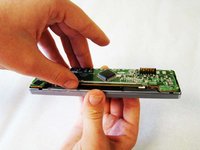
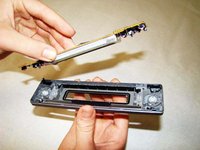
    4. Sony Xplod CDX-MP30 LCD Replacement: step 5, image 1 of 2 Sony Xplod CDX-MP30 LCD Replacement: step 5, image 2 of 2
      • Gently grab the Front Motherboard - as indicated in the picture - and lift it from the rest of the screen.

      Ask FixBot

      Add Comment

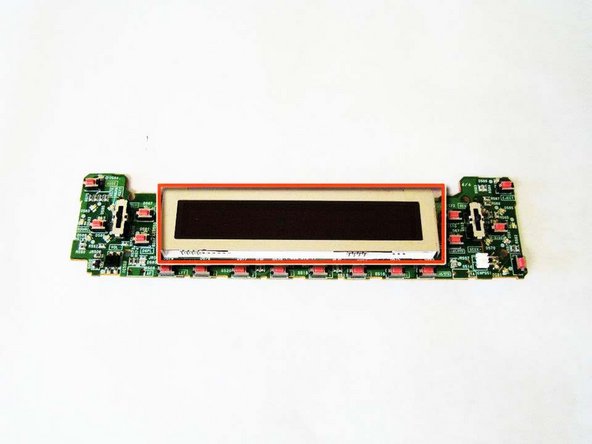
    5. Sony Xplod CDX-MP30 LCD Replacement: step 6, image 1 of 1
      Ask FixBot

      Add Comment

Conclusion

To reassemble your device, follow these instructions in reverse order.

Cancel: I did not complete this guide.

One other person completed this guide.

Kyle

Member since: 10/10/11

132 Reputation

2 Guides authored

Team

Cal Poly, Team 5-35, Amido Fall 2011 Member of Cal Poly, Team 5-35, Amido Fall 2011

CPSU-AMIDO-F11S5G35

4 Members

96 Guides authored

0 Guide Comments

Add Comment

View Statistics:

Past 24 Hours: 0

Past 7 Days: 3

Past 30 Days: 24

All Time: 2,715