
Sony Xperia Z5 Compact Motherboard Replacement

Grant Conner and 2 other contributors
Last updated on Jun 30, 2020
Views: 1.9K
View statistics:
- Past 24 Hours:
- 4
- Past 7 Days:
- 25
- Past 30 Days:
- 86
- All Time:
- 1,941
Comments: 0
No one has left comments on this guide. Will you be first?
Go to guide commentsCompleted: 2 3
2 people have marked this guide "completed." Will you be next?
3 people have marked this guide "completed." Including you — great job!
Favorites: 0 1
No one has favorited (and subscribed to) this guide. Will you be the first?
1 person has favorited (and subscribed to) this guide — and that's you!
Community-Contributed Guide
An awesome member of our community made this guide. It was not created by iFixit staff.
Better Introduction
Improve this guide by completing or revising its introduction.
Introduction
Go to step 1 ↓The motherboard is the central hub of communication between all of the components in the device. If one or more components are failing in your device, you should consider replacing the motherboard. Use this guide to replace the motherboard in your device.
What you need
Parts


Tools


-
-
-
Heat up the back cover to soften the adhesive.
-
Place the suction cup to open a gap from top side, then insert guitar picks and slide it to cut the adhesive underneath.
-
Remove back cover.
-
-
-
-
Release charging port connector.
-
Remove plastic protective bar.
-
Pry up motherboard assembly from this side. There are three flex connectors connecting the motherboard underneath. So pry up the motherboard assembly gently.
-
-
-
-
Remove the motherboard/battery assembly.
-
Using a spudger, release the battery connector from the motherboard.
-
-
-
Slowly pull out the two battery tapes located on the right side of the battery.
-
Remove the battery from the motherboard.
-
-
-
Place two pieces of binding tape on the center of the motherboard.
-
Reattach the battery to the motherboard.
-
-


 Ask FixBot


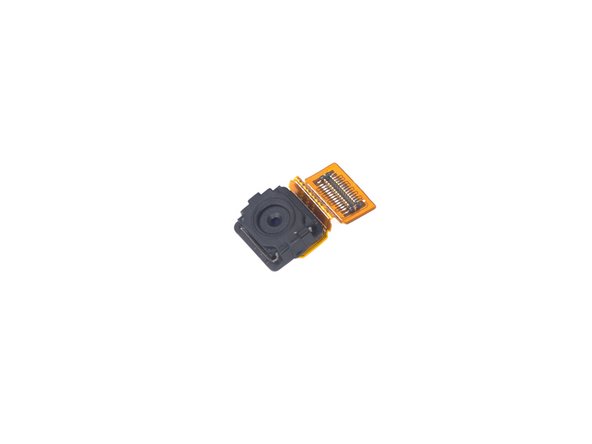


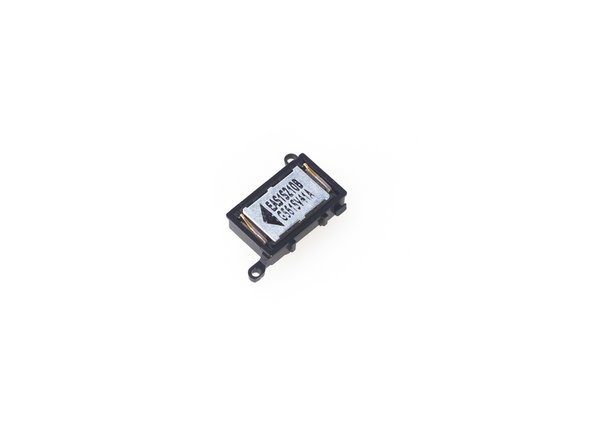


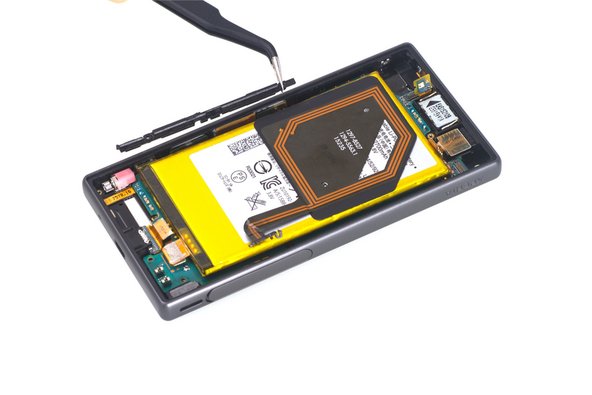


To reassemble your device, follow these instructions in reverse order.
Cancel: I did not complete this guide.
2 other people completed this guide.

Team

The Citadel Military College of South Carolina, Team S2-G9, Eggleston Spring 2020 Member of The Citadel Military College of South Carolina, Team S2-G9, Eggleston Spring 2020
CMCSC-EGGLESTON-S20S2G9
3 Members
36 Guides authored
