Free Shipping on Domestic Orders $75+

Sony Xperia Z3 Dual Front Camera Replacement

What you need

  1. Sony Xperia Z3 Dual Front Camera Replacement, Front Camera: step 1, image 1 of 1
    • Power off the phone and remove two SIM card trays before replacement.

    Ask FixBot

    Add Comment

  2. Sony Xperia Z3 Dual Front Camera Replacement: step 2, image 1 of 3 Sony Xperia Z3 Dual Front Camera Replacement: step 2, image 2 of 3 Sony Xperia Z3 Dual Front Camera Replacement: step 2, image 3 of 3
    • Heat to soften back cover adhesive sticker.

    • Use suction cup to open a gap and insert into the guitar pick. Slide the guitar pick to cut the sticker.

    Ask FixBot

    Add Comment

  3. Sony Xperia Z3 Dual Front Camera Replacement: step 3, image 1 of 1
    • Remove back cover carefully and avoid cracking the glass.

    Ask FixBot

    Add Comment

  4. Sony Xperia Z3 Dual Front Camera Replacement: step 4, image 1 of 3 Sony Xperia Z3 Dual Front Camera Replacement: step 4, image 2 of 3 Sony Xperia Z3 Dual Front Camera Replacement: step 4, image 3 of 3
    • Remove battery or not is optional. Remove it makes the replacement convenient while keep it also will not block the replacement.

    Ask FixBot

    Add Comment

  5. Sony Xperia Z3 Dual Front Camera Replacement: step 5, image 1 of 1
    • Remove screws at first.

    Ask FixBot

    Add Comment

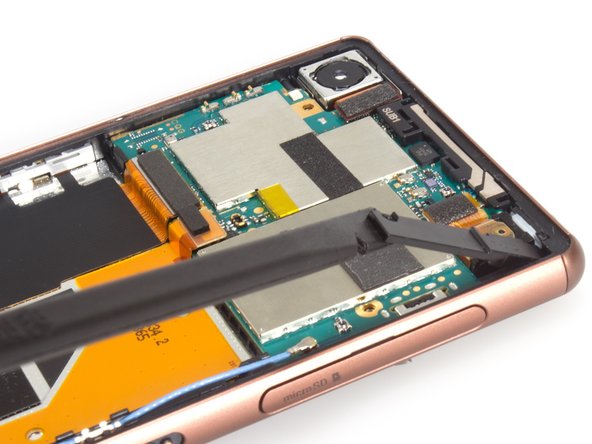
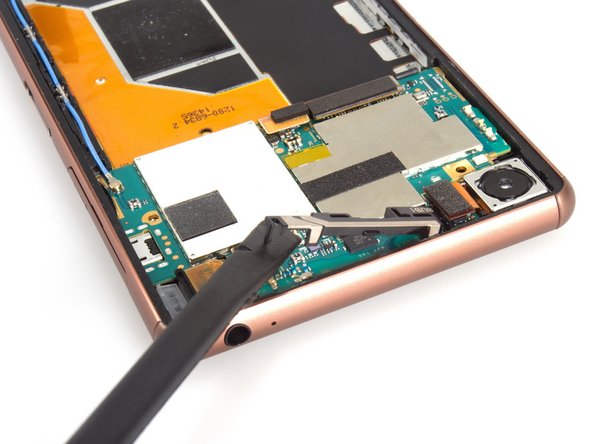
  6. Sony Xperia Z3 Dual Front Camera Replacement: step 6, image 1 of 3 Sony Xperia Z3 Dual Front Camera Replacement: step 6, image 2 of 3 Sony Xperia Z3 Dual Front Camera Replacement: step 6, image 3 of 3
    • Remove three pieces of securing bracket.

    Ask FixBot

    Add Comment

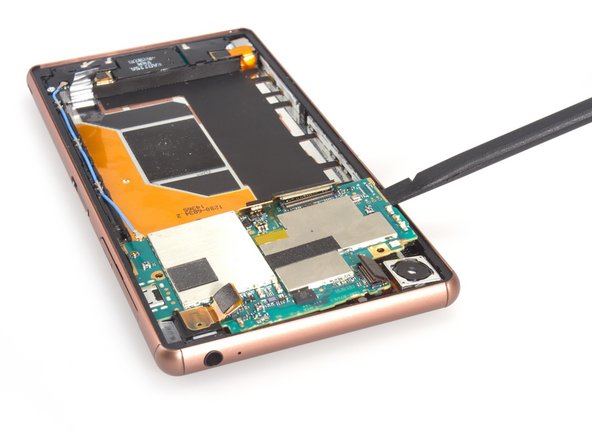
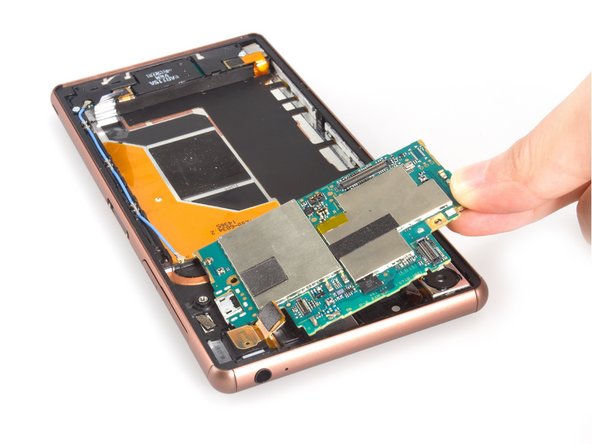
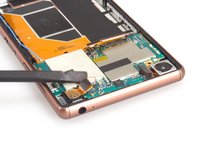
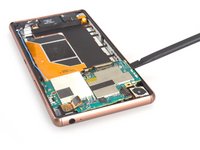
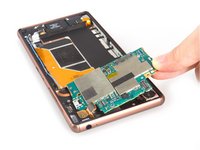
  7. Sony Xperia Z3 Dual Front Camera Replacement: step 7, image 1 of 3 Sony Xperia Z3 Dual Front Camera Replacement: step 7, image 2 of 3 Sony Xperia Z3 Dual Front Camera Replacement: step 7, image 3 of 3
    • Release all the connectors connecting with motherboard.

    • Pry the motherboard up from left side and remove it. The motherboard is hold tightly by some hidden keys, so you should be very careful.

    Ask FixBot

    Add Comment

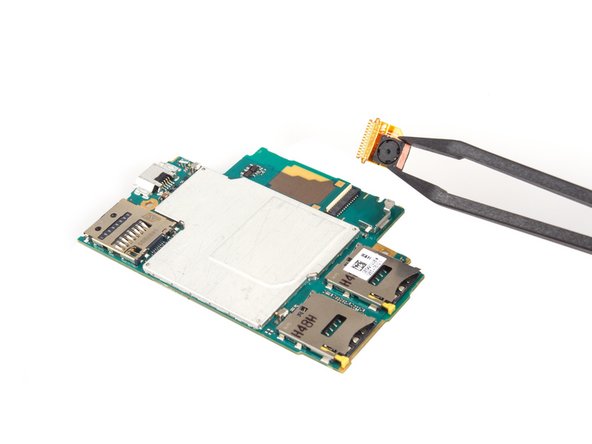
  8. Sony Xperia Z3 Dual Front Camera Replacement: step 8, image 1 of 2 Sony Xperia Z3 Dual Front Camera Replacement: step 8, image 2 of 2
    • Release the connector and pull out the flex at first, please be careful as you can.

    • Remove the front camera finally.

    Ask FixBot

    Add Comment

Conclusion

To reassemble your device, follow these instructions in reverse order.

Cancel: I did not complete this guide.

2 other people completed this guide.

Sophia

Member since: 03/25/14

43,911 Reputation

62 Guides authored

0 Guide Comments

Add Comment

View Statistics:

Past 24 Hours: 2

Past 7 Days: 10

Past 30 Days: 34

All Time: 2,691