Introduction
Use this guide to remove and replace a worn out or dead battery in a Sony Walkman NW-A45.
For your safety, turn on your Sony Walkman NW-A45 and allow the battery to fully discharge before starting this procedure. A charged lithium-ion battery can be very dangerous if accidentally punctured.
Remember: follow general electrostatic discharge (ESD) safety procedures while repairing your device.
Don't reuse the battery after it's been removed, as doing so is a potential safety hazard. Replace it with a new battery.
What you need
-
-
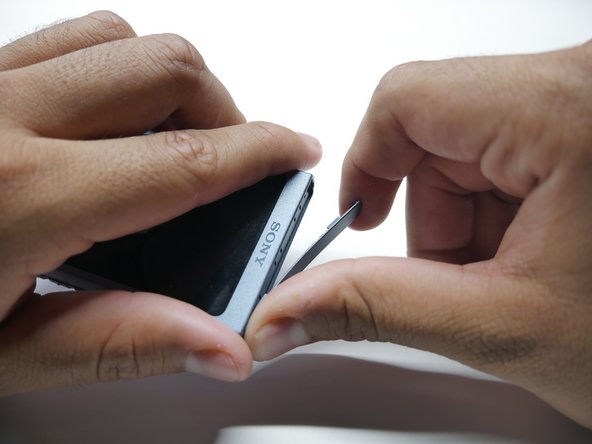
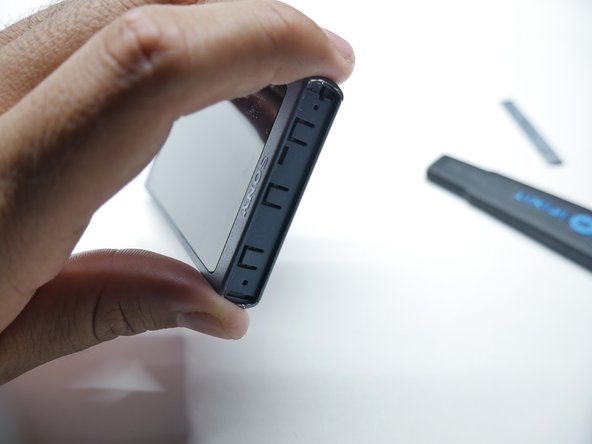
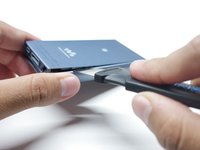
Insert a Jimmy into the thin gap between the shell and the side of the top cover, along the edge of one of the panels.
-
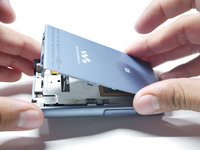
Pry up on the top cover to release it from the adhesive.
-
-
-
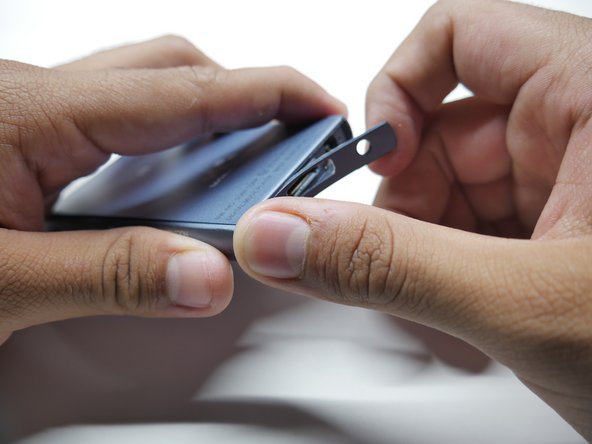
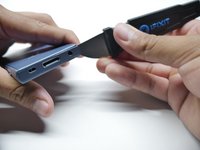
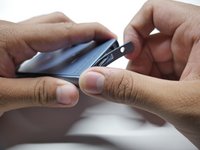
Insert a Jimmy into the thin gap between the shell and the side of the bottom cover, along the edge of one of the panels.
-
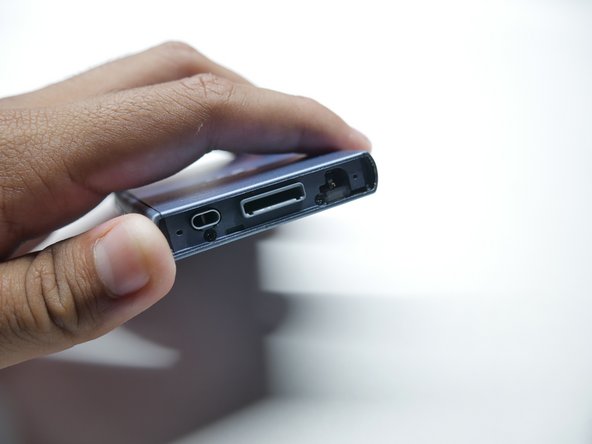
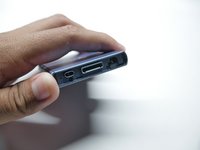
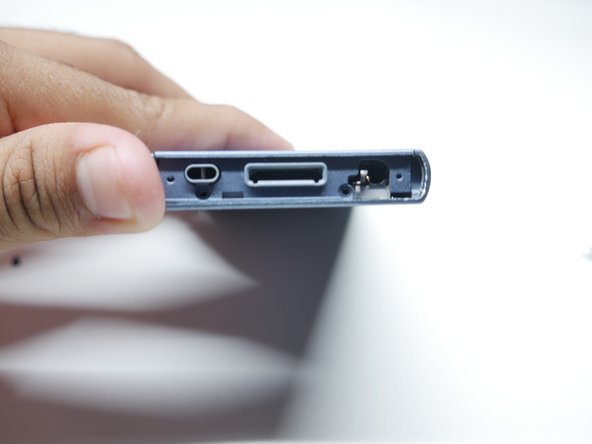
Pry up on the bottom cover to release it from the adhesive.
-
-
-
-
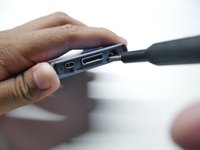
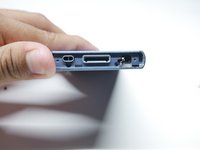
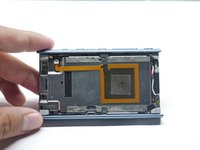
Remove the two bottom screws holding the chassis using a Phillips #00 screwdriver.
-
-
-
Flip the walkman on its screen.
-
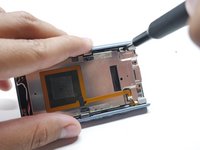
Insert a Jimmy into the thin gap between the side panel and shell, along the edge of the panel.
-
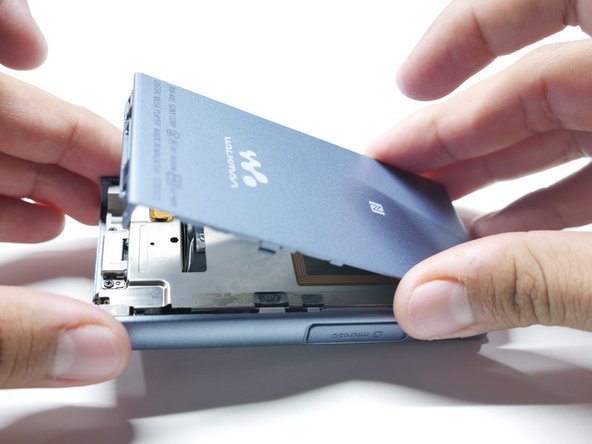
Slowly pry up the back cover to release it from its adhesive.
-
-
-
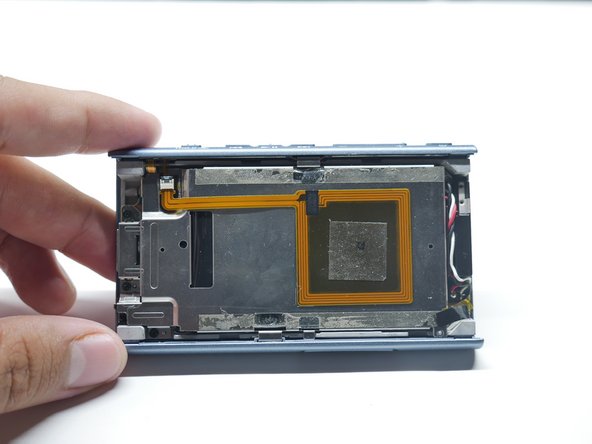
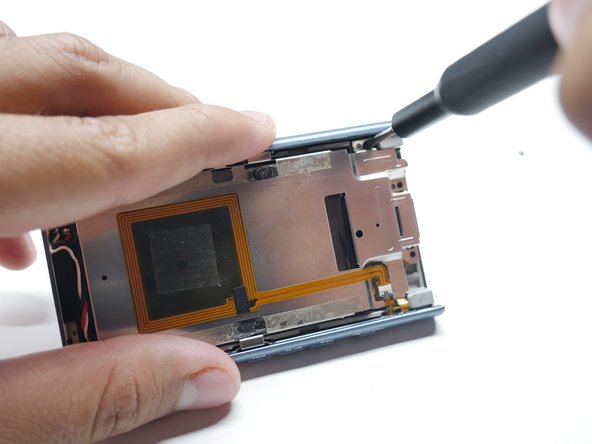
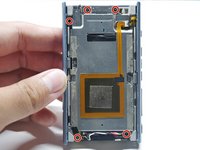
Remove the five screws holding down the battery and NFC Module using a Phillips #00 screwdriver.
-
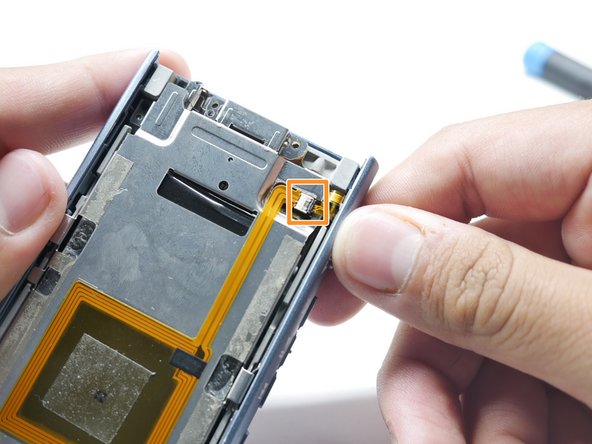
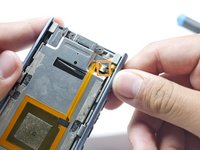
Detach the ribbon cable connecting the NFC Module by pulling outward.
-
-
-
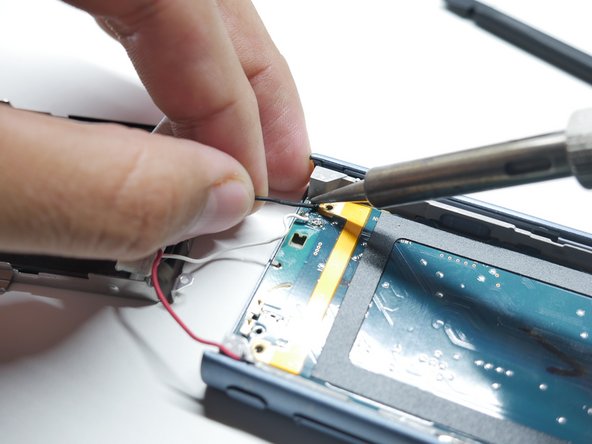
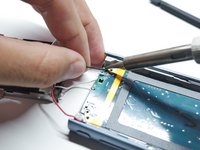
Heat a soldering iron to 420 degrees Celsius.
-
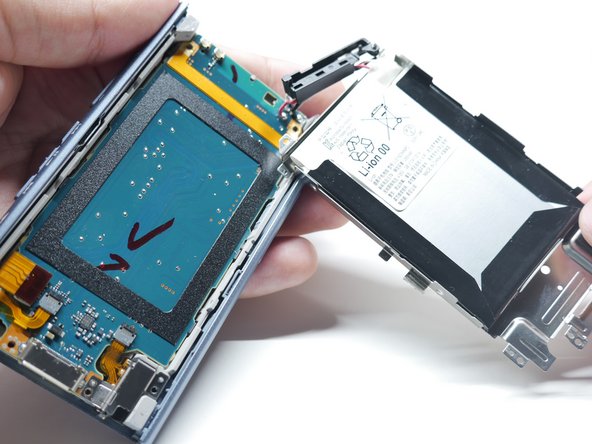
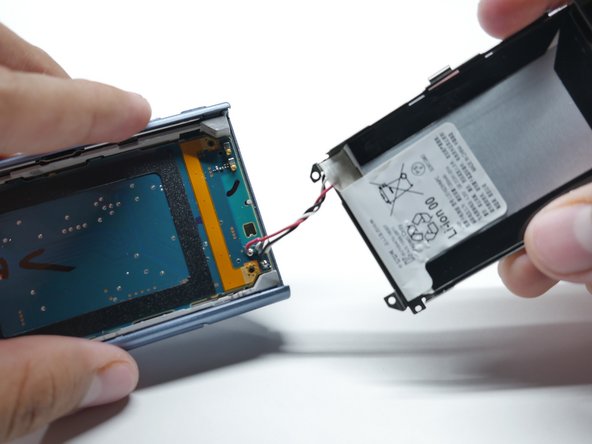
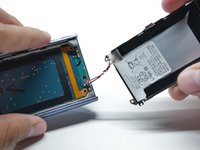
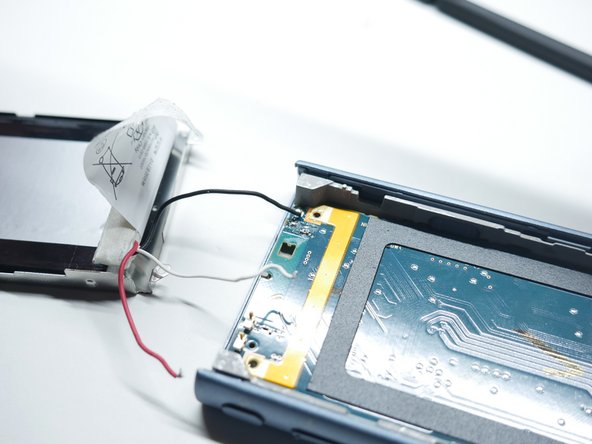
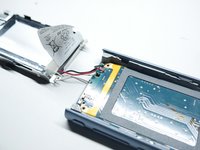
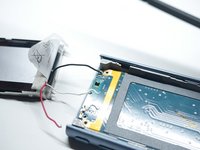
Heat up the old solder in the Walkman and remove the wire from its terminal.
-
-
-
Loosen the battery adhesive by using isopropyl alcohol.
-
Pry out the battery using plastic cards.
-
Remove the battery.
-

 Ask FixBot









To reassemble your device, follow these instructions in reverse order.
Cancel: I did not complete this guide.
3 other people completed this guide.

Team

CSU Los Angeles, Team 3-86, Harris Fall 2024 Member of CSU Los Angeles, Team 3-86, Harris Fall 2024
CSULA-HARRIS-F24S3G86
2 Members
3 Guides authored
