Introduction
This repair guide details how to replace the USB-C charging port on the left side of the Sony WH-CH720N. This is necessary in the event of bending/ breaking the charging port, or failure to charge.
Caution when using soldering iron as the end is HOT.
What you need
-
-
Remove the ear pad.
-
Check introductions to ensure you remove the correct side earmuff for each repair guide!
-
-
-
-
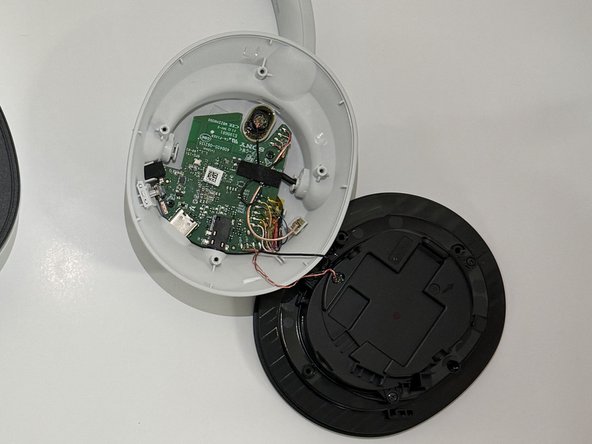
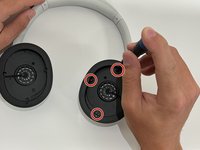
Use a Philips #00 screwdriver to remove the four 5 mm screws from the left driver housing.
-
-
-
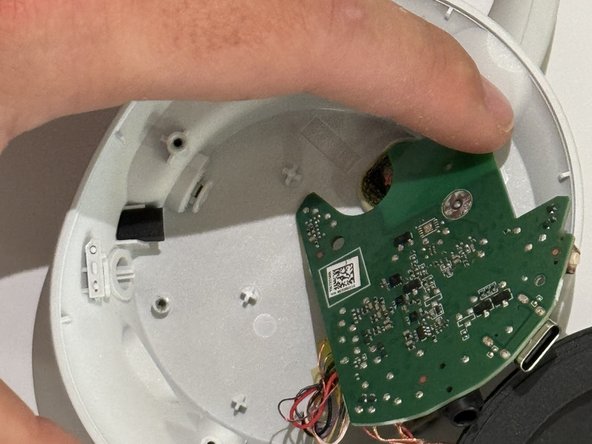
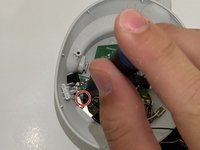
Using the same bit, remove the two 3 mm screws from the circuit board.
-
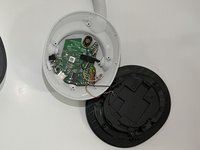
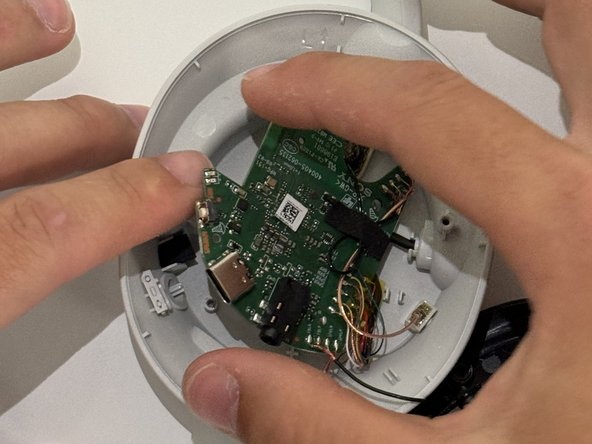
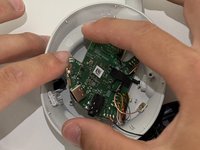
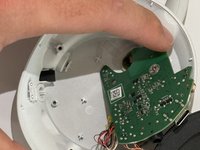
Gently remove the circuit board.
-
-
-
Desolder the four joints holding the USB-C charging port there.
-
Pull the charging port off.
-

 Ask FixBot




To reassemble your device, follow these instructions in reverse order.
Cancel: I did not complete this guide.
One other person completed this guide.

Team

Western Carolina University, Team 1-2, Virtue Spring 2024 Member of Western Carolina University, Team 1-2, Virtue Spring 2024
WCU-VIRTUE-S24S1G2
4 Members
10 Guides authored
