Introduction
This guide will walk you through the process of replacing the charging board in your Sony WH-1000XM5 headphones. If your headphones are no longer charging properly or showing signs of a damaged charging port, the charging board may need to be replaced.
Step 6 requires you to desolder 2 wires connected to the power board. Please wear safety glasses and take caution when handling a hot soldering iron. If you are new to soldering, you can follow the How To Solder and Desolder Connections guide for more in-depth instructions.
Follow each step carefully to safely disassemble your device and install a new board. Make sure your headphones are powered off and disconnected from any cables before beginning.
What you need
-
Tool used on this step:iFixit Opening Tool$1.99
-
Place the edge of an iFixit opening tool under the earpad cushion.
-
Slide it alongside the edge of the cushion until it detaches from the rest of the headphones.
 Ask FixBot
-
-
Tool used on this step:Phillips #000 Screwdriver$5.49
-
Use a Phillips #000 screwdriver to remove the eight screws along the outer inside edge.
-
Flip the headphones to the other side and slowly lift up the back plastic cover piece.
-
Gently disconnect the touch sensor ribbon cable by pulling it out evenly from the main board.
-
-
-
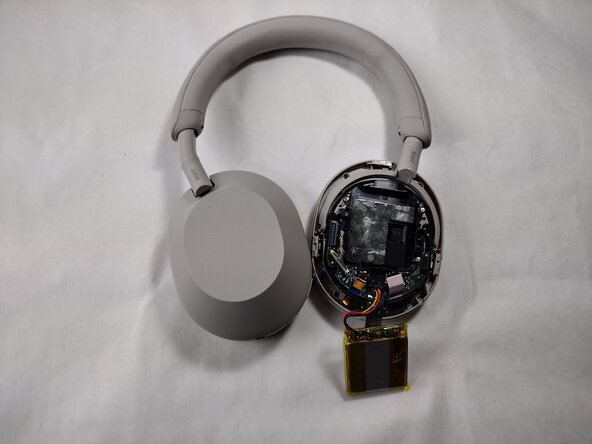
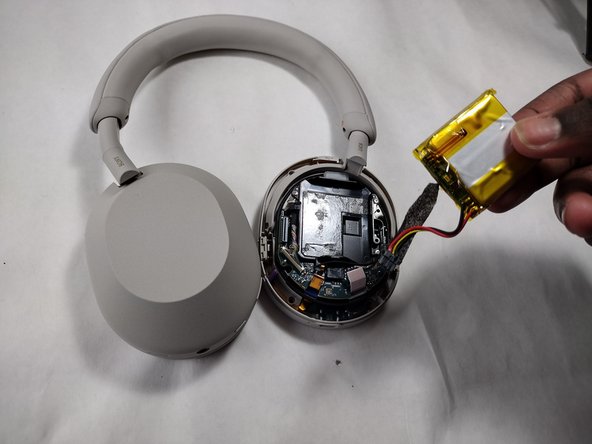
Peel off the tape covering the battery connector.
-
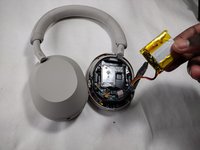
Pull out the battery and disconnect the battery cable from the motherboard.
-
-
-
-
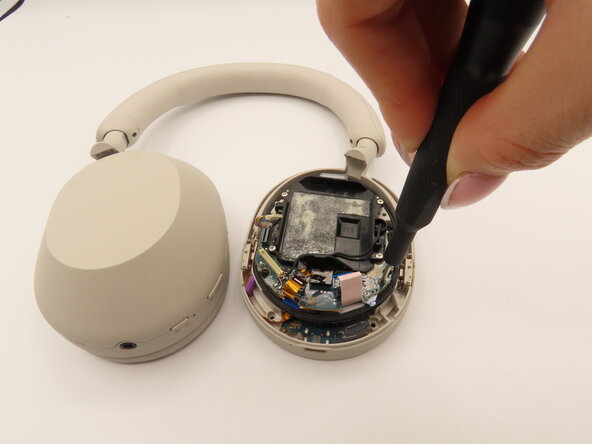
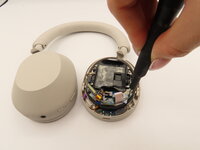
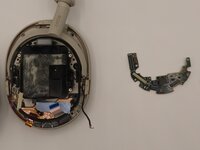
Use a Phillips #000 screwdriver to remove the two black 1.6mm Phillips screws holding the power board down.
-
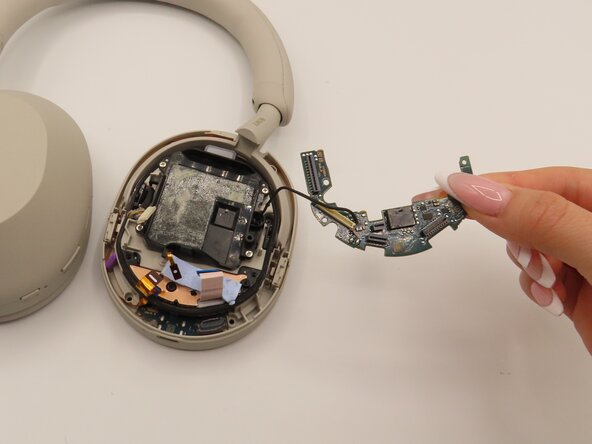
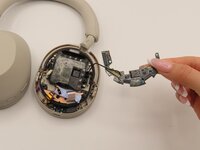
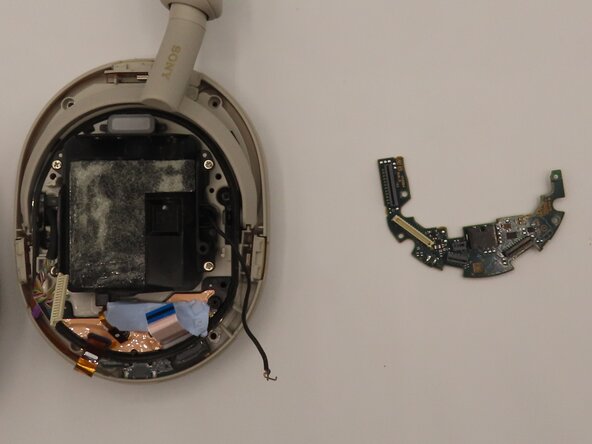
Carefully lift the power board from the unit.
-
-
-
Plug in the soldering iron and wait 1-3 minutes for it to heat up.
-
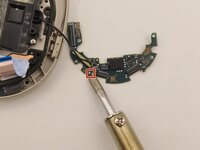
Place the flat side of the soldering iron on the 2 globs of metal for 2-3 seconds as shown.
-
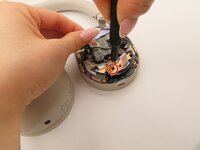
While the globs are still hot, use your tweezers to carefully detach the black and red wires from the power board.
-
-
-
Set the blue sticky strips to the side.
-
Use a spudger to lift up the dark gray mesh from the back plastic part.
-
Use a Phillips #000 screwdriver to remove the 1.6 mm screw in the center.
-
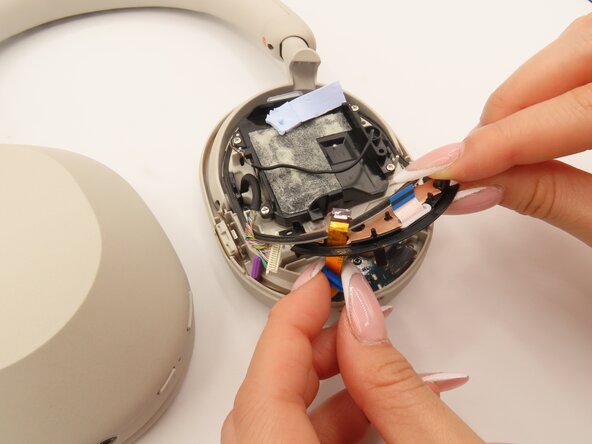
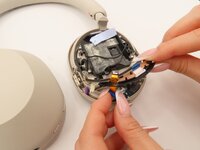
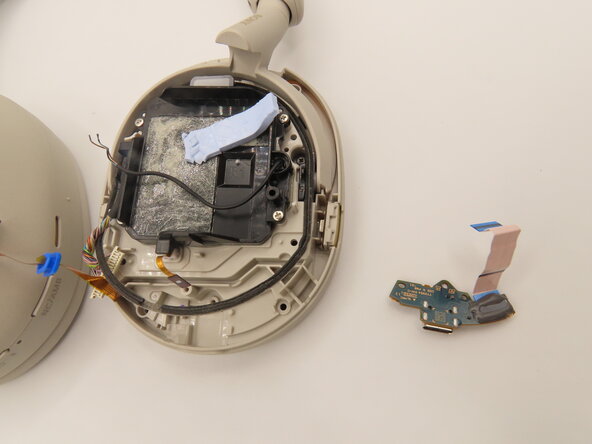
Carefully pull the ribbons through.
-
-
-
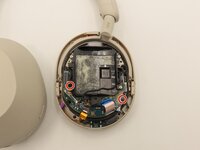
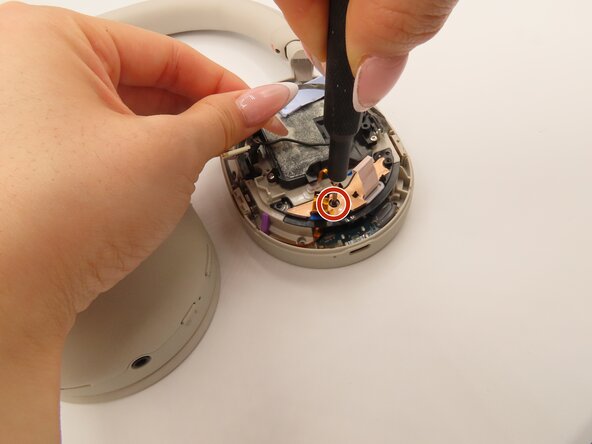
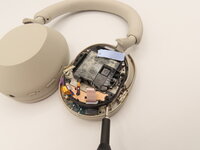
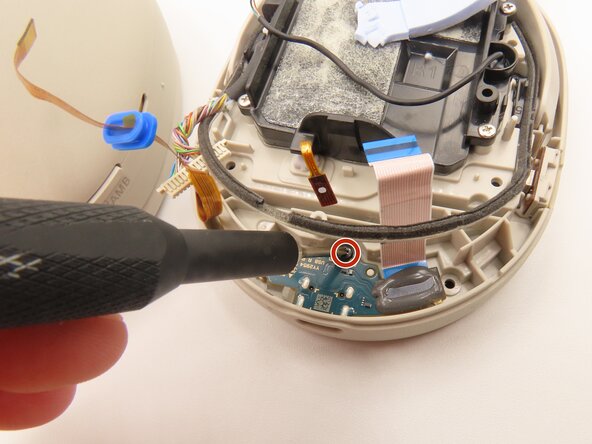
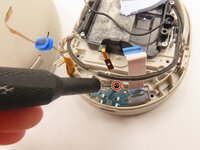
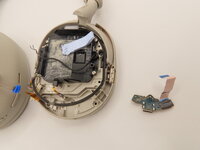
Use a Phillips #000 screwdriver to remove the 1.6 mm black screw on the charging board.
-






To reassemble your device, follow these instructions in reverse order.

Team

University of Kentucky, Team 1-3, Frey Spring 2025 Member of University of Kentucky, Team 1-3, Frey Spring 2025
UKY-FREY-S25S1G3
4 Members
11 Guides authored
