Introduction
This tutorial demonstrates how to swap out the Sony WF-1000XM3 earphones' main board. The main board might be affected if, after testing and swapping out other parts like the speaker or battery, the earphones still don't turn on. Damage to its tiny parts, either mechanical or electrical, may be the cause of this problem. It takes patience and a reasonable level of technical expertise to replace the main board.
Before you begin this repair, make sure your earbuds are turned off and you remove the batteries.
Caution: This repair requires soldering to remove the main board. For instructions and safety tips on soldering and desoldering, review this guide.
What you need
-
-
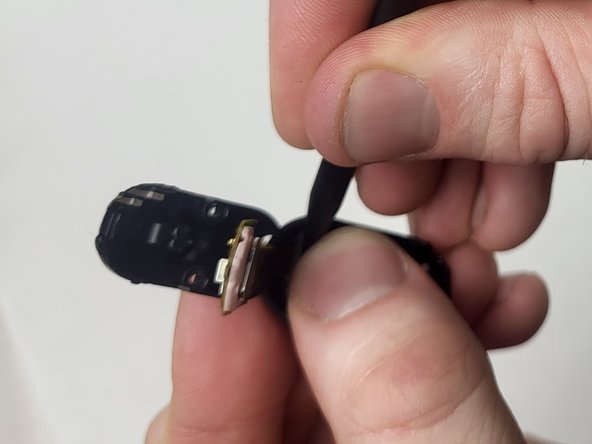
Use a spudger to gently pry open the back plate of the earbud.
 Ask FixBot
-
-
-
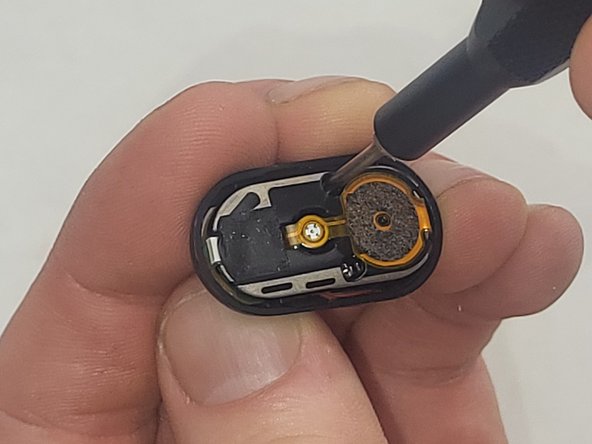
Use a Phillips #000 screwdriver to remove the two 4 mm screws securing the internal components.
-
-
-
-
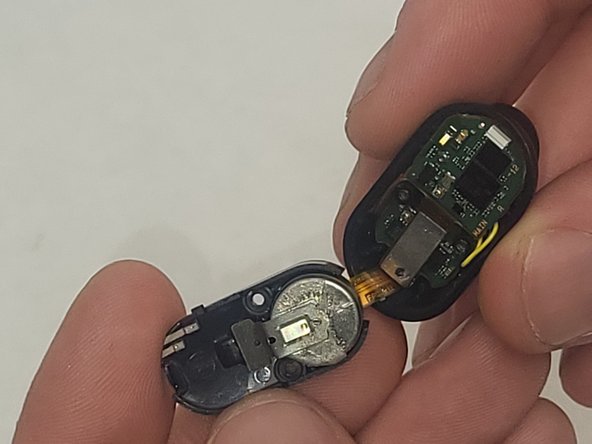
Use a spudger to carefully remove the battery from the earbud's circuit board.
-
-
-
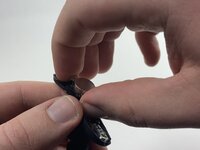
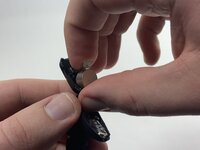
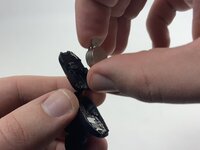
Use a spudger to pry the battery and the metal negative contact from the earbud.
-
-
-
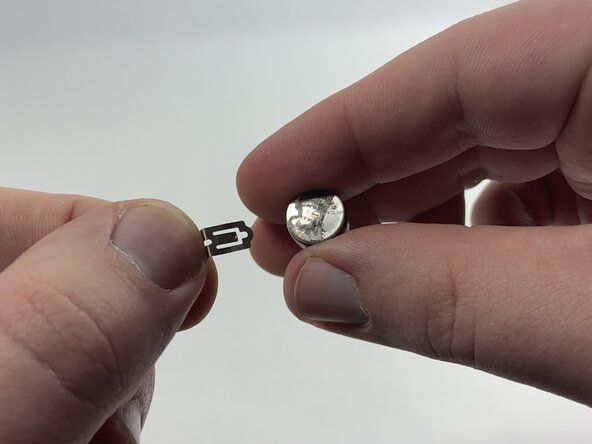
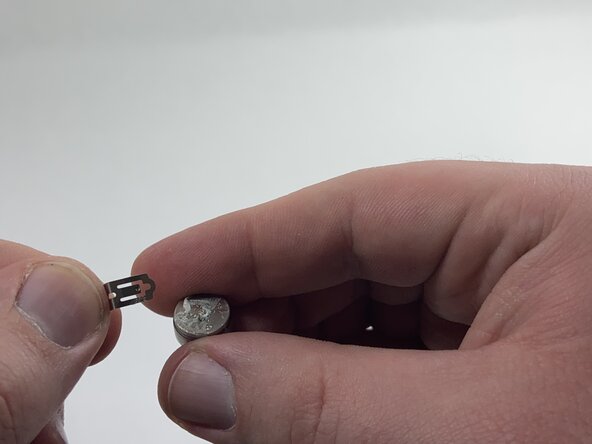
Remove the metal negative terminal from the battery.
-
Attach it to the new battery, either with double-sided tape or by placing the new battery and the terminal back into the earbud in the same position they were before.
-
-
-
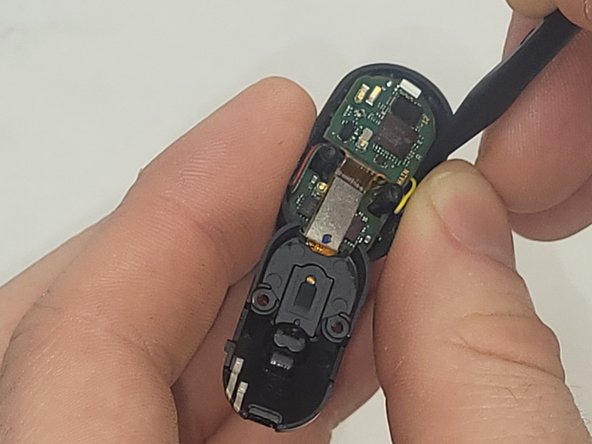
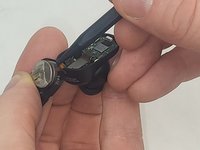
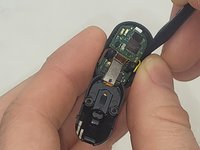
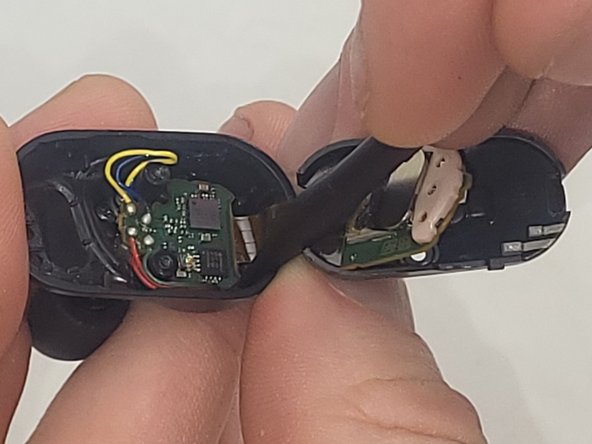
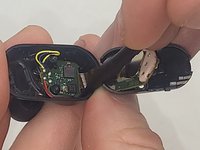
Use the spudger and tweezers to remove the small connectors that hold the main board in place.
-
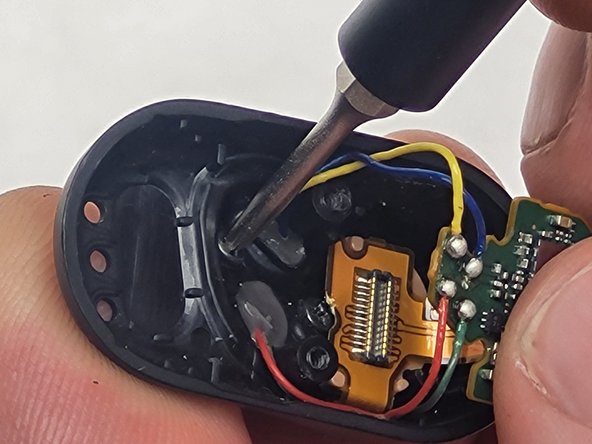
If your device contains soldered components, carefully desolder them with the soldering iron.
-
Gently remove the main board.
-






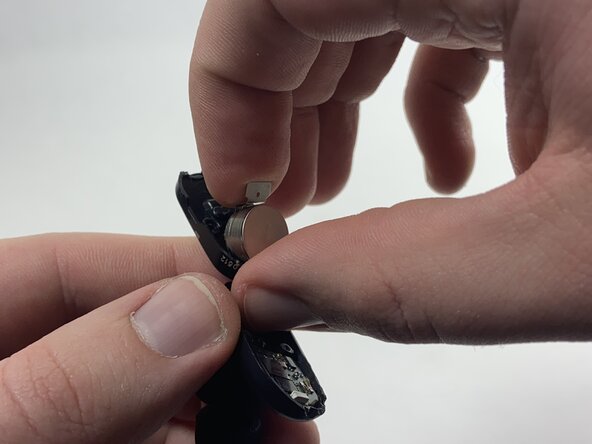
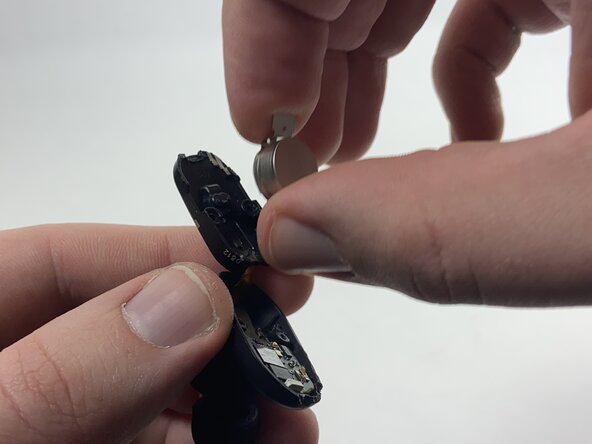


To reassemble your device, follow these instructions in reverse order. Take your e-waste to an R2 or e-Stewards certified recycler.
Cancel: I did not complete this guide.
One other person completed this guide.

Team

UMass Dartmouth, Team 3-6, Santin Fall 2024 Member of UMass Dartmouth, Team 3-6, Santin Fall 2024
UMASSD-SANTIN-F24S3G6
3 Members
9 Guides authored
