Free Shipping on Domestic Orders $75+

Sony Vaio VPCW21FX Screen Replacement

What you need

  1. Sony Vaio VPCW21FX Screen Replacement, Screen: step 1, image 1 of 2 Sony Vaio VPCW21FX Screen Replacement, Screen: step 1, image 2 of 2
    • Make sure your device is powered off and unplugged to avoid electric shock.

    • Open your laptop.

    • Remove the four screws on the frame.

    Ask FixBot

    Add Comment

  2. Sony Vaio VPCW21FX Screen Replacement: step 2, image 1 of 2 Sony Vaio VPCW21FX Screen Replacement: step 2, image 2 of 2
    • After all of the screws are removed, gently pull on the frame to remove it.

    Ask FixBot

    Add Comment

  3. Sony Vaio VPCW21FX Screen Replacement: step 3, image 1 of 1
    • Unscrew the 4 screws located on the screen itself.

    Ask FixBot

    Add Comment

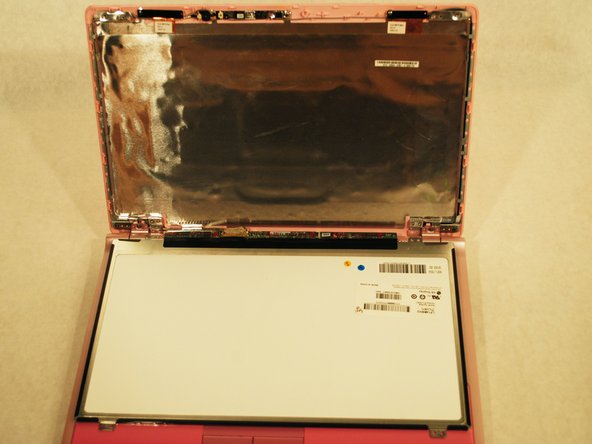
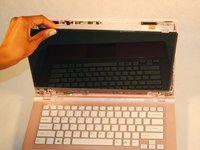
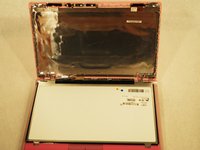
  4. Sony Vaio VPCW21FX Screen Replacement: step 4, image 1 of 2 Sony Vaio VPCW21FX Screen Replacement: step 4, image 2 of 2
    • Gently lay the screen down on the keyboard.

    Ask FixBot

    Add Comment

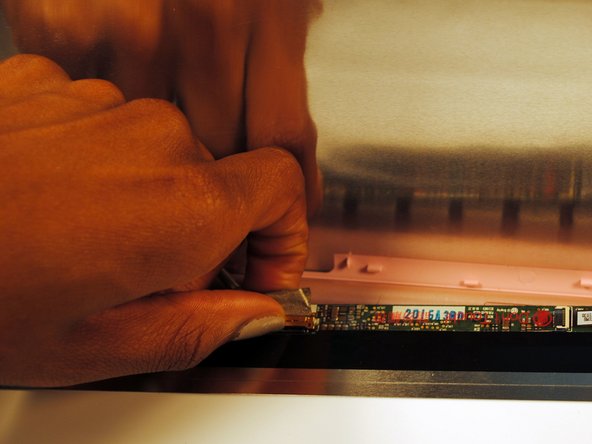
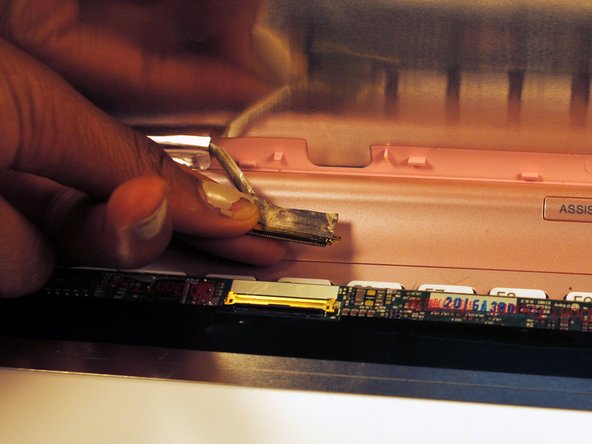
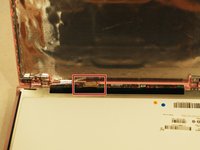
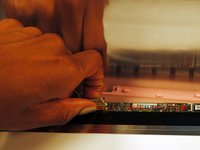
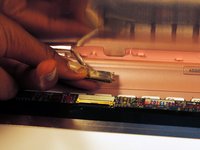
  5. Sony Vaio VPCW21FX Screen Replacement: step 5, image 1 of 3 Sony Vaio VPCW21FX Screen Replacement: step 5, image 2 of 3 Sony Vaio VPCW21FX Screen Replacement: step 5, image 3 of 3
    • Detach the wire that is connected to the LCD screen by grabbing back of connector and sliding it out.

    Ask FixBot

    Add Comment

Conclusion

To reassemble your device, follow these instructions in reverse order.

Cancel: I did not complete this guide.

One other person completed this guide.

Summer

Member since: 10/10/16

250 Reputation

2 Guides authored

0 Guide Comments

Add Comment

View Statistics:

Past 24 Hours: 0

Past 7 Days: 7

Past 30 Days: 28

All Time: 959