Free Shipping on Domestic Orders $75+

Sony Vaio VPCEL17FX RAM Sticks Replacement

What you need

    1. Sony Vaio VPCEL17FX RAM Sticks Replacement, RAM Sticks: step 1, image 1 of 1
      • Use a Phillips #00 screwdriver to unscrew the single RAM cover screw.

      Ask FixBot

      Add Comment

    2. Sony Vaio VPCEL17FX RAM Sticks Replacement: step 2, image 1 of 1
      • Pull the cover of the RAM sticks up.

      Ask FixBot

      Add Comment

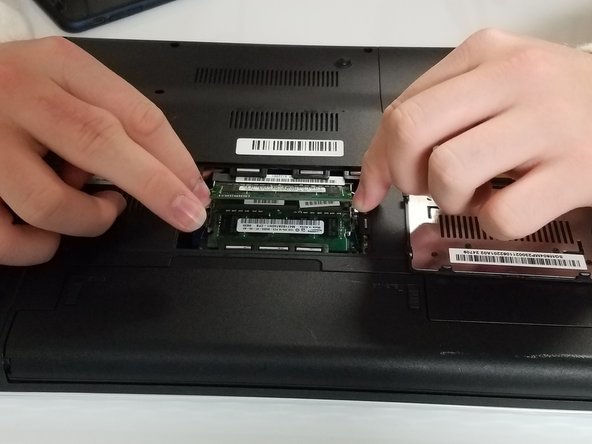
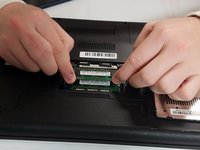
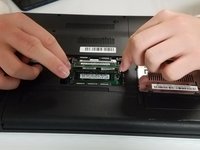
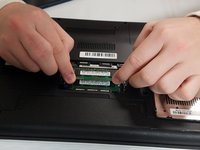
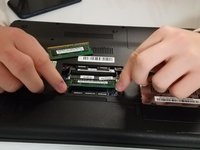
    3. Sony Vaio VPCEL17FX RAM Sticks Replacement: step 3, image 1 of 2 Sony Vaio VPCEL17FX RAM Sticks Replacement: step 3, image 2 of 2
      • Pull apart the metal sides on the sides of the top RAM stick to pop it up.

      • Repeat that process with the bottom RAM stick.

      Ask FixBot

      Add Comment

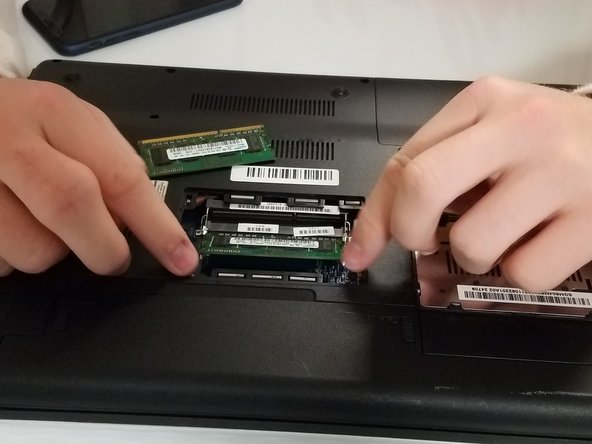
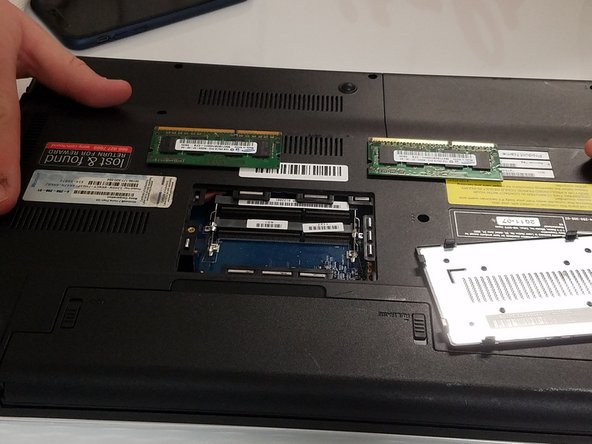
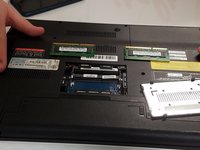
    4. Sony Vaio VPCEL17FX RAM Sticks Replacement: step 4, image 1 of 3 Sony Vaio VPCEL17FX RAM Sticks Replacement: step 4, image 2 of 3 Sony Vaio VPCEL17FX RAM Sticks Replacement: step 4, image 3 of 3
      • Remove both RAM sticks.

      • Take care removing the RAM sticks as they are fragile.

      Ask FixBot

      Add Comment

Conclusion

Congratulations!

Cancel: I did not complete this guide.

Michael Miller

Member since: 09/21/18

161 Reputation

1 Guide authored

0 Guide Comments

Add Comment

View Statistics:

Past 24 Hours: 3

Past 7 Days: 17

Past 30 Days: 53

All Time: 1,098