Introduction
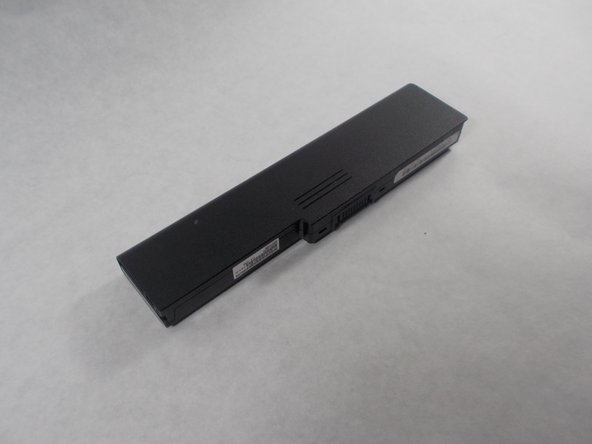
The goal of this guide is to walk you through the process of replacing the batter of a Sony Vaio VPCEG26FX Laptop step-by-step. The battery needs to be replaced if the laptop needs to be charged very frequently or cannot be used without being plugged in. Be careful of using force to remove the battery. It has a rail system that requires correct alignment to remove.
What you need
-
-
-
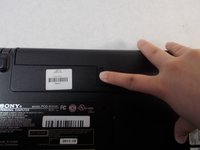
Flip the laptop so the bottom is facing up with the model number visible.
 Ask FixBot
-
-
-
-
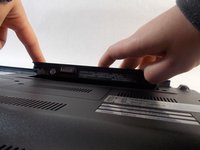
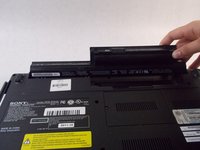
Slide the release slider up and simultaneously push the battery upwards away from the device until it falls out of place.
-
-



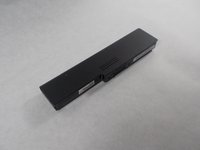
To reassemble your device, follow these instructions in reverse order.
Cancel: I did not complete this guide.
One other person completed this guide.

Team

UMass Dartmouth, Team S1-G4, Botvin Spring 2019 Member of UMass Dartmouth, Team S1-G4, Botvin Spring 2019
UMASSD-BOTVIN-S19S1G4
4 Members
60 Guides authored
