
Sony Vaio VPCCW17FX LCD Screen Replacement

Seowon Song and 5 other contributors
Last updated on Nov 25, 2022
Views: 1.7K
View statistics:
- Past 24 Hours:
- 1
- Past 7 Days:
- 19
- Past 30 Days:
- 98
- All Time:
- 1,666
Comments: 0
No one has left comments on this guide. Will you be first?
Go to guide commentsCompleted: 1 2
1 person has marked this guide "completed." Will you be next?
2 people have marked this guide "completed." Including you — great job!
Favorites: 0 1
No one has favorited (and subscribed to) this guide. Will you be the first?
1 person has favorited (and subscribed to) this guide — and that's you!
Needs Better Images
Better photos will improve this guide. Help out by taking, editing, or uploading new ones!
Introduction
Go to step 1 ↓In order to remove the screen safely, be sure to take out the battery first. The screen can be replaced once you remove the plastic cover located on the back of the laptop with all screws removed.
What you need
Tools
-
Spudger4.9


-
-
-
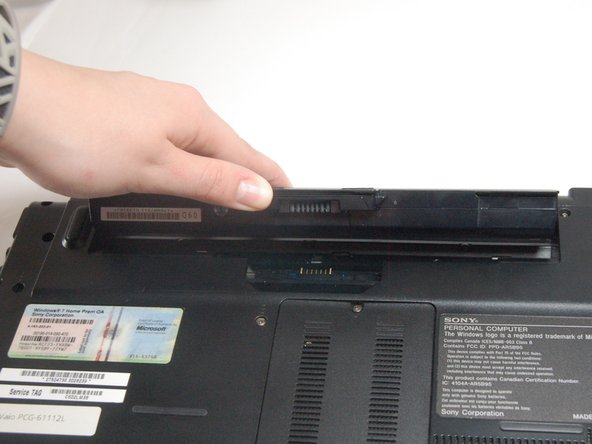
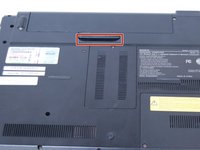
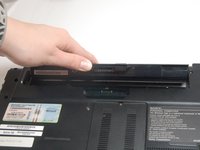
Use your fingernail or a plastic tool to lift the battery. Rotate the battery up and away to remove from the laptop.
-
-
-
-
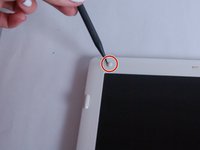
Remove the rubber pads on all four corners of the screen bezel using the spudger.
-
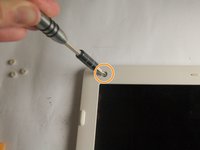
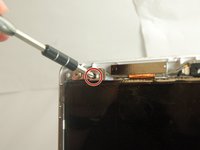
Remove the four screws (Length: 7.7 mm) using the Phillips #0 screwdriver.
-
-
-
Remove all four screws (Length: 7.7 mm) using a Phillips #0 screwdriver. Make sure to hold the screen while removing the screws so it doesn't fall.
-
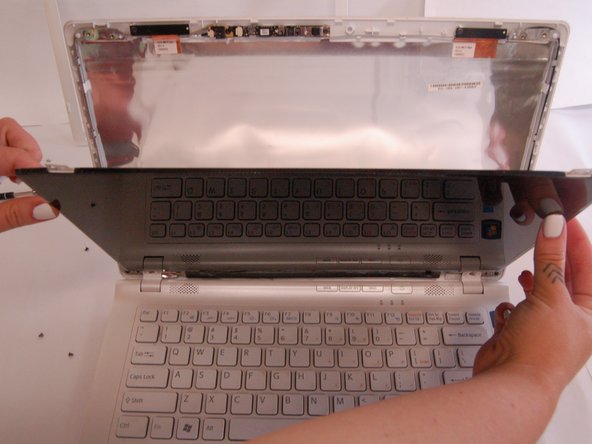
Using your thumb, carefully lower the glass and place it on the keyboard.
-
-
-
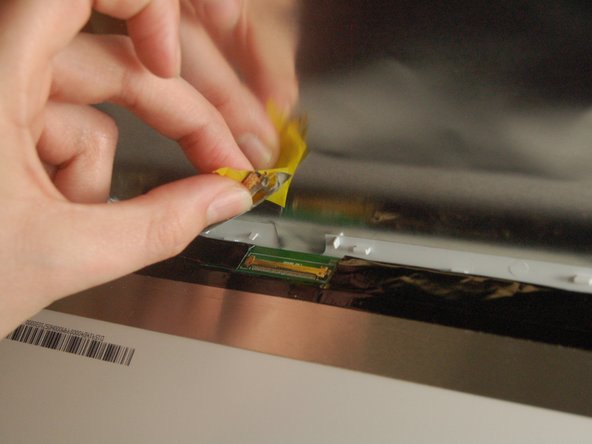
Pull off the tape and disconnect the display cable connector by gently sliding up to remove it from its socket.
-

 Ask FixBot








To reassemble your device, follow these instructions in reverse order.
Cancel: I did not complete this guide.
One other person completed this guide.

Team

Texas Tech, Team S8-G5, Bennett Spring 2017 Member of Texas Tech, Team S8-G5, Bennett Spring 2017
TTU-BENNETT-S17S8G5
4 Members
60 Guides authored
