
Sony Vaio VGN-SR140E RAM Replacement

Jeremy and 3 other contributors
Last updated on Nov 17, 2022
Views: 1K
View statistics:
- Past 24 Hours:
- 3
- Past 7 Days:
- 23
- Past 30 Days:
- 85
- All Time:
- 1,035
Comments: 1
1 guide comment.
Go to guide commentsCompleted: 0 1
No one has marked this guide "completed." Will you be the first?
1 person has marked this guide "completed." It's you — great job!
Favorites: 0 1
No one has favorited (and subscribed to) this guide. Will you be the first?
1 person has favorited (and subscribed to) this guide — and that's you!
Action Shots
Be an action hero! This guide needs images that better demonstrate how to perform specific actions.
Introduction
Go to step 1 ↓The battery needs to removed before servicing or replacing any other component. The RAM is under a panel held on by two screws. The RAM is easy to remove once the panel is off.
What you need
Tools

-
-
-
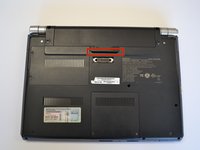
Slide the lock latch to the right to release the battery lock.
-
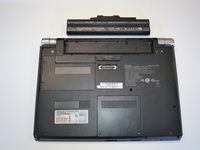
Slide and hold the release latch to the left.
-
-
-
Use a fingernail or plastic opening tool lift the battery while holding the release latch.Rotate the battery up and away from you to remove it from the laptop.
-
-
-
-
-
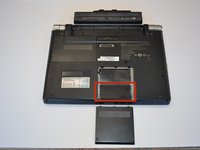
Using a Phillips #1 screwdriver, remove both screws. The screws are secured to the cover with retaining clips.
-
-
-
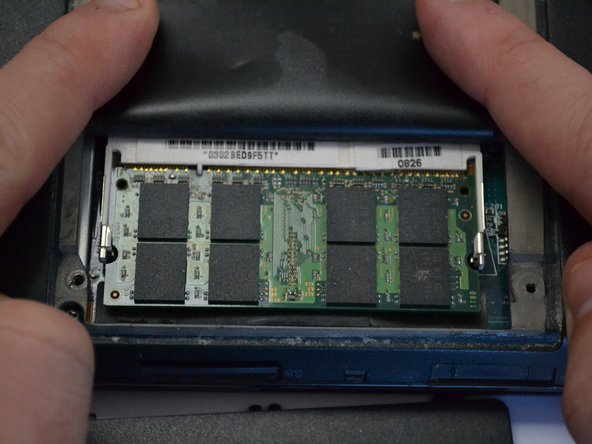
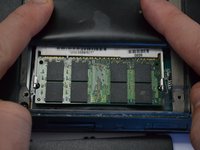
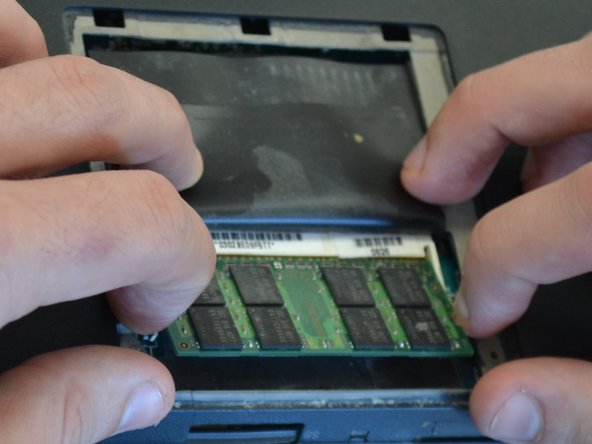
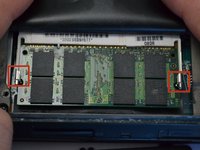
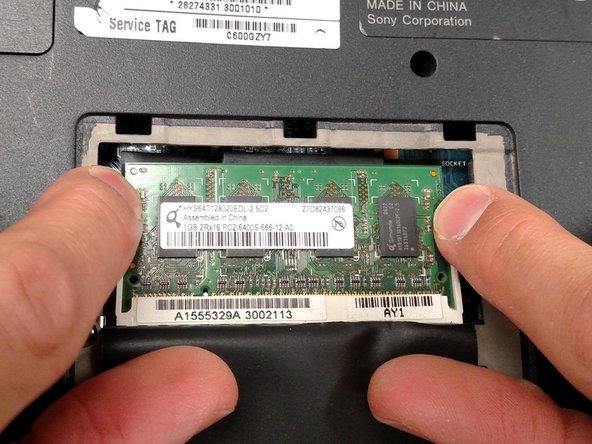
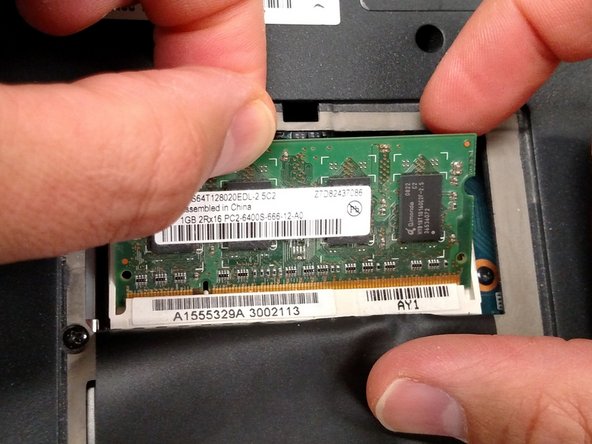
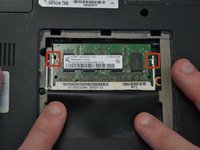
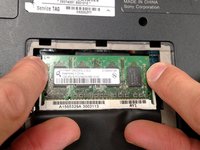
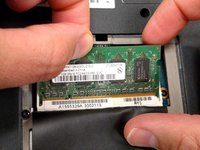
Apply light outward pressure to the locks on either side of the RAM. Rotate the RAM up slightly. Pull the RAM toward you to remove it.
-
-
-
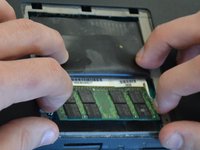
Using the same light outward pressure on the locks, lift the secondary RAM up and slide it away from you to remove it from its slot.
-
-

 Ask FixBot






To reassemble your device, follow these instructions in reverse order.

Team

Michigan Tech, Team 1-6, Lauer Spring 2015 Member of Michigan Tech, Team 1-6, Lauer Spring 2015
MTU-LAUER-S15S1G6
2 Members
60 Guides authored
