
Sony Vaio PCG-F360 Display Replacement

ahintz and
Last updated on Jul 19, 2023
Views: 4.8K
View statistics:
- Past 24 Hours:
- 0
- Past 7 Days:
- 1
- Past 30 Days:
- 28
- All Time:
- 4,817
Comments: 0
No one has left comments on this guide. Will you be first?
Go to guide commentsCompleted: 0 1
No one has marked this guide "completed." Will you be the first?
1 person has marked this guide "completed." It's you — great job!
Favorites: 1 2
1 person has favorited (and subscribed to) this guide. Will you be next?
2 people have favorited (and subscribed to) this guide — including you!
Bullets!
Better coordination with markups and the color/type of bullets will help make this guide more clear!
Markup Mishap
This guide needs better markups. Help out by correcting or making some markup annotations.
Better Introduction
Improve this guide by completing or revising its introduction.
What you need
Tools
-
Spudger4.9


Introduction
Go to step 1 ↓The 14.1" VGA display can be removed as a whole and replaced.
-
-
-
Position the laptop screen-side down as shown.
-
In this position the battery housing will be located on the right hand side.
 Ask FixBot
-
-
-
The battery is now removed and it is safe to move on to uninstalling other components.
-
-
-
-
-
-
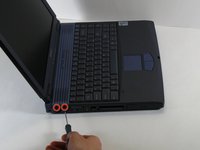
There are two screws on the left hand side of the laptop near the IR (Infared remote) receiver (see image). Remove them using a Phillips #00 Screwdriver.
-
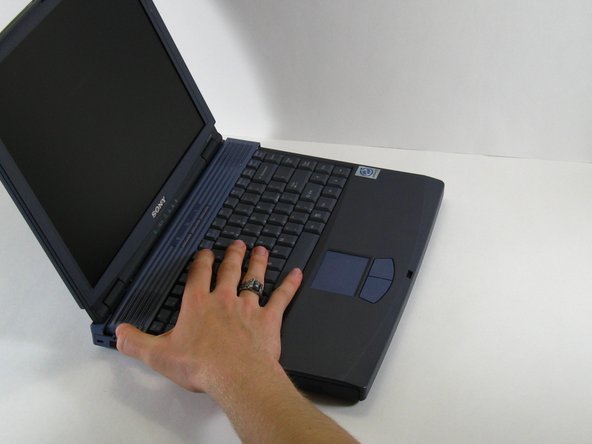
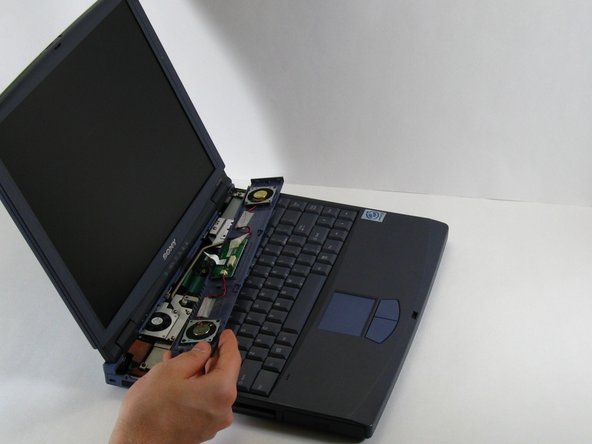
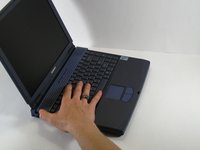
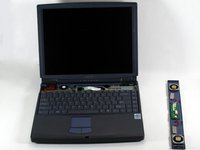
Slide the speaker panel towards the left, then carefully flip it over onto the keyboard.
-
-
-
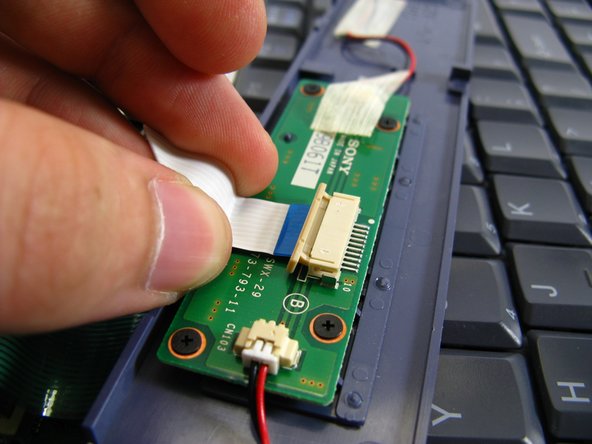
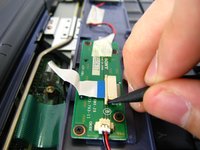
On the inside of the speaker panel, using a spudger, push the beige tab in the direction of the ribbon. It should only move a small amount.
-
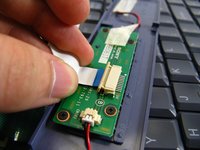
Remove the ribbon by gently pulling on it, there should be little or no resistance.
-
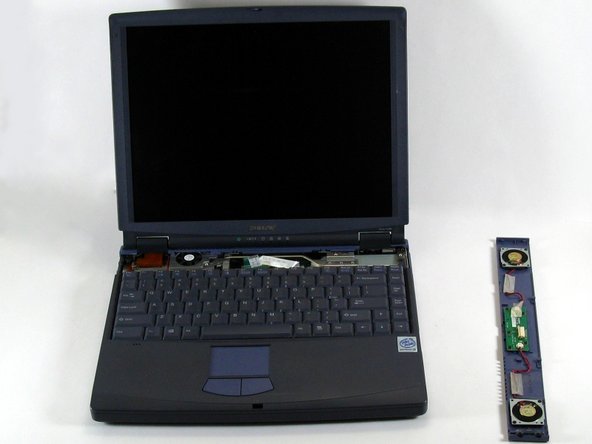
Now the speaker panel can be set aside.
-
-
-
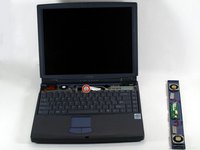
Remove the metal screw that will be located at the red circle.
-
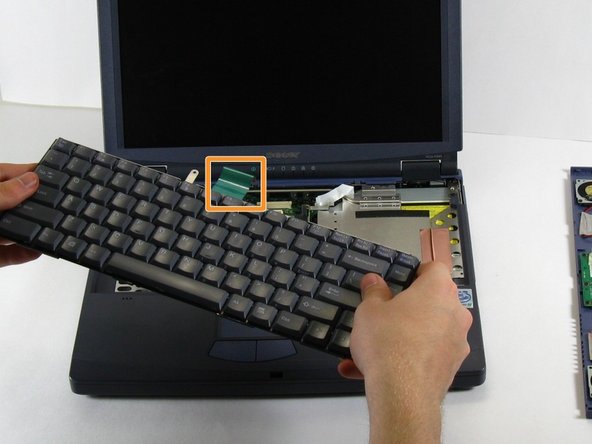
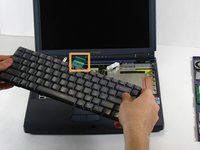
Pull on the green strip, and the keyboard should come free easily.
-
-
-
-
-
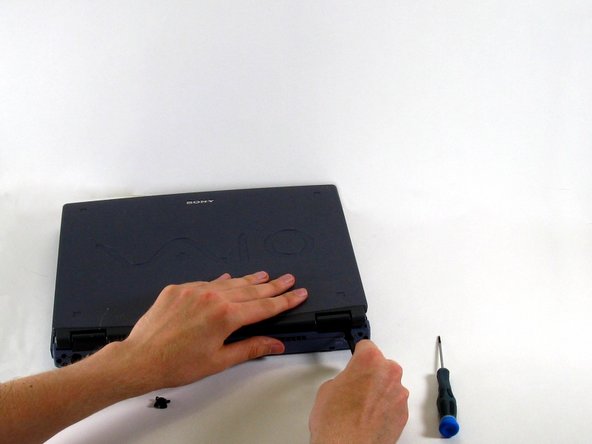
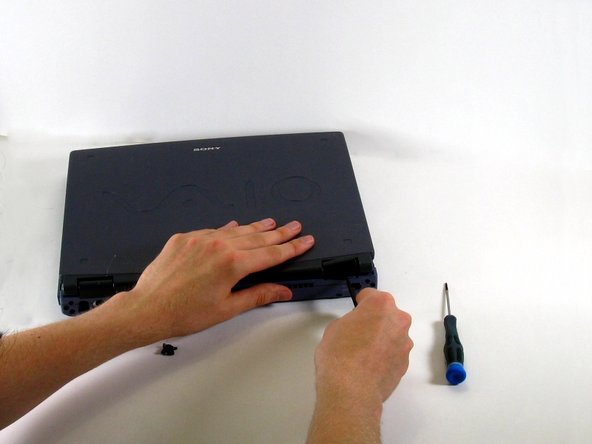
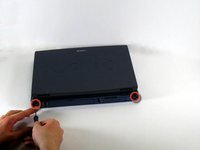
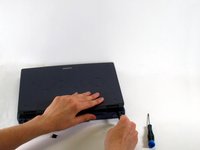
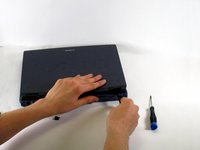
Remove the six screws along the hinges (three on either side).
-
Twist and pry at the hinge covers with a spudger until they pop up and remove them.
-
-
-
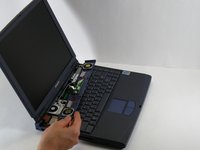
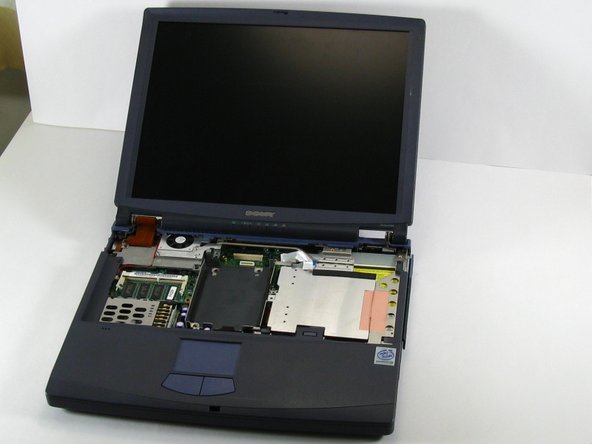
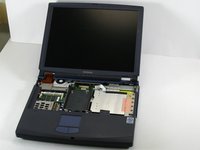
With the computer facing you open its lid carefully, so that the computer looks like this.
-
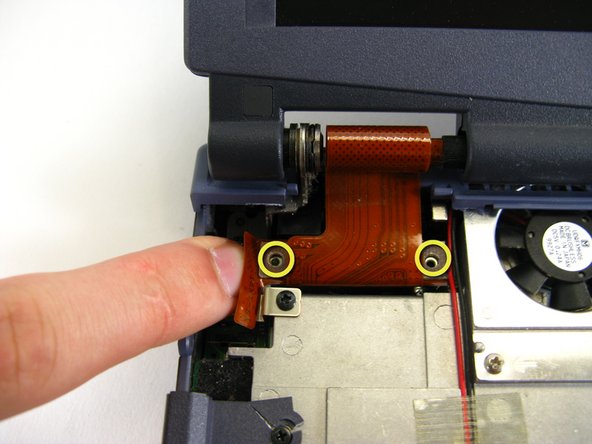
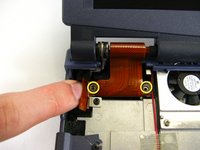
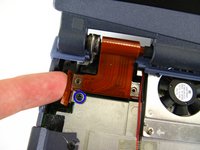
Remove the two screws holding the ribbon cable in place (pictured here without screws).
-
-
-
Remove the black screw with your Phillips screwdriver.
-
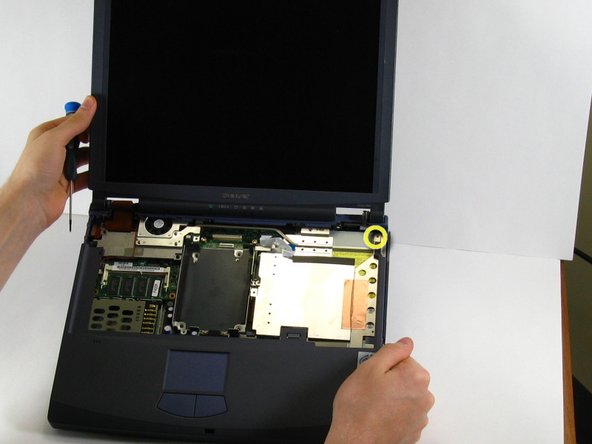
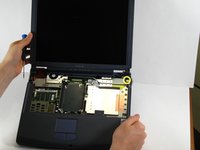
Remove the screw in the upper right corner while holding the bottom right side of the computer display.
-
Carefully pry the ribbon from its connector and lift it up.
-
-
-
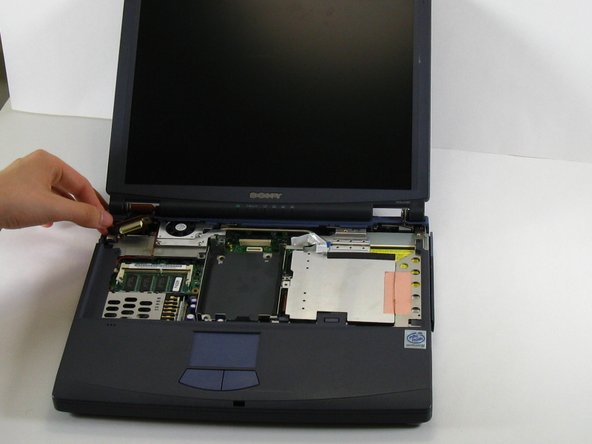
Remove the screw in the upper left corner that connects the display frame to the laptop.
-
-
-
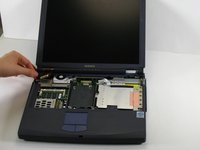
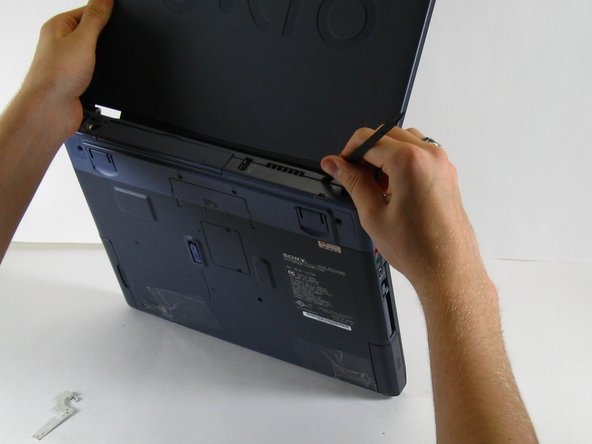
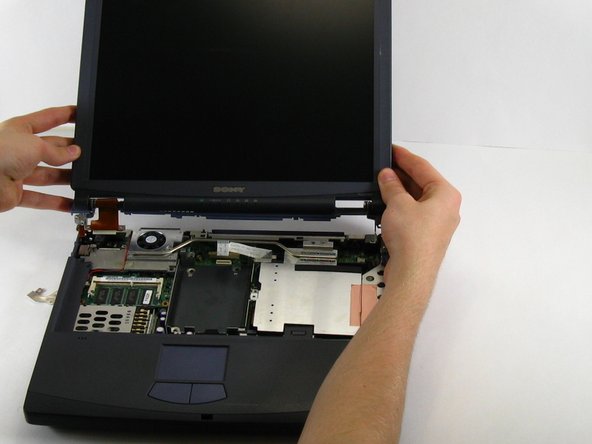
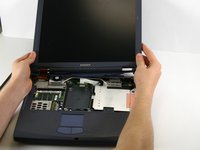
Tilt the display backwards. Grip the display from its base to reduce torque.
-
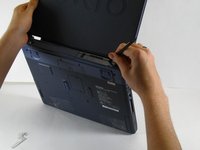
Use a spudger to pry the upper part of the back panel by pushing in the tabs located along its length.
-
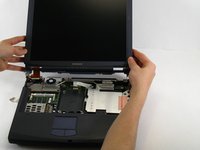
Carefully lift the display free of the case.
-
-








To reassemble your device, follow these instructions in reverse order.

Team

Cal Poly, Team 16-3, Maness Spring 2010 Member of Cal Poly, Team 16-3, Maness Spring 2010
CPSU-MANESS-S10S16G3
3 Members
96 Guides authored
