Introduction
Changing a laptop battery is an important aspect of maintaining the device’s overall performance and longevity. Over time, batteries naturally degrade, resulting in shorter usage times, unexpected shutdowns, and reduced efficiency. A worn-out battery can hinder productivity, limit portability, and even strain the laptop’s internal components. Replacing it not only restores reliable power but also enhances the user experience, ensuring the laptop remains a dependable tool for work, study, or entertainment. Regular battery maintenance, including timely replacement, is key to keeping your laptop functioning optimally.
Follow this step-by-step guide to learn how to replace the battery for your Sony Vaio PCG-981L laptop.
Before you begin, make sure to power off your device and unplug the charging adaptor and any connected peripherals.
-
-
-
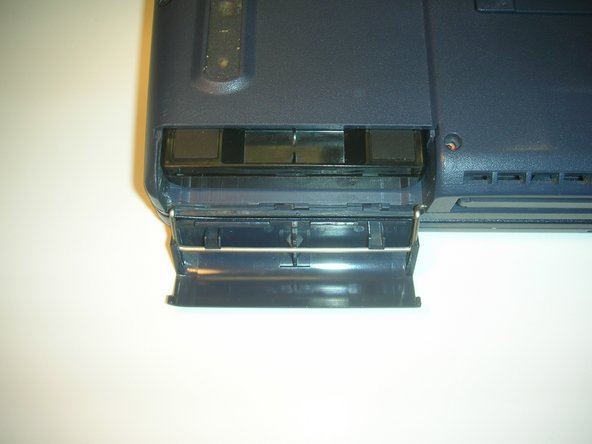
Rotate the device 90° counterclockwise until the battery cover is in front of you.
-
The battery cover is located in the lower right side of the device in this new orientation.
-
-
-
-
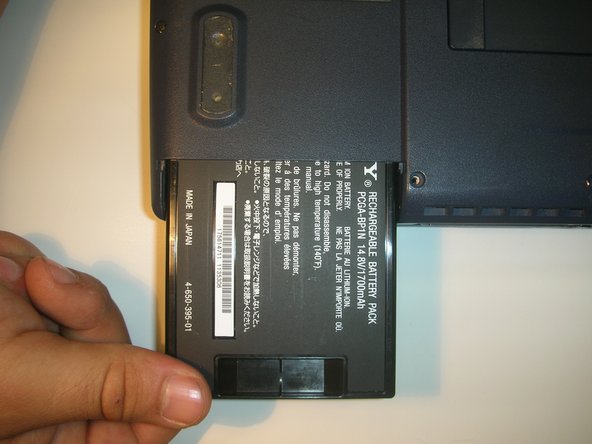
Flip the laptop over so that the bottom is facing up but the battery cover is still facing you.
-
In this new orientation, the battery cover is located on the left side.
-

 Ask FixBot


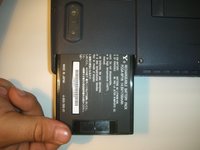

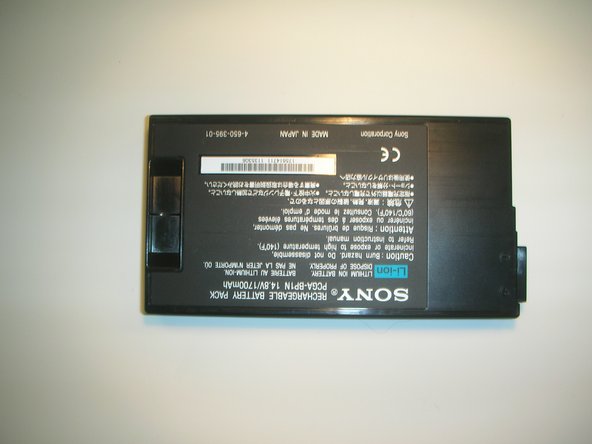
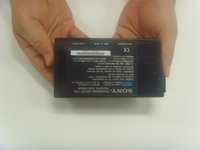
Enjoy your new battery. For optimal performance, calibrate your newly installed battery after completing this guide.
Take your e-waste to an R2 or e-Stewards certified recycler.

Team

Cal Poly, Team 18-68, Johann Spring 2010 Member of Cal Poly, Team 18-68, Johann Spring 2010
CPSU-JOHANN-S10S18G68
4 Members
72 Guides authored
