Introduction
The device screen may start displaying glitches, or the screen may fail to initialize. In these circumstances, it may be necessary to replace the screen.
What you need
-
-
-
Remove the covers for the two 3mm Phillips head screws at the base of the screen.
 Ask FixBot
-
-
-
Use a metal spudger to separate the top cover on the back of the screen. It will be a long, thin plastic section that has the SONY logo in the middle of it. This enables the disassembly of the rest of the screen frame.
-
-
-
-
Use the metal spudger on the sides of the frame to remove it from the screen.
-
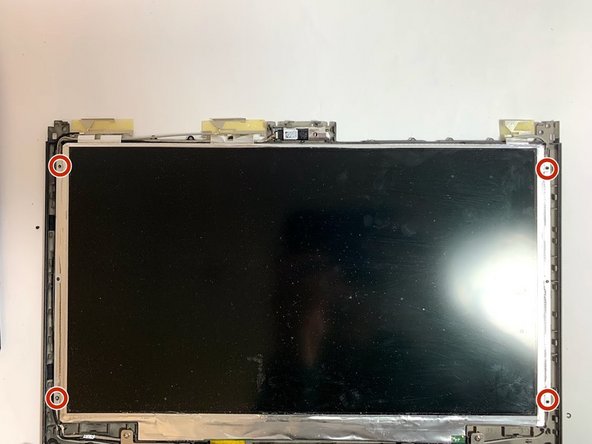
Remove the four 3mm Phillips head screws that secure the screen to the exterior of the laptop.
-
-
-
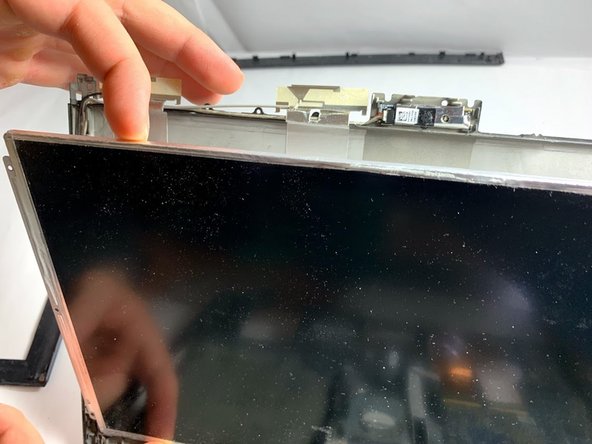
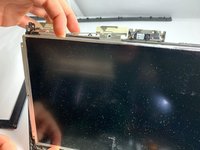
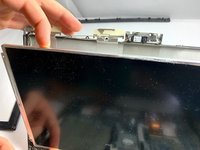
Carefully remove the screen from the supporting frame and lay it down on the keyboard of the laptop.
-
-
Tool used on this step:Tweezers$4.99
-
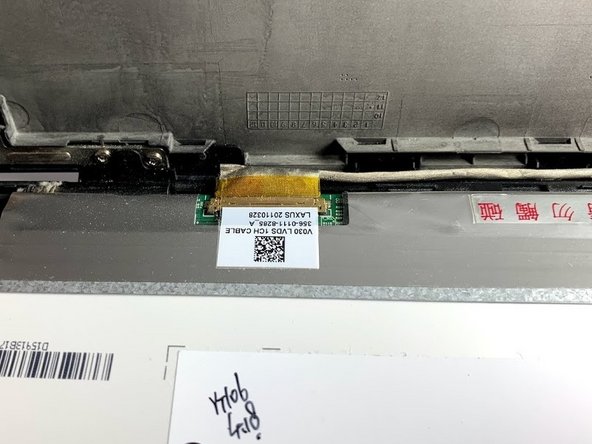
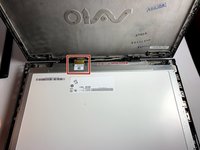
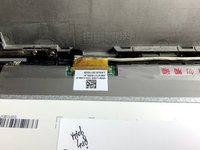
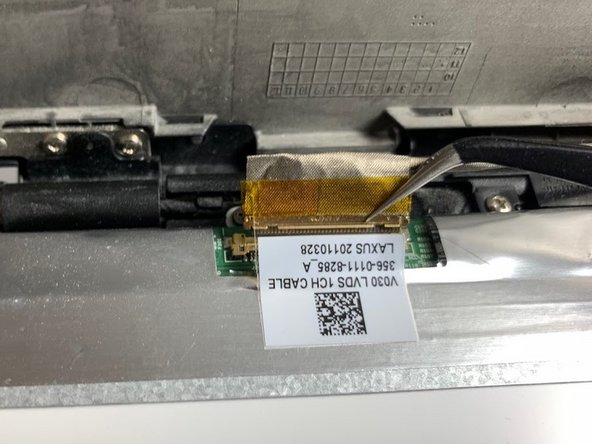
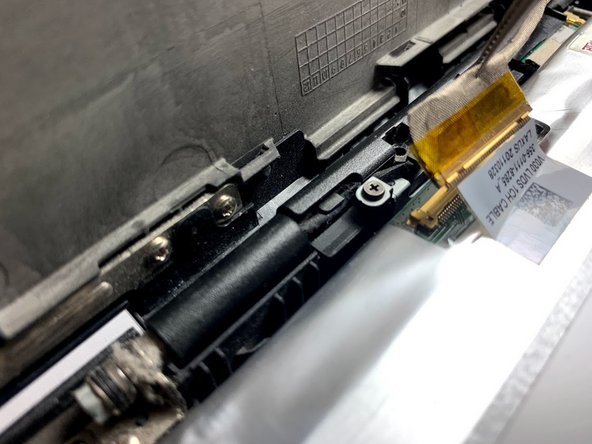
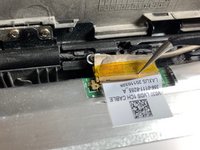
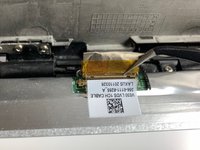
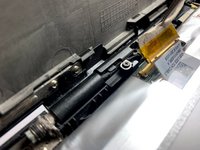
Use a pair of tweezers to remove the ribbon cable from the screen.
-
-






To reassemble your device, follow these instructions in reverse order.
Cancel: I did not complete this guide.
One other person completed this guide.

Team

Oregon Institute of Technology, Team S1-G4, Lancaster Winter 2019 Member of Oregon Institute of Technology, Team S1-G4, Lancaster Winter 2019
OIT-LANCASTER-W19S1G4
3 Members
60 Guides authored
1 Guide Comment
content de voir qu'il ne faut pas démonter l arrière du pc pour retirer la broche de l'écran merci pour ce topic
